March 24, 2026
Most pest control businesses think of software as a cost line. A monthly fee or another tool to manage.
But the real impact shows up somewhere else—on the ground, in how many jobs your team completes, how quickly you get paid, and how many customers actually come back.
Time saved is only the surface. The real ROI comes from what that saved time turns into—more jobs booked, faster collections, higher renewals, and fewer missed opportunities. This is where the shift happens: from saving hours to generating revenue.
Pest Control Software ROI Comes From Revenue Leverage and Conversion Rates
What often goes unnoticed in pest control businesses is the revenue quietly leaking through manual processes, missed renewals, delayed billing, inefficient routing, and admin overload.
The real ROI of pest control software is not about replacing paper with digital tools; it is about turning operational gaps into measurable revenue growth. When you factor in more jobs per technician, higher renewal rates, faster collections, and fewer admin hires, the financial impact becomes clear.
The conversation then shifts from “Can I afford this?” to “How much is staying manual already costing me?”
In this guide, we break down the numbers in simple terms, covering key drivers like job volume, renewal retention, billing speed, and marketing efficiency, including ad spend and automated campaigns.
Key Takeaways
- Many pest control businesses hesitate at subscription costs. But the real question is not just “What does software cost?” – it’s “What is inefficiency costing me?”
- Inefficiency hides real losses. Manual scheduling, invoicing, and customer follow-ups silently drain revenue through wasted labor and missed opportunities.
- ROI is measured in dollars, not just hours. The math of ROI comes down to added revenue from more jobs and renewals, plus savings from admin reductions, minus the software solution expense. We’ll walk through the calculations.
- Key ROI drivers: A good pest control platform boosts jobs per day, speeds up cash collection, improves customer retention, and reduces costs.
- See the math, see the gain. By estimating how software upgrades are scheduled, automated billing, and retaining customers, you can quantify the return on that monthly fee.
If you’re still evaluating software based only on cost, you’re looking at the wrong number. The real impact shows up in how many jobs you can add, how fast you get paid, and how much revenue you stop losing every month.
See what these numbers look like for your business.
Book a demo and discover how the right pest control software can turn saved time into measurable revenue growth.
What is The Hidden Cost of Staying Manual? (The Real ROI Baseline)
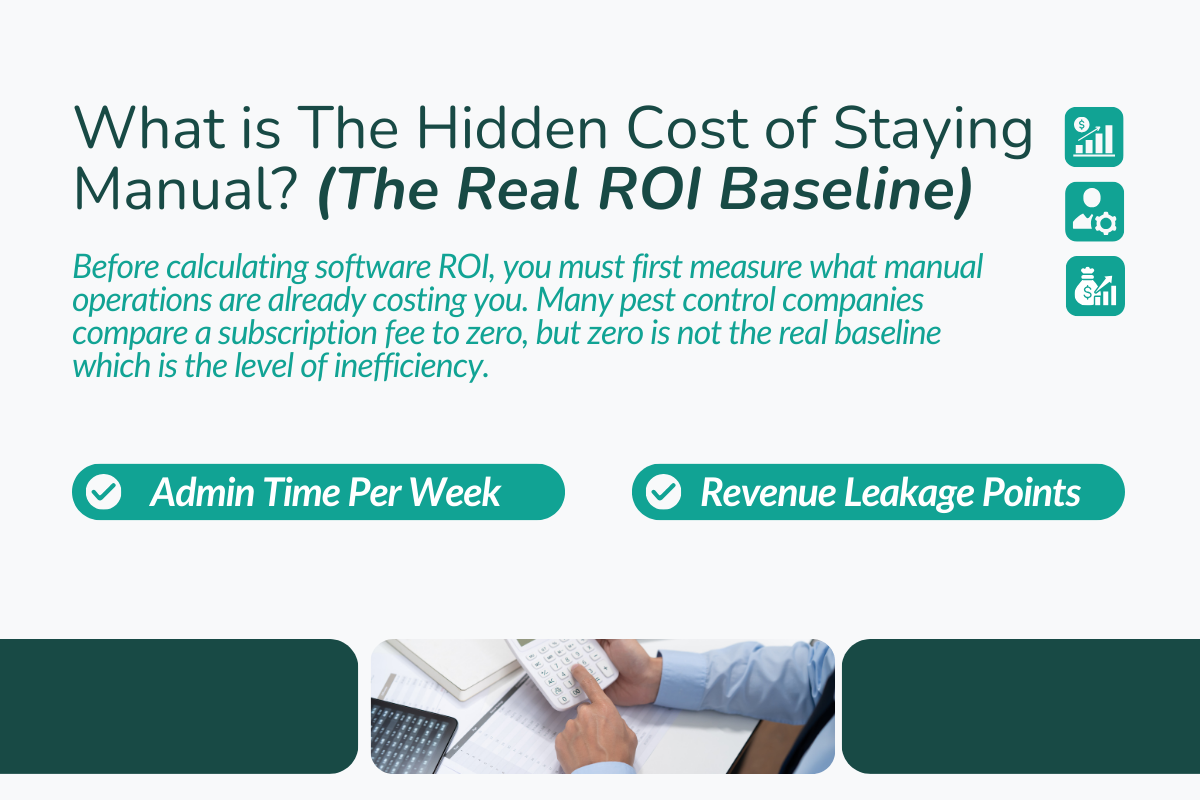
Before calculating software ROI, you must first measure what manual operations are already costing you. Many pest control companies compare a subscription fee to zero, but zero is not the real baseline, which is the level of inefficiency.
PART 1: Admin Time Per Week
Manual systems demand constant hands-on effort, and that time directly converts into cost.
A. Scheduling and dispatch
Without software, office staff spend hours every week managing bookings, adjusting schedules, and confirming appointments.
If an office manager spends 6 hours per week on scheduling at $50 per hour, that is nearly $1,200 per month in labor cost spent on just one operational task.
B. Route coordination
Manually planned routes increase drive time and reduce daily job capacity. Optimized routing in field service businesses can reduce drive time and cut costs by 15 to 30 percent, and increase jobs per technician by up to 20 percent. Without it, you are not just wasting time; you are limiting daily revenue capacity.
C. Billing and payment follow-ups
Chasing unpaid invoices often consumes 3 to 4 hours per week. At an average admin cost of $50 per hour, this adds several hundred dollars per month in indirect cost. On top of that, delayed invoicing slows cash flow and increases financial pressure on the business.
PART 2: Revenue Leakage Points
The higher cost of brand and email campaigns often hides in revenue leakage.
Leakage happens when:
- Customers forget to renew services due to a lack of reminders
- Completed jobs are invoiced late or inconsistently
- Payments are collected 30 to 45 days after service
- Recurring services are missed due to miscommunication
- Inefficient routes reduce the number of jobs completed daily
Each of these issues may seem small on its own. But together, they reduce the true earning potential of your business.
Over time, these gaps compound into lost revenue, lower customer retention, and higher operational stress.
Table: Manual Operations Cost Breakdown (5-Tech Example)
| Operational Area | Weekly Time Lost | Dollar Impact (Est.) |
|---|---|---|
| Scheduling calls | 6 hours | $1,200/month labor |
| Billing follow-ups | 4 hours | Delayed cash flow |
| Missed renewals | - | $3,000/month lost |
| Route inefficiency | 5 jobs/week | $2,500/month lost |
In this simple example, inefficiency can easily exceed $6,000 per month. Before you ask what software costs, ask what inefficiency costs.
What are The 4 Core ROI Drivers of Pest Control Software?
When evaluating software ROI in the pest control industry, focus on four financial levels. A software investment makes sense only if it directly increases revenue or reduces operational costs across these areas:
1. More Jobs Per Technician Per Day
A smart pest control operator and route optimizer put extra jobs on the board. For example, say a technician currently handles 4 service calls per day manually. With optimized routing, they might do 5 or 6. Even one extra job per tech per day makes a big difference.
Math Example: Take 5 technicians. Adding 1 job each per day (at an average of $150 per job) over 22 working days yields:
Calculation:
5 × 1 × 150 × 22 = $16,500 added monthly revenue
That is nearly $200,000 annually.
Even a conservative increase of 0.5 jobs per day still results in meaningful revenue growth.
2. Faster Invoicing for Faster Cash Flow
Time is money literally when it comes to billing. Pest control CRM software turns orders into invoices instantly and often integrates payment processing.
Immediate Billing: Instead of admin staff creating invoices days after a job, many systems let technicians bill on the spot via a mobile app.
Online Payments: Customers can pay immediately by card or ACH. This eliminates receivables lag and reduces late payments.
Cash-Flow Example: If manual billing typically means a 30-day delay before invoicing, adopting on-site invoicing and instant payment could shrink that to 7 days or less.
3. Higher Renewal Rates (Better Retention)
Keeping an existing customer happy is usually far cheaper than landing a new customer through a pest control marketing strategy. Marketing automation and reminder workflows help lock in high customer lifetime value.
Retention Math Example: Suppose your average annual contract is $400. With 200 recurring customers:
- Before automation: 60% renewal rate → $400 × 200 × 60% = $48,000 in revenue.
- After automation: 75% renewal rate → $400 × 200 × 75% = $60,000.
- Gain: $12,000 more per year, purely by improving follow-ups and reminders, with no extra marketing spend.
Systems with built-in service agreements and automated customer notifications help clients to renew on schedule.
4. Reduced Admin Headcount Pressure
As operations grow, manual systems require more administrative staff to manage scheduling, billing, and communication.
Software replaces repetitive tasks with automation, allowing businesses to scale without proportionally increasing overhead.
Hiring an additional admin resource may cost $40,000–$50,000 annually. In contrast, software costing $300–$600 per month can automate:
- Scheduling and dispatch
- Customer reminders
- Invoice generation
- Basic reporting
Labor Savings Scenario: Saving 10 hours per week at $50/hour = $500/week → $2,000/month → $24,000/year saved.
This alone can justify the software cost multiple times over.
ROI Formula for Pest Control Software (Simple & Practical)
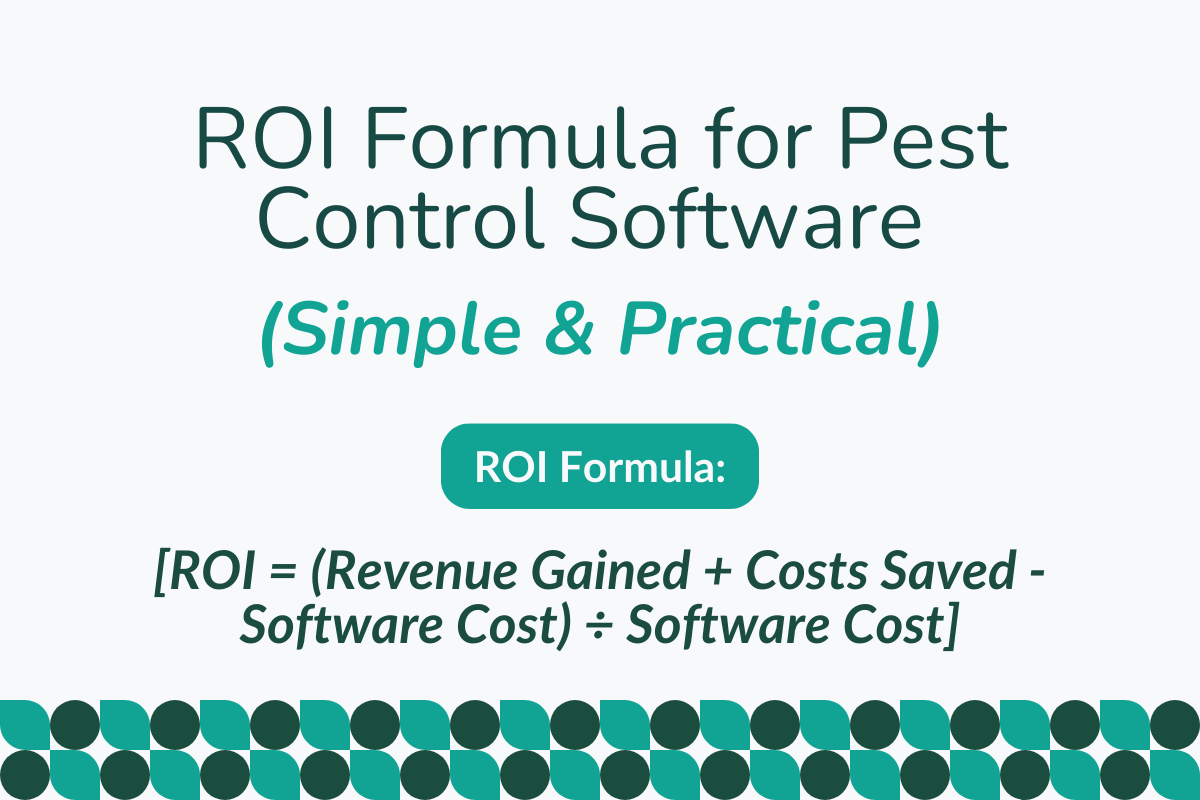
ROI Formula:
[ROI = (Revenue Gained + Costs Saved - Software Cost) ÷ Software Cost]
Break into steps:
- Estimate added jobs/day
- Calculate renewal uplift
- Calculate admin savings
- Subtract the annual software cost
A Full Example:
Let us use a realistic scenario.
- 5 technicians
- Each gains 1 extra job per day
- Average ticket is $150
- 22 working days per month
Monthly added revenue:
5 × 1 × 150 × 22 = $16,500
Annual added revenue:
$16,500 × 12 = $198,000
Now add:
- Renewal improvements: $12,000 per year
- Admin automation savings: $5,000 per year
Total annual gain:
198,000 + 12,000 + 5,000 = $215,000
Assume software costs $6,000 per year.
Now calculate:
ROI = (215,000 − 6,000) ÷ 6,000
ROI = 209,000 ÷ 6,000
ROI ≈ 34.8
That means the return is about 34 times the investment, or roughly 3,480 percent ROI.
Time Saved vs Revenue Gained — Which Matters More?
Saving time sounds impressive. But time saved alone does not create ROI.
If you save 100 hours and nothing changes in revenue or cost, the business does not grow. It just feels more organized. ROI only happens when saved time is turned into something productive.
That can mean:
- Fitting in more jobs per day
- Sending invoices faster and collecting sooner
- Upselling services during free technician time
- Reducing overtime or avoiding new admin hires
If saved time simply leads to finishing the day earlier, that is comfort, not profit. The key insight is simple: Saved time is a lever. Revenue gained is the goal. And software delivers ROI when the business uses it with discipline.
Top Pest Control Software for Marketing ROI Comparison Suitable for Your Business
1. PestBase
PestBase is designed specifically for pest control companies and focuses on end-to-end operations, from lead capture through scheduling, field execution, and billing. It is built to help teams operate more efficiently and get paid faster.
Key Features
- Lead & Customer Management: Tracks leads and automates follow-ups so no opportunity is missed during the sales cycle.
- Scheduling & Route Optimization: Plans technician routes efficiently to reduce travel time and increase daily job capacity. More jobs per day directly improve revenue without adding staff.
- Technician Mobile App: Allows field staff to update jobs, capture photos, and add notes in real time. This reduces paperwork and ensures accurate data from the field.
- Invoicing & Online Payments: Generates invoices instantly after job completion with payment options. Faster billing improves cash flow and reduces payment delays.
- Marketing Automation: Sends reminders, follow-ups, and review requests automatically.
- Chemical Tracking & Compliance: Records chemical usage and maintains compliance logs.
Helps avoid regulatory issues and ensures operational accuracy.
Pricing
Pricing is typically tailored to your business size and needs through a demo or custom quote.
Strengths
- Built for pest control workflows, not generic field service
- Focuses on growing revenue and reducing manual tasks
- Good balance between field features and office automation
- Easy for technicians to use on mobile devices
2. Service Titan
Service Titan is a full-featured field service management platform used by larger pest control, HVAC, plumbing, and other service businesses. It combines scheduling, dispatching, CRM, reporting, and marketing tools in a single system.
Key Features
- Intelligent Dispatch & Scheduling: Automatically assigns jobs based on availability and location, reducing idle time and improving technician productivity.
- Advanced Reporting Dashboards: Provides deep insights into revenue, performance, and operations. It helps business owners make data-driven decisions for growth.
- CRM with Automation: Tracks customer data and automates reminders and follow-ups.
Improves customer retention and reduces missed opportunities. - Technician Mobile App: ServiceTitan enables estimates, job updates, and payments directly from the field.
- Marketing Campaign Tracking: Tracks ROI from campaigns and customer acquisition sources.
- Integrations: Connects with accounting and third-party tools for seamless operations. It reduces manual data entry and improves financial accuracy.
Pricing
ServiceTitan pricing is not publicly disclosed, but it typically operates on an annual contract. It offers pricing per technician per month.
Strengths
- Very deep, enterprise-grade platform for growing or large teams
- Excellent reporting and analytics for strategic decisions
- Strong toolset for marketing automation and customer retention
- Designed to scale across locations and multiple service lines
3. Field Routes
FieldRoutes, formerly known in some markets as PestRoutes, is field service software designed specifically for pest control and lawn care companies. It is focused on recurring services and operational efficiency at scale.
Key Features
- Route Optimization & Scheduling: Builds routes automatically so technicians spend less time driving and more time completing jobs.
- Offline Mobile App: Technicians can continue working even in areas with poor or no internet. This keeps operations running smoothly, especially in remote locations.
- Recurring Billing & Reminders: Billing and service reminders run automatically in the background. It helps customers stay on schedule and keeps recurring revenue consistent.
- Customer Communication Tools: Sends texts, emails, and updates without manual effort. This improves customer experience and reduces missed appointments.
- Chemical & Compliance Tracking: Keeps a proper record of chemical usage and compliance requirements. Useful for staying audit-ready and avoiding regulatory issues.
- Performance Dashboards: Gives a clear view of jobs completed, revenue, and technician output. Helps you quickly spot where things are slowing down and fix them early.
Pricing
FieldRoutes pricing is typically custom or quote-based, with a commonly reported starting point of $350 per month for the basic service, with no free trial or free version available.
Strengths
- Built exclusively for pest control and similar services
- Strong recurring service and retention tools
- Good balance of field and office features
- Supports larger teams with more complex routing needs
4. PestPac
PestPac is a long-established pest control software option used by larger businesses that need detailed operational control, workflow automation, and compliance documentation. It is particularly strong where regulatory tracking and enterprise scheduling matter.
Key Features
- Advanced Scheduling & Routing: Designed to handle complex schedules across multiple teams and locations. It ensures work is assigned efficiently, even in large-scale operations.
- Detailed CRM & Job History: Keeps a complete record of every customer and service interaction. This helps teams deliver more consistent service and build long-term relationships.
- Compliance & Chemical Tracking: Tracks materials and maintains detailed compliance records. Especially important for commercial projects and regulated environments.
- Field Mobile App: Lets technicians capture photos, notes, and signatures directly on-site.
- Reporting & Analytics: Offers detailed insights into operations and financial performance. Useful for managing growth and making informed decisions.
- Customer Portal & Automation: Gives customers access to their service details and updates.
Pricing
PestPac is quote-based only and can be expensive for smaller teams. Pricing varies based on company size and the modules chosen, with long-term contracts typical.
Strengths
- Very strong for multi-branch or commercial pest control
- Excellent regulatory compliance and audit reporting
- Deep data insights and operational visibility
- Strong CRM and contract management tools
5. Jobber
Jobber is a popular field service management platform that works well for pest control companies that want reliable scheduling, customer management, and billing tools without enterprise complexity. It is widely used beyond pest control, making it a flexible choice for mixed service operations.
Key Features
- Scheduling & Dispatch: Uses a simple drag-and-drop system to organize daily jobs. It’s easy to use and works well for teams that want something straightforward.
- Invoicing & Payments: Lets you send invoices and collect payments online without delay. This speeds up cash flow and cuts down on manual billing work.
- Technician Mobile App: Field staff can update job status and customer details on the go. Keeps everyone in sync without back-and-forth communication.
- Built-in CRM: Stores customer information and past interactions in one place. It makes follow-ups easier and improves overall customer management.
- Integrations: Connects smoothly with tools like QuickBooks and other apps.
- Automated Reminders: Sends appointment and follow-up reminders automatically.
Pricing
Jobber offers transparent tiered pricing (billed annually).
- Core Plan: Starts at around $19/month
- Connect Plan (Teams): Starts around $65-$97/month
- Grow Plan: Around $97-$195/month
- Plus Plan: Around $344/month. Built for bigger teams with more users, deeper automation, and premium support features
Strengths
- Very user-friendly and quick to set up
- Affordable for small and medium teams
- Good mobile experience for techs
- Great for basic pest control operations and invoicing
Quick Comparison Summary:
| Software | Best For | Pricing Model | Strength |
|---|---|---|---|
| PestBase | Small–medium pest control teams | Custom quote | Pest-specific workflows & automation |
| ServiceTitan | Large, scaling service businesses | Per tech custom | Deep analytics/enterprise features |
| FieldRoutes | Growth / recurring pest control | Custom quote | Recurring services & routing |
| PestPac | Large and compliance-heavy operations | Quote only | Detailed compliance & enterprise workflows |
| Jobber | Small teams and general field service | Tiered monthly plans | Simple, affordable, quick setup |
When Pest Control Software Fails to Deliver ROI?
Pest control software can deliver a strong ROI, but only when it is used properly. Many companies invest in software but fail to see results because they do not fully adopt the system or configure key features.
1. Poor Technician Adoption
If technicians do not consistently use the mobile app to log jobs, add notes, upload photos, or capture signatures, the system lacks real-time data. Without field input and Google Analytics, the office still relies on calls and manual updates, which eliminates most automation benefits.
2. Using It Only for Scheduling
Some companies treat the software like a digital calendar. They schedule jobs in the system but continue handling invoicing, renewals, and customer communication manually. When only one feature is used, most efficiency gains are lost.
3. Ignoring Analytics
Most platforms track key metrics such as jobs per technician, renewal rates, and payment cycles. If owners never review these dashboards, they miss insights that drive operational improvements.
How Does ROI Change as Pest Control Companies Grow?
The way pest control software creates ROI changes as a company grows. Different business sizes face different operational challenges, which means the biggest financial benefits also shift.
ROI by Company Size:
| Company Size | Biggest ROI Driver |
|---|---|
| 1 to 3 technicians | Time savings and faster invoicing |
| 4 to 10 technicians | More jobs completed per day |
| 10 to 25 technicians | Higher retention and better route optimization |
| 25+ technicians | Admin scalability and performance tracking |
What to Look for in Pest Control Software to Maximize ROI?
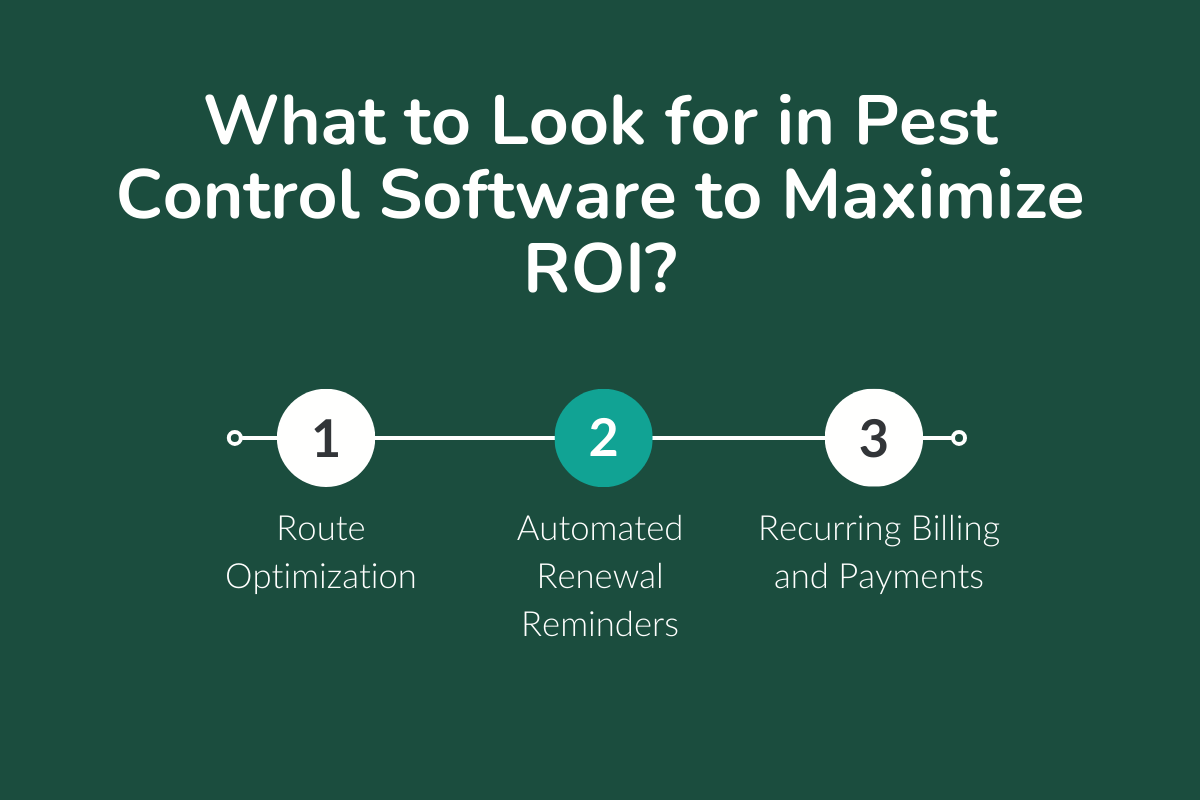
1. Route Optimization
Smart routing helps technicians travel less and complete more jobs each day. This directly increases revenue without hiring additional technicians.
2. Automated Renewal Reminders
Recurring customers are the backbone of pest control revenue, but they are also easy to lose without consistent follow-ups.
Built-in email or SMS reminders help customers renew services on time. Strong renewal tools and the right message improve retention and protect recurring revenue by offering a smooth customer journey.
3. Recurring Billing and Payments
Manual invoicing delays cash flow and increases the chances of missed or late payments. With recurring billing, invoices are generated automatically based on service schedules, and customers can pay online instantly through multiple payment options.
4. Mobile App for Technicians
Field operations are where most inefficiencies happen if systems are disconnected. A mobile app allows technicians to access job details, update service status, capture photos, collect signatures, and even generate invoices directly from the field.
It also improves accountability and customer experience, as updates and reports are immediate and accurate.
5. Real-Time Performance Dashboards
Performance dashboards provide visibility into key metrics like jobs completed per technician, revenue generated per day, renewal rates, and outstanding payments. Instead of guessing, business owners can identify bottlenecks and take action quickly.
For example, if one technician is underperforming or a region shows lower renewal rates, you can fix the issue before it impacts overall revenue.
6. Accounting and Payment Integrations
Disconnected financial systems create errors, delays, and extra manual work. Integration with accounting tools (like QuickBooks) and payment gateways ensures that every transaction is recorded automatically and accurately.
How PestBase Aligns With ROI-Focused Operators?
PestBase helps pest control companies increase efficiency, improve cash flow, and retain more customers through automation and smarter operations.
I. Automated Renewals
PestBase sends automatic email or SMS reminders for upcoming services and contract renewals. This reduces missed renewals and helps businesses maintain steady recurring revenue.
II. Route & Scheduling Optimization
With drag-and-drop scheduling and GPS-based routing, dispatchers can assign jobs more efficiently. This reduces travel time and allows technicians to complete more jobs each day.
III. Automated Invoicing & Payments
Technicians can generate invoices and collect payments directly from the field. Faster billing means quicker payments, fewer unpaid invoices, and better cash flow.
IV. Real-Time Performance Dashboards
Built-in dashboards track key metrics like jobs per technician, route revenue, renewal rates, and payment collections, giving business owners clear visibility into performance.
The Result
By combining automation, smart scheduling, and performance tracking, PestBase helps pest control companies increase productivity, improve cash flow, and grow revenue without adding extra administrative work and marketing efforts.
How to Audit Your Current ROI in 10 Minutes?
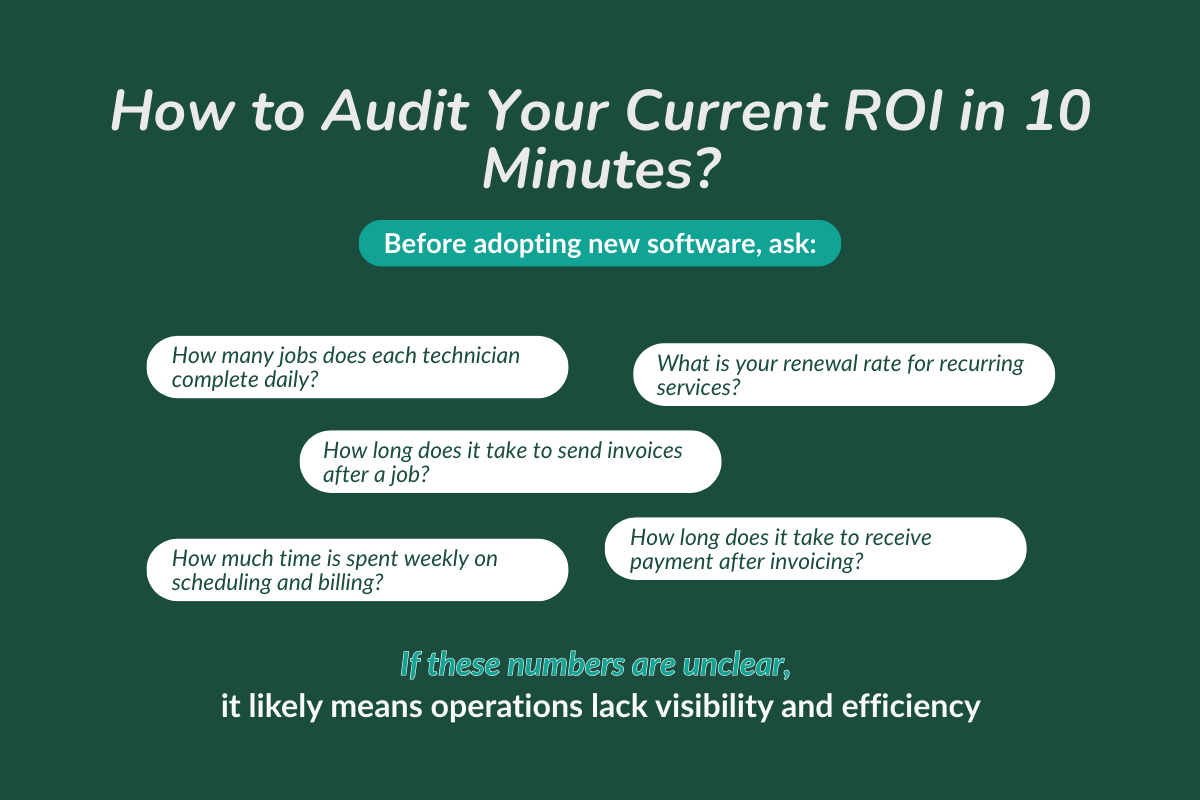
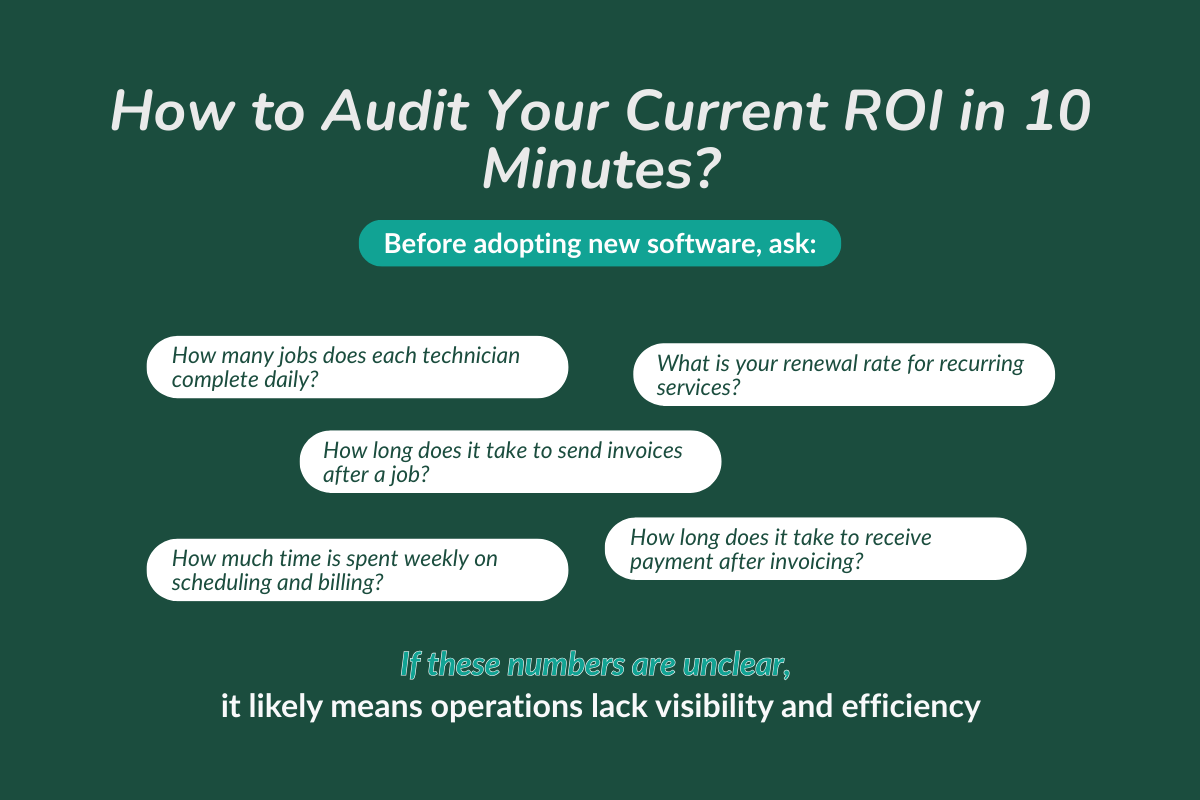
Before adopting new software, ask:
- How many jobs does each technician complete daily?
- What is your renewal rate for recurring services?
- How long does it take to send invoices after a job?
- How much time is spent weekly on scheduling and billing?
- How long does it take to receive payment after invoicing?
If these numbers are unclear, it likely means operations lack visibility and efficiency.
Final Take: Pest Control Software Isn’t a Cost — It’s a Multiplier
Without streamlined tools, businesses often experience problems such as inconsistent scheduling, delayed invoicing, missed renewals, and excessive administrative workload. Each of these issues may seem small individually, but together they can significantly reduce productivity and revenue.
Pest control software helps eliminate many of these errors by automating routine processes and improving operational visibility.
When scheduling becomes more efficient, technicians can complete more jobs. When invoicing is automated, payments arrive faster. When renewal reminders are automated, customer retention improves.
To see how these improvements can impact your business, book a PestBase demo and explore how automation, smarter scheduling, and faster billing can help your pest control operations grow.
FAQs
1. How much does pest control software cost?
Typically, pest control software can cost anywhere from $35-$150+ a month based on functionality and the number of users. Basic functions would allow you to schedule and invoice your clients, whereas advanced functions would give you automation features, reports on historical data, and route optimization capabilities for your technicians.
2. What is the profit margin on pest control?
The average profit margins for pest control firms typically range from 15%-25% net with efficient companies approaching 30%+ net profit margin. On the other hand, gross margins are typically higher due to very low material and chemical costs.
3. Which is the best software for a pest control company?
The right software solution will generally depend on the size, budget, and desired level of automation of your pest control company. Popular pest control software options include PestBase, Jobber, GorillaDesk, FieldRoutes, and PestPac. These platforms provide functionality such as scheduling & dispatching, managing customer records, creating invoices, and tracking technicians.
4. How much is pest control per hour?
The average hourly cost for pest control service ranges between $75 to $150 based primarily on location and type of service; however, many companies charge by treatment too.