
Pest control business software
Pest Control Business Software for Every Department
Run your pest control business more efficiently and profitably by automating daily work, reducing errors, and finding the revenue that leaks out between departments.
A tool to help you generate more business, not just manage it.
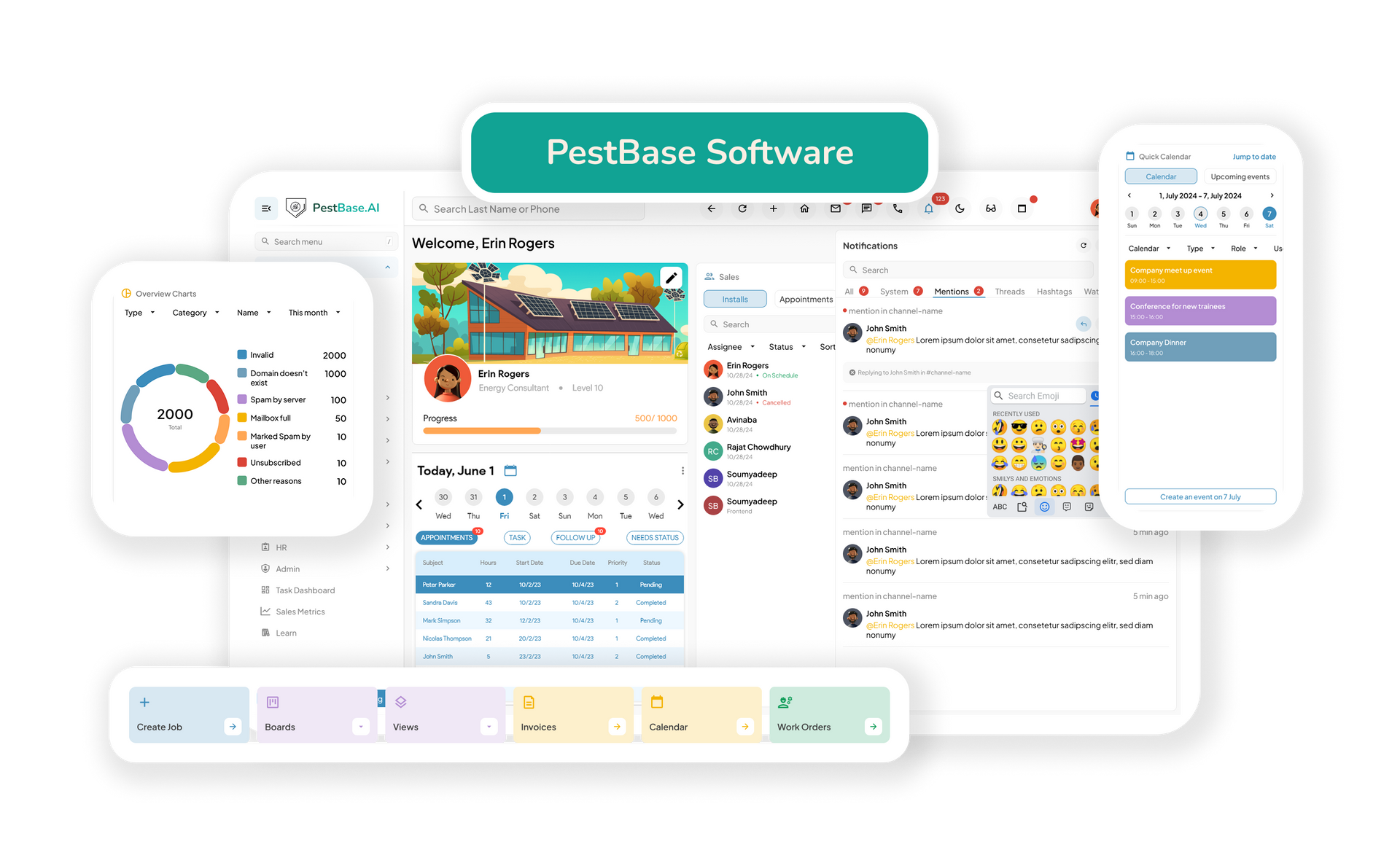
Sales
Marketing
Operations
Inventory
Finance
HR & Admin
Convert leads into recurring revenue
Recurring plans are worth several times a one-time treatment. The sales process should be built around winning them, not around closing single jobs.
- Capture and qualify leads: Bring leads from your website, phone calls, referrals, and canvassing into a single pipeline, so your team can respond quickly, qualify prospects, and keep every opportunity moving.
- Automate follow-ups: Set reminders for service agreement renewals and follow-ups with high-priority prospects, so recurring plan sales don't depend on someone remembering to call.
- Send estimates faster: Use property dimensions, photos of treatment areas, and treatment type to calculate accurate quotes for one-time, quarterly, or annual service — while the prospect is still deciding.
Hands off to Operations: an approved agreement becomes a scheduled job with the customer record already attached.
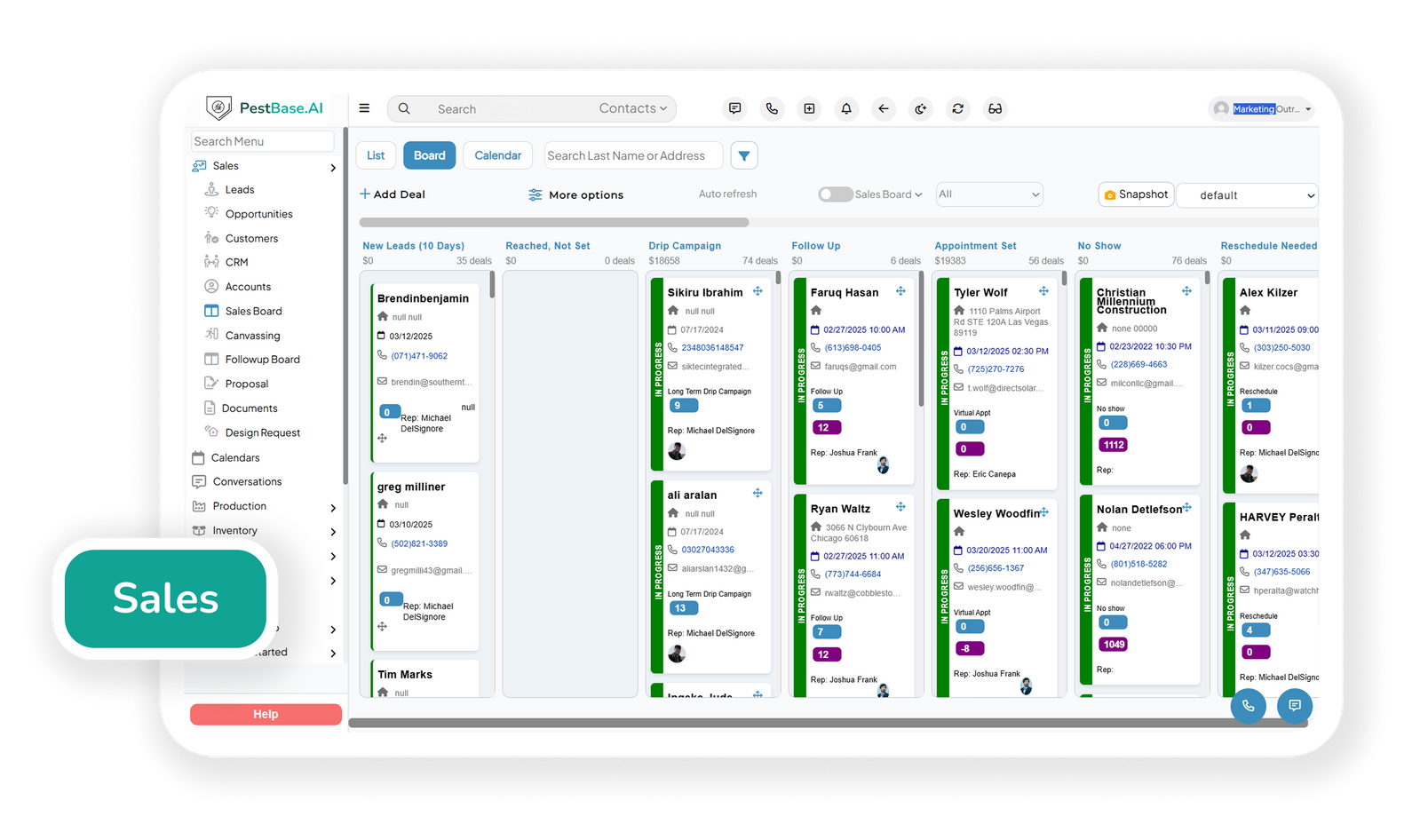
Attract, engage, and convert the right prospects
Most pest control marketing spend chases new names while lapsed customers and finished jobs sit unworked. These tools go after both.
- Reactivate lapsed customers: Identify accounts that cancelled or let a plan expire and target them with seasonal campaigns — a reactivation costs a fraction of a new acquisition and the service history is already there.
- Run seasonal campaigns on real data: Time mosquito, rodent, and termite swarm campaigns to your own service history and local season rather than a generic calendar.
- Turn completed services into new business:
Automatically request reviews after a completed service and share referral links with satisfied customers, strengthening online reputation and generating word-of-mouth leads.
Fed by Operations: Review requests fire off completed jobs, so the ask lands while the technician's visit is still fresh.
Improve daily productivity across office and field
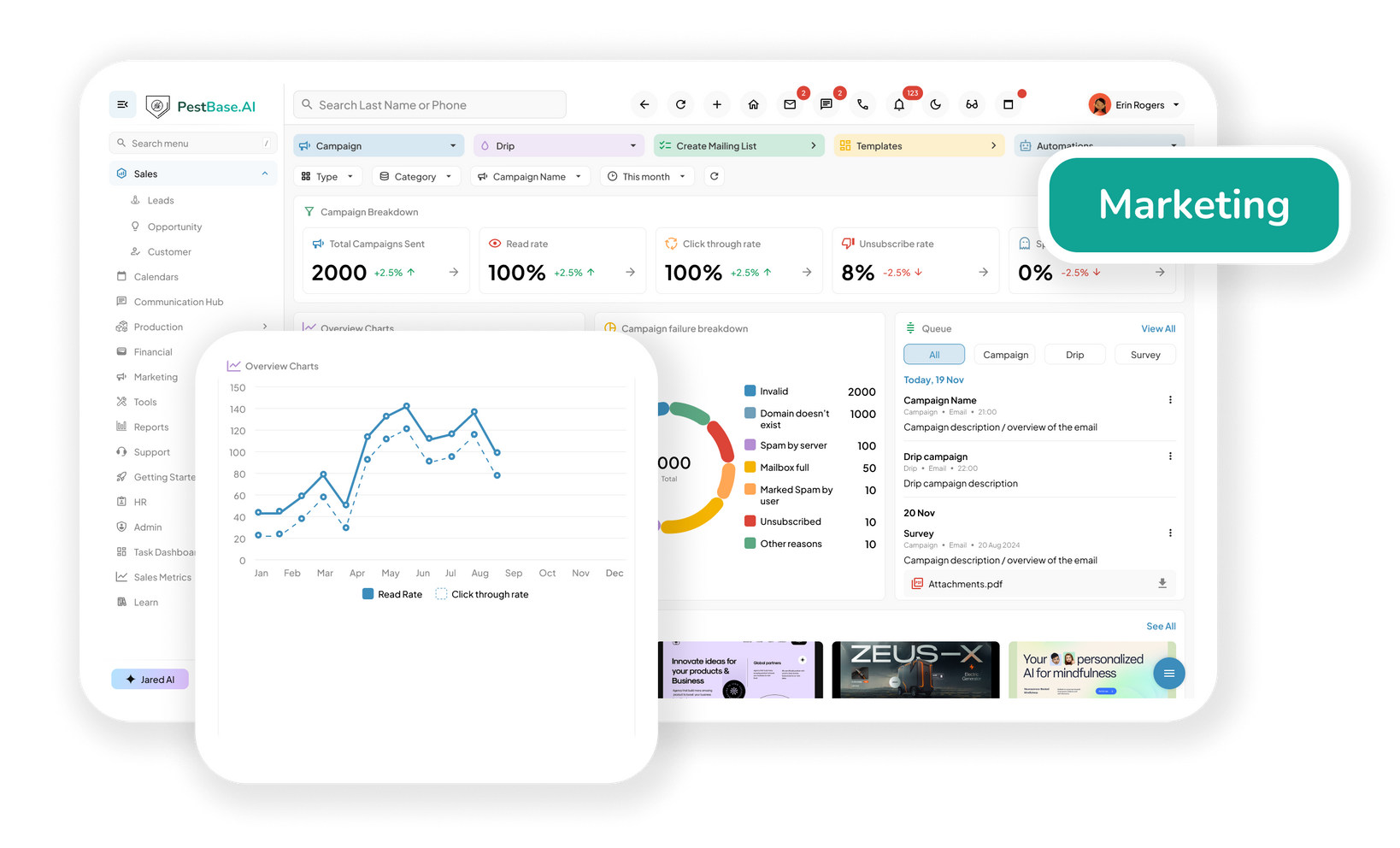
Automate administrative work and manage workflows in one place, so the day runs on the schedule instead of on phone calls.
- Connect and coordinate teams: Keep office staff, dispatchers, technicians, and managers aligned through shared records and real-time updates, closing the communication gaps that cause missed and duplicated visits.
- Maximize resource utilization: Improve technician productivity, application equipment usage, and vehicle capacity by reducing idle time and allocating resources across active jobs.
- Detect risks early:
Surface scheduling conflicts, missed services, repeat callbacks, and bottlenecks early enough for a manager to act before they reach the customer or the revenue.
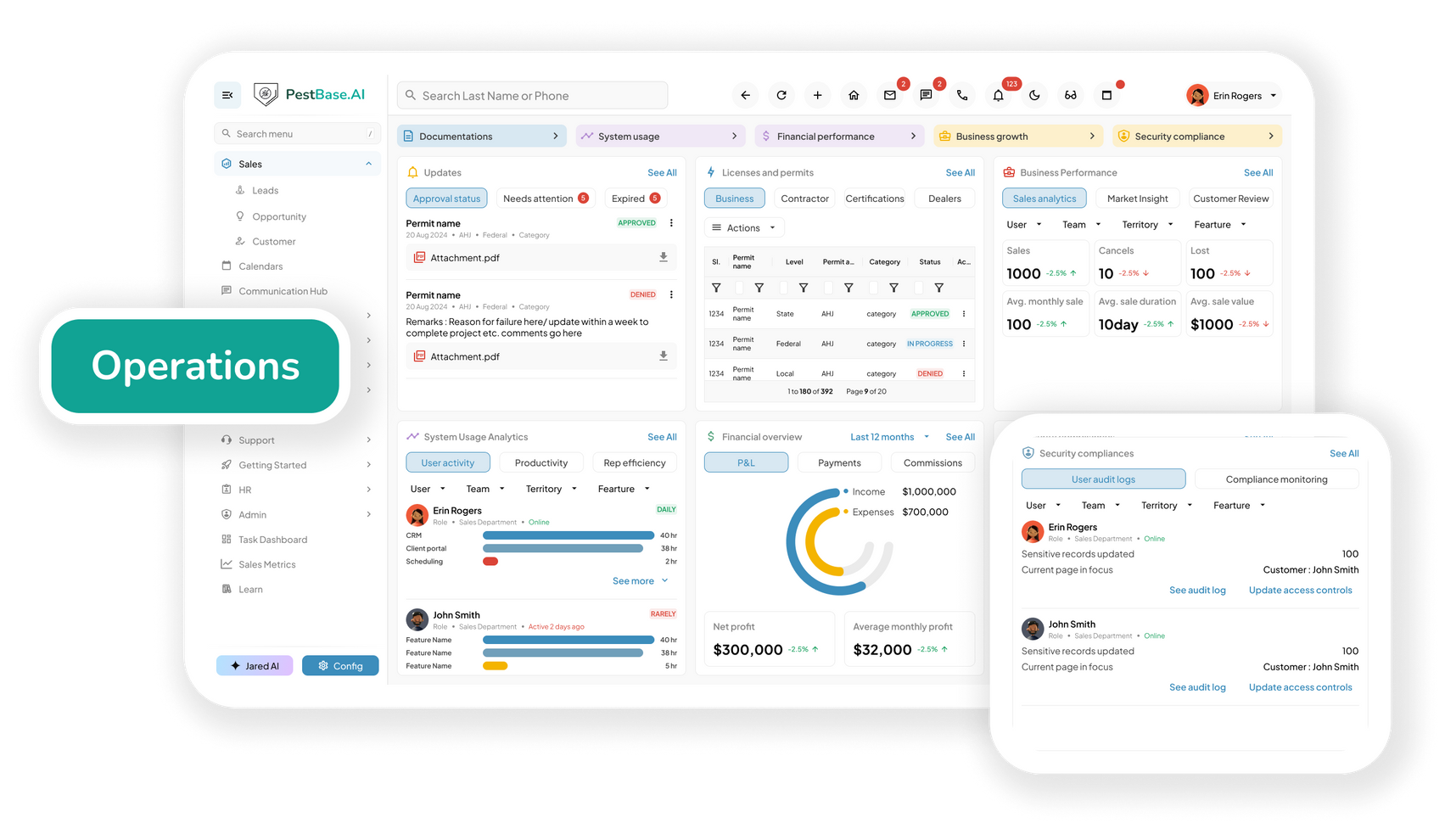
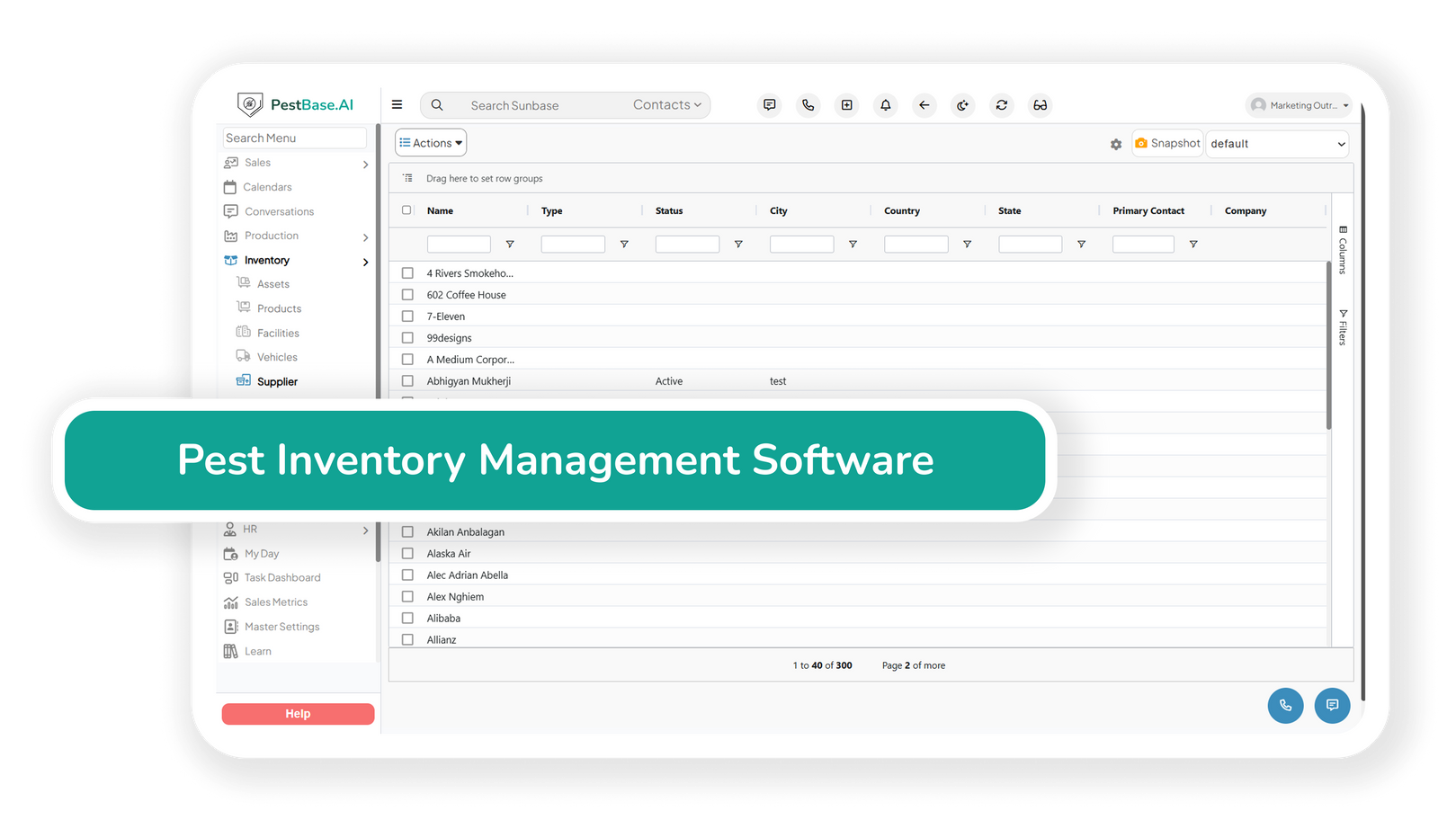
Track every product and piece of equipment
Materials sit across a warehouse and a dozen trucks. Knowing what's where — and what was used on which job — is both a cost question and a compliance one.
- Track products and materials: Maintain visibility across warehouses and technician vehicles to monitor stock levels and usage, spot replenishment needs early, and keep technicians equipped for every job on the route.
- Support compliance workflows: Keep product labels, Safety Data Sheets, EPA registration numbers, and related records organised and accessible for audits, inspections, and internal checks.
- Reduce material waste:
Compare material consumption against service activity to spot unusual usage, improve purchasing decisions, and control inventory costs.
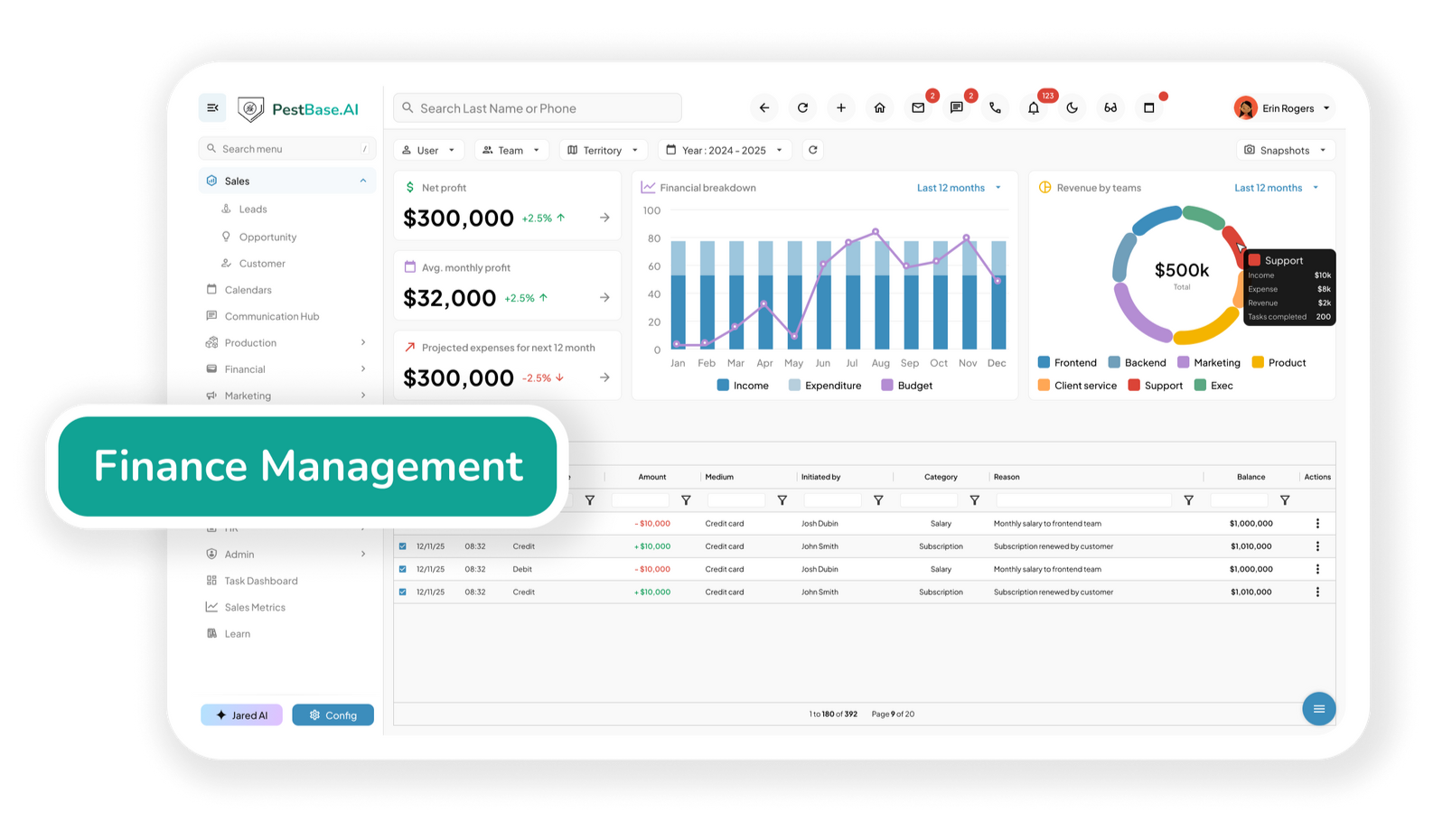
Accelerate cash flow with automated billing
In a recurring-revenue business, the gap between finishing a service and getting paid for it compounds across hundreds of accounts a month.
- Invoice as soon as the job closes: Sync completed services with billing information so invoices generate immediately after work is done, instead of waiting on a weekly admin batch.
- Give customers an easy way to pay: A single portal accepting ACH, credit cards, debit cards, and mobile payments, which removes the friction that turns a small invoice into a long-outstanding one.
- Automate payment reminders: Send reminders and follow-ups on outstanding balances automatically, reducing manual collection work and shortening the time to payment.
Feeds back into Sales: Renewal and termite bond expiry dates surface as sales opportunities before they lapse, not after.
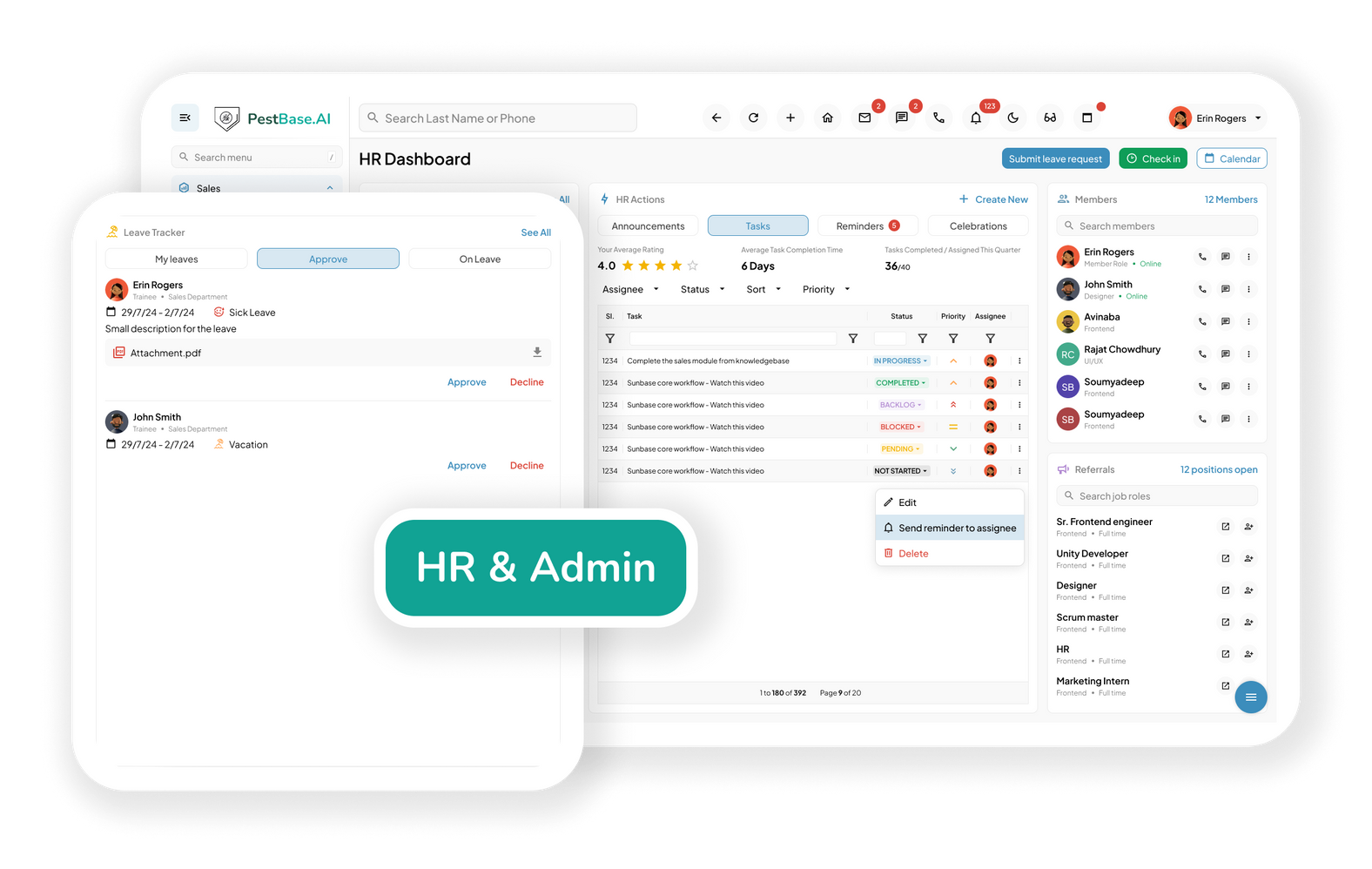
Build a team that scales with the business
Technician credentials aren't an HR formality in pest control — they decide who is legally allowed to take which job.
- Centralize employee information: Keep employee records, compensation details, and employment documentation organized in one place for faster onboarding and clearer workforce visibility.
- Track certifications and credentials: Maintain visibility into technician qualifications, registered technician status, and applicable CEU credits, so licensing and certification requirements stay current.
- Understand technician performance: Connect workforce records with production per technician, stops per day, first-time completion, and callback or re-service rates to identify where coaching actually helps.
Hands off to Operations: Certifications on the technician record feed dispatch, so unqualified assignments don't get made in the first place.
Why departments matter
Revenue leaks between departments, not inside them
Most pest control businesses don't lose money because one department is bad at its job. They lose it in the handoffs — where information gets re-entered, delayed, or dropped.
The renewal nobody owned
Finance knows the plan expires in March. Sales finds out in May. The account is already gone, and it costs several times more to replace than it would have cost to renew.
The job that came back
A technician without the right certification takes a service, the treatment is redone, and the callback eats the margin on the original visit and the next two.
The invoice that waited
A service finishes on Tuesday and gets billed the following week with the batch. Multiply by a few hundred visits a month and the cash flow gap is a real number.
FAQs Frequently asked questions
1. What is pest control business software, and how is it different from scheduling software?
Pest Control Business Software is a purpose-built platform that helps pest management companies manage their sales, customers, technicians, service operations, and business records from a centralized system. Unlike scheduling software, which primarily focuses on appointments, calendars, technician availability, and routing, pest control business software can connect a broader workflow from lead capture and estimating to service delivery, treatment documentation, payments, recurring services, and reporting.
For a pest control company, scheduling is only one part of managing daily operations. A complete pest control business management platform can bring multiple operational workflows together, helping companies manage customers, sales, service agreements, work orders, technicians, treatment records, inventory, billing, and ongoing service programs from one system.
2. If we purchase PestBase, do we have to roll it out across every department at once?
No. PestBase can support a phased rollout, allowing pest control companies to introduce the platform to each department rather than requiring the entire organization to switch at once.
A pest control business may use PestBase across multiple functions, including sales, canvassing, lead management, scheduling, field service, inventory management, marketing, human resources, finance, and customer management. Each department can establish its own implementation timeline based on its operational needs, existing systems, team readiness, and training requirements.
For example, a company could initially roll out PestBase to its sales and service teams, allowing them to become familiar with lead management, estimates, customer records, scheduling, and technician workflows. Once those teams are well-versed with the platform, the company can use it in other departments such as inventory management, marketing, finance, or HR workflows.
A phased implementation can also make it easier to migrate data, train employees, test workflows, identify process gaps, and manage change without disrupting ongoing pest-control operations.
3. How Does Pest Control Software Help Protect Recurring Revenue?
Recurring service plans, termite bonds, and other ongoing pest-control agreements can represent a significant portion of a pest management company's predictable revenue. However, revenue can be lost when contracts expire, renewal dates are missed, customers cancel, or follow-up opportunities are not acted on in time.
Pest control software can help businesses protect recurring revenue by tracking renewal dates, service agreements, recurring plans, and termite bonds in one centralized system.
The software can also support renewal and retention campaigns, allowing teams to use targeted offers, service reminders, email or SMS communication, or other customer-engagement strategies to encourage customers to continue their service.
4. How can I measure the ROI of Pest Control Business Software?
The ROI of pest control business software should be measured by the operational and financial improvements it delivers, not simply by the number of features a company uses.
Before implementation, establish a baseline for key performance indicators (KPIs), then compare performance after the software has been adopted. The exact metrics will vary by business, but pest control companies can evaluate areas such as
- Days from service to invoice:
- Invoice and payment turnaround:
- Renewal retention:
- Technician productivity:
- Route efficiency:
- Re-service and callback rates:
- Revenue leakage:
- Customer retention and recurring revenue:
5. Can Managers See Performance by Technician and Routes?
Yes. Pest control business software can give managers visibility into technician and route-level performance, helping them understand how efficiently service work is being completed and where operational improvements may be needed.
Managers can track metrics such as production per technician, stops completed per day, first-time completion rates, callback or re-service rates, route efficiency, and workload by technician or route.
For example, if one technician consistently completes fewer stops than expected, the issue may be related to route density, excessive windshield time, job complexity, training needs, or workload allocation rather than technician performance alone. Similarly, a higher callback rate may indicate an opportunity to review treatment procedures, documentation, pest identification, customer instructions, or technician training. This allows managers to identify training gaps for suitable corrective action.
6. Does PestBase Work for Multi-Branch Operations and Franchises?
Yes. PestBase can support multi-branch pest control businesses and franchise operations through a centralized cloud platform for managing multiple locations from one system. Instead of maintaining separate software, spreadsheets, and customer databases for each branch, organizations can bring their operations onto a shared platform while maintaining visibility across locations.
As the business expands, a centralized platform provides a scalable way to manage multiple branches across different territories and large teams without creating disconnected systems for each location.
7. Does inventory tracking connect to pesticide compliance records?
Yes. PestBase can connect inventory management with pesticide and chemical usage records, helping pest control companies maintain more complete records of the products their technicians carry and apply in the field.
Product information such as product names, labels, Safety Data Sheets (SDS), and EPA registration numbers can be maintained as part of inventory records. When a technician records material usage through the PestBase mobile app, relevant product information can be pulled from the inventory record into the service or work order, reducing repetitive data entry and helping maintain consistent product information.
Pesticide requirements can vary by state, product, application type, and other circumstances. PestBase helps organize the pesticide and chemical records generated through your operations, while companies should continue to follow applicable state regulations, product labels, and regulatory requirements.
8. Can PestBase prevent unqualified technicians from being assigned to jobs?
Yes. PestBase can help pest control companies manage technician qualifications and make licensing and certification information visible when assigning service work. Technician records can include relevant information such as certifications, registration or license status, expiration dates, and continuing education (CEU) credits, giving managers a centralized view of technician qualifications.
Before assigning a job, managers can review the technician's qualification and licensing information alongside the requirements of the service. This creates a more structured approach to technician qualification management, helping pest control companies reduce the risk of assigning regulated work to technicians whose required credentials may be expired, missing, or not appropriate for the job.
Connect teams. Eliminate costly gaps
Smarter operations,
fewer gaps between them
See how sales, service, billing, and technician records connect on your own numbers — bring a real service week and we'll walk through it.
Or call 1-888-678-6227