
HR & ADMIN
Pest Control Workforce Software That
Keeps Every Technician Qualified
In most trades a credential is a hiring formality. In pest control it decides who is legally permitted to perform which service — and it expires. Losing track of one license in June can take a technician off the schedule in your busiest month.
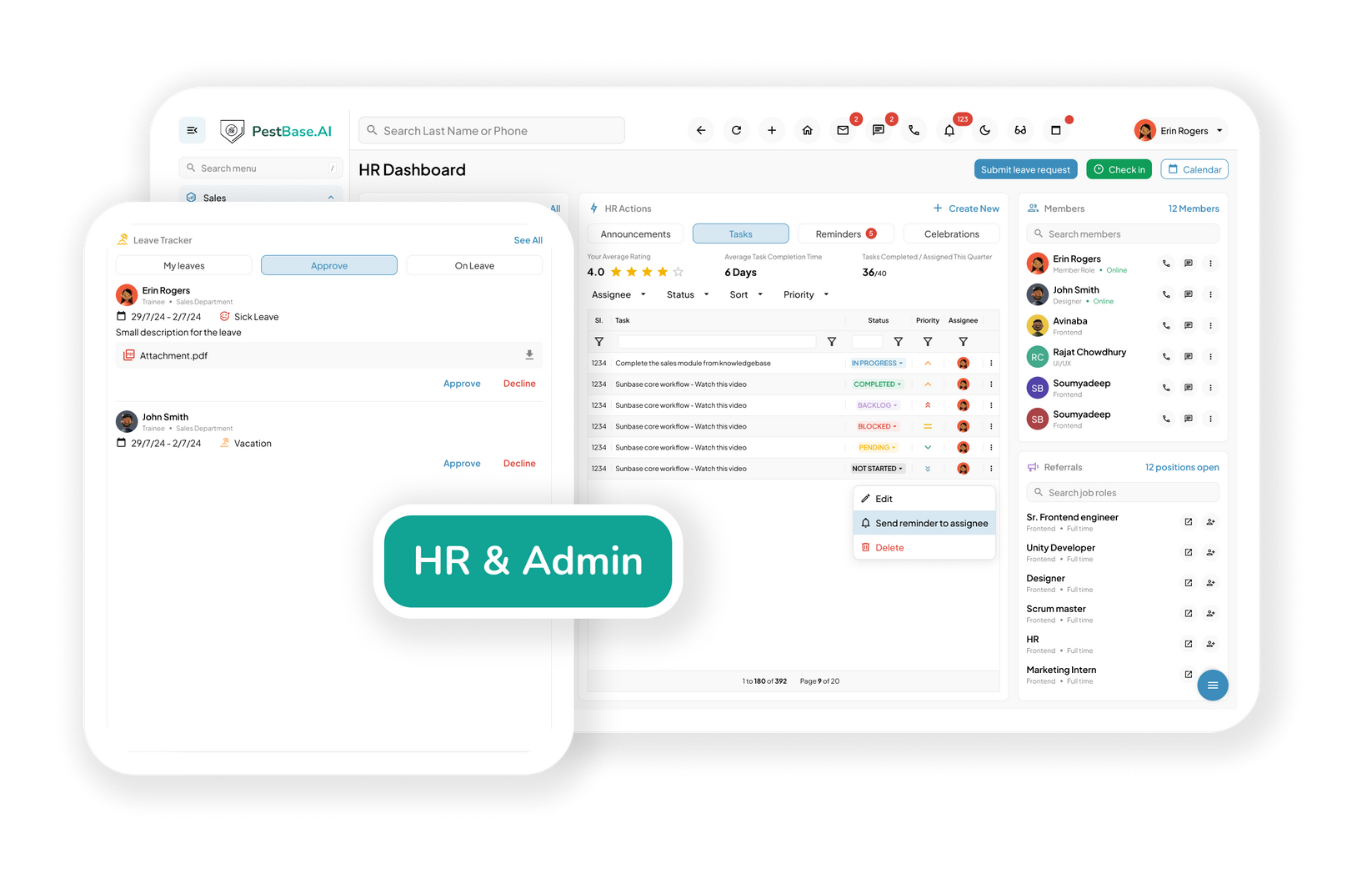
- One record per person: Profiles, licenses, certifications, and CEU history in one searchable place.
- Renewals before deadlines: Applicator and registered technician credentials tracked by category and expiry, with alerts ahead of the date.
- Verified field hours: Job-linked time and activity captured in the field and exported to your payroll system.
DEFINITION
What is pest control workforce management software?
Pest control workforce management software holds employee records, applicator licenses, certifications, continuing education credits, training, and field activity for a pest management company, and makes that information available where work is assigned.
It differs from general HR software because the credentials are operational rather than administrative. A lapsed license doesn't create a filing problem — it removes a technician from the services they were scheduled to perform.
Credentials decide who can do the work
License categories don't transfer between service types, registered technicians work under supervision, and several states cap how many a single certified applicator may oversee. That's a workforce constraint and a scheduling constraint at the same time.
- Hold the full credential, not a scanned attachment: License number, issuing state, category, and expiry as structured data that other parts of the system can use.
- Keep supervision relationships visible: Which registered technicians work under which certified applicator, and how many — because several states set a limit.
- Feed qualification into dispatch: Credentials held here are what let scheduling assign work to people permitted to perform it.
- Control who sees what: Role-based permissions across technicians, office staff, managers, and owners, so pay and personnel records aren't open to everyone with a login.

A licence expiring in May is a July problem
Recertification cycles rarely fall at a convenient time, and CEU requirements vary by state and category. The cost of missing one isn't a fine — it's a technician who can't take their own route during peak season.
- Track CEU credits by technician and category: Credits earned against credits required, so a shortfall is visible months ahead rather than the week before.
- Alert ahead of renewal deadlines: Escalating reminders so training gets booked while there are still courses available.
- Plan recertification around the season: Get training done in the quiet months instead of pulling a technician off the schedule in June.
- Keep the evidence: Certificates and completion records stored on the employee profile, ready when a regulator or a commercial client asks.
Onboarding a pest technician isn't standard onboarding
A new technician needs pest identification, application procedure, equipment handling, and product safety before they're useful — and some of that training is a legal requirement, not a nice-to-have.
- Standardize the pest-specific curriculum: Pest identification, treatment protocols, application procedures, equipment use, and company SOPs, assigned automatically to new hires.
- Cover product safety properly: Safe handling, label comprehension, SDS access, PPE requirements, and, where applicable, respirator fit testing records.
- Record acknowledgment, not just completion: Digital sign-off stored on the employee profile, which is what turns a training session into documented evidence.
- Get new hires productive sooner: A defined path means a technician reaches unsupervised work in a known number of weeks rather than whenever someone signs them off.


Hiring forty people for four months
Pest control has a workforce shape few industries share: a core team year-round, then a seasonal surge of technicians and door-to-door reps who arrive together, need credentialing together, and leave together.
- Onboard a cohort, not an individual: Assign the same training path, documents, and acknowledgments across a whole intake rather than setting each person up by hand.
- Credential seasonal technicians correctly: Registered technician status and supervision requirements apply to seasonal staff exactly as they do to permanent ones.
- Track the season's performance: Compare cohorts year over year to see which recruiting sources and training approaches produced technicians worth rehiring.
- Close out cleanly: Deactivate access at season end while keeping records, so returning staff don't start from zero next year.
Performance data you can coach from
Attendance and hours tell you someone showed up. They don't tell you whether a technician's callback rate is a training problem, a route problem, or a property problem — and only one of those is solved by a conversation.
- The metrics that describe the work: First-time completion, callback and re-service rate, stops per day, production per technician, windshield time, and upsell revenue — per person, over time.
- Separate the person from the route: A technician on a dense suburban route and one covering three counties aren't comparable on stops per day. Context turns a number into a fair assessment.
- Coach on evidence: Identify gaps, recognize strong performers, and have the conversation with data rather than an impression.
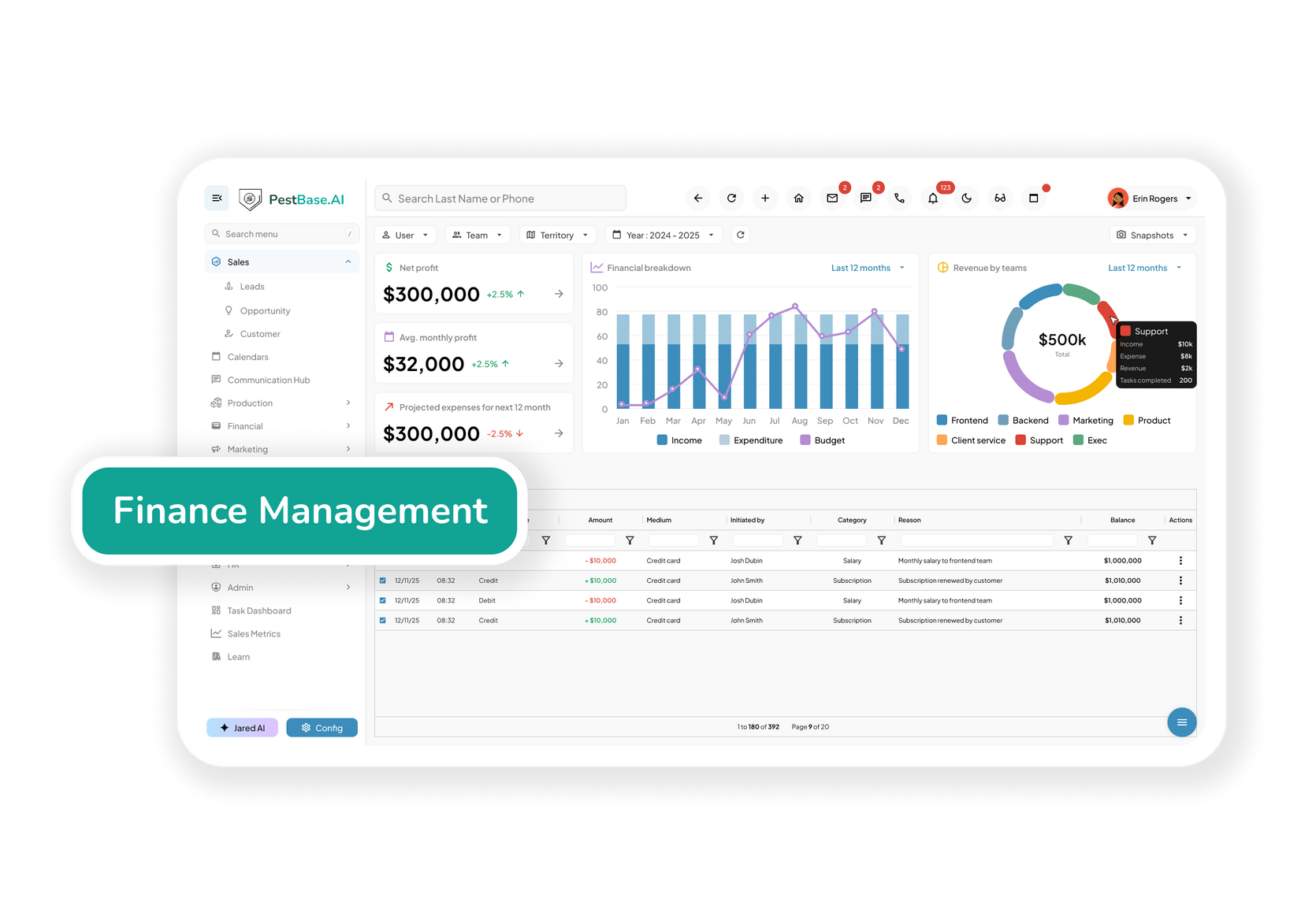
- Verified hours to payroll: Job-linked, time-stamped activity replaces manual timesheets and exports to your payroll provider for processing.
Why a general hr tool falls short
In this industry a credential is an operational input
General HR platforms treat a certification as a document to store. Here it determines which jobs a person can be assigned, which means it has to be structured data the scheduling system can read.
| Where it matters | A general HR tool | Pest control workforce software |
|---|---|---|
| Employee records | Name, pay rate, start date | Full profile with licences, certifications, CEUs, and performance history |
| Licence tracking | Not tracked, or a scanned attachment | Applicator and registered technician credentials by category, issuing state, and expiry |
| Job qualification | Not connected to field work | Credentials available where work is assigned, so jobs match qualification |
| Recertification | Not tracked | CEU credits tracked against state cycles with alerts ahead of renewal deadlines |
| Supervision | No concept of it | Registered technicians linked to the certified applicator supervising them |
| Training records | Stored outside the system, if at all | Pest-specific training assigned, completed, and signed off on the employee profile |
| Performance data | Attendance and hours | Callback rate, first-time completion, and production tied to service outcomes |
| Time tracking | Generic clock-in and clock-out | Job-linked field activity that reconciles against the work actually performed |
Comparison is against general-purpose HR software as a category, not any named product. PestBase exports to payroll rather than processing it.
wHAT CHANGES
Three things that stop going wrong
No technician is grounded by an expired licence
Renewal deadlines and CEU shortfalls surface months ahead, so recertification happens in a quiet month instead of costing you a route in peak season.
Onboarding stops depending on who's free
A defined training path with recorded sign-off means new hires reach unsupervised work on a predictable timeline, seasonal intakes included.
Coaching conversations get evidence
Callback rate and first-time completion per technician, in the context of their route, replace impressions with something both sides can look at.
Frequently asked questions
1. Will PestBase warn me before a technician’s license or CEU renewal deadline?
PestBase helps pest control companies track technicians’ licenses, certifications, and continuing education unit (CEU) requirements. Managers can monitor credential status and renewal dates to spot upcoming deadlines, expirations, and gaps. Notifications alert managers and technicians, helping businesses plan renewals, maintain accurate records, and ensure technicians meet applicable requirements before assigning regulated work.
2. Can I see a technician performance dashboard, and what does it show?
Yes. PestBase provides technician performance reporting to help pest control managers evaluate field productivity, service quality, and revenue performance. Metrics include completion rates, callbacks, stops per day, revenue, and windshield time. Dashboards help managers evaluate performance, identify bottlenecks, and improve route efficiency and service quality.
3. How does onboarding work for a new pest control technician?
PestBase helps businesses organize technician onboarding by maintaining employee records, tracking applicable licenses and certifications, and coordinating service schedules. New technicians can use the mobile app to access assigned jobs and service information, with notifications for schedule updates. Where supported, digital onboarding and tutorials help new hires learn the platform and their responsibilities.
4. How does time tracking work, and does PestBase run payroll?
PestBase is not a standalone payroll processing system. It supports field service tracking by recording time-stamped service activities and exporting them to QuickBooks, along with relevant field data. You must handle payroll calculations, tax deductions, and salary disbursements through an appropriate payroll system, such as QuickBooks.
5. Can I control who sees pay and personnel records?
Yes. PestBase can use role-based permissions to control what technicians, office staff, service managers, and business owners can access or edit, depending on the permissions configured for each role. Appropriate access settings support better information governance and help protect confidential employee records.
TEAM / ALIGNED
Build a qualified, compliant, well-coached field team
Bring your current licence and CEU tracking and we'll show you what it looks like when the schedule can read it.
Or call 1-888-678-6227