
FINANCE
Pest Control Finance Software That Shows
Where the Margin Actually Goes
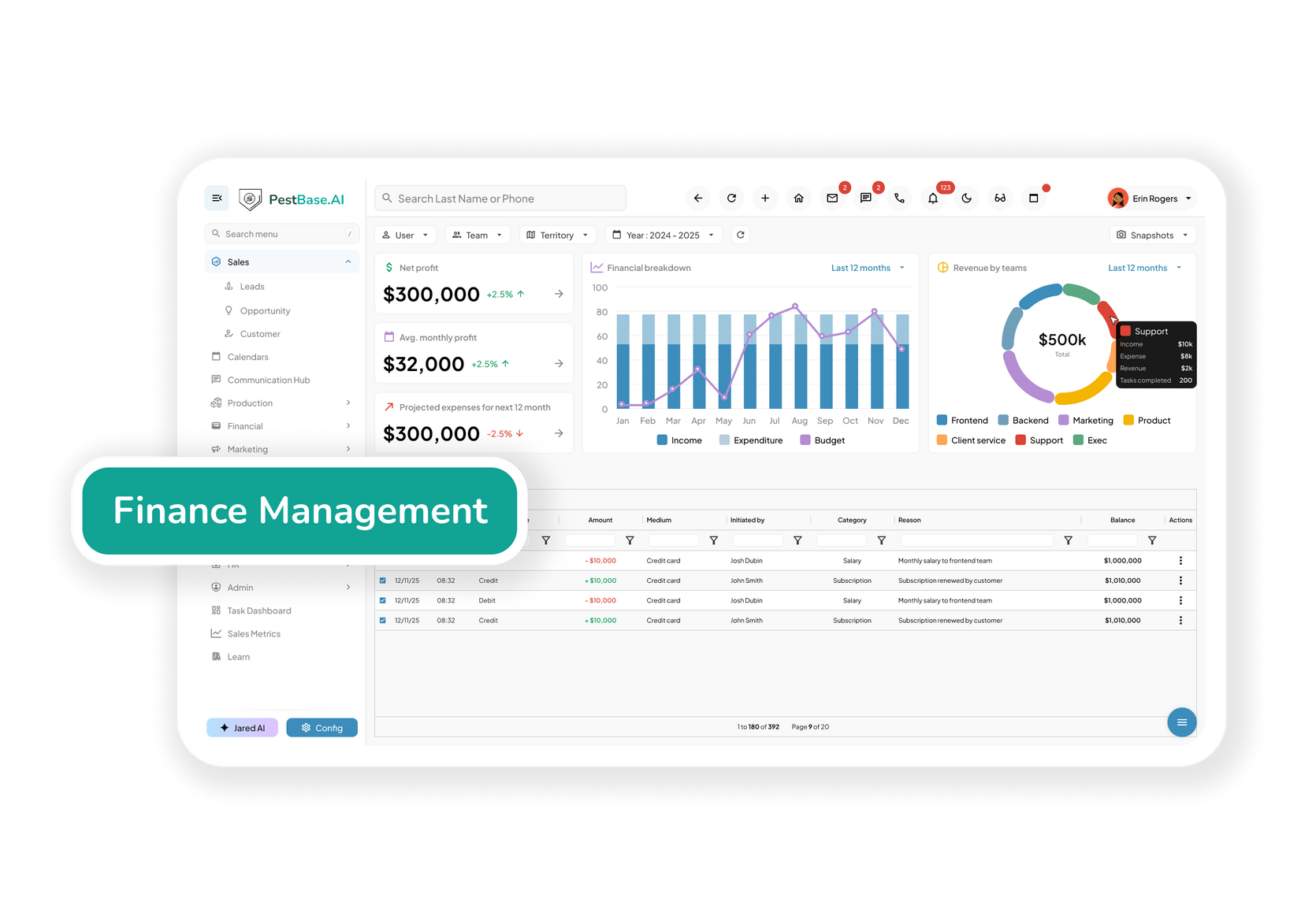
Revenue arrives from one-time treatments, recurring plans, and commercial contracts — each with different economics. Knowing which ones make money, and which technicians and routes deliver it, is the difference between growing and just getting busier.
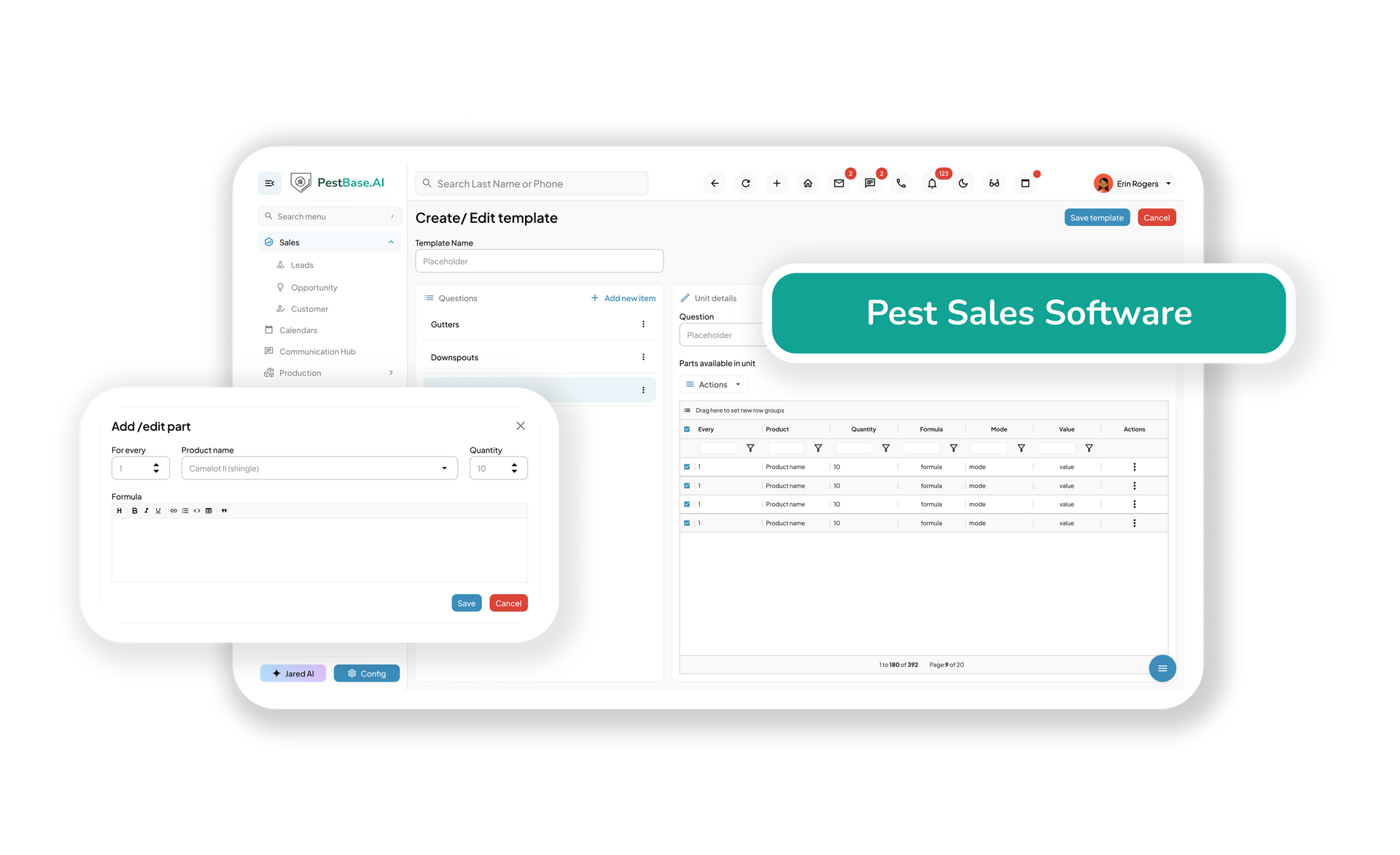
- Cost every job, not just the year: Labor, product, and drive time against the revenue for each service and service type.
- Keep recurring revenue visible: Active plans, prepaid agreements, renewals due, and what attrition is costing you.
- Chase receivables before they age: Outstanding balances by customer, technician, and route, with reminders that run themselves.
- Hand your accountant clean data: Two-way sync with your accounting system instead of re-keying invoices and payments.
DEFINITION
What is pest control finance software?
Pest control finance software manages billing, receivables, job costing, and revenue reporting for a pest management business, and syncs that data to an accounting system.
What makes it specific to the industry is where the money comes from: most revenue is recurring rather than transactional, a signed agreement can carry a multi-year warranty obligation, and a job's true margin isn't settled until the callbacks stop. Reporting built for one-off transactions can't show any of that.
A profitable agreement can still lose money
A termite agreement looks good on the day it's signed. Then there's the initial treatment, the labour, the product, the drive time, and two warranty callbacks eighteen months later that nobody costed against it.
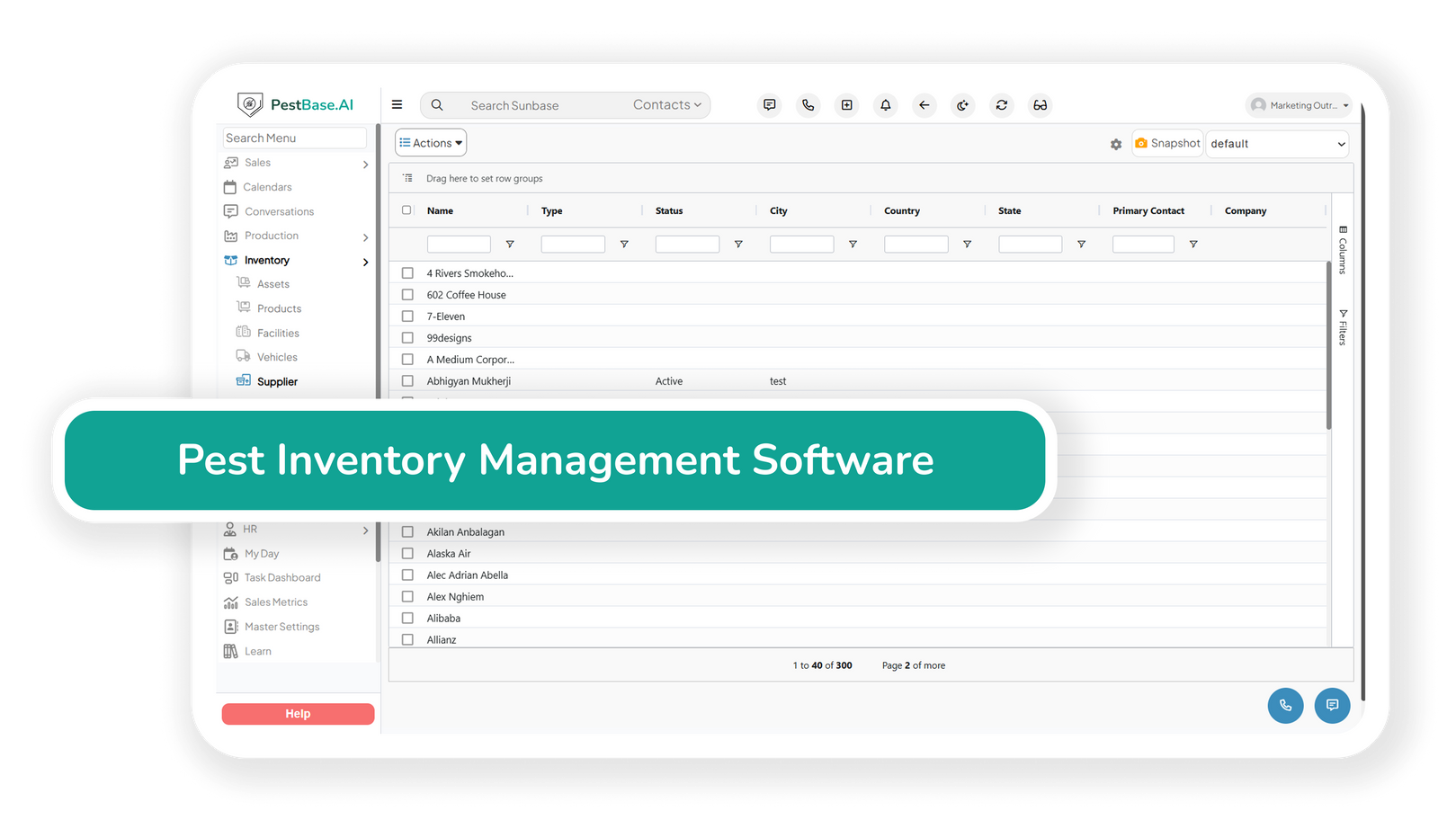
- Cost the job while it's live: Labor, product, and travel tied to each service as it happens, rather than surfacing in a month-end report when nothing can be done about it.
- Cost warranty work against the original sale: Callbacks are the hidden expense in this business. Attributing them to the agreement that generated them is what turns a gross margin figure into a true one.
- Compare margin by service type: General pest, termite, mosquito, and commercial contracts have very different cost profiles. Knowing which carries your business changes what you sell.
- See margin by technician and route: Two technicians with the same revenue and different product usage or callback rates are not equally profitable.
Recurring revenue reports differently to one-off work
When a customer prepays a year of quarterly service in January, you have the cash but not the revenue. Four service visits have to be delivered before it's earned. Report it as January revenue, and every subsequent month looks worse than it is.
- Separate collected cash from earned revenue: Annual prepay plans are common, and they distort monthly reporting if treated as a single sale.
- Track the recurring base: Active agreements, average plan value, and what's due for renewal in the next quarter — the numbers a buyer or a lender asks for first.
- Put a cost on attrition: Cancellations and lapsed plans have a revenue value. Seeing it monthly makes retention a finance conversation rather than an anecdote.
- Watch outstanding warranty obligations: Termite bonds are revenue already collected against work you may still have to perform.
Commission on a plan that hasn't been delivered yet
Paying a rep for an account sold at the door is straightforward until the customer cancels in month two. Pest companies running door-to-door or seasonal sales teams need earnings calculated from what was actually delivered, not just what was signed.
- Calculate earnings from completed work: Technician and rep earnings built from completed services, recurring agreements, and the commission structures you actually use.
- Handle clawbacks on early cancellations: An account that cancels inside the qualifying period shouldn't stay fully commissioned.
- Show reps their own numbers: Visible, calculable earnings prevent most commission disputes before they start.
- Export to payroll rather than replace it: Earnings calculations feed your payroll provider. Tax withholding and filing stay where they belong.

Receivables, and clean data going out the door
Two jobs finance software has to do well: tell you who owes you money, and hand your accountant something they don't have to fix.
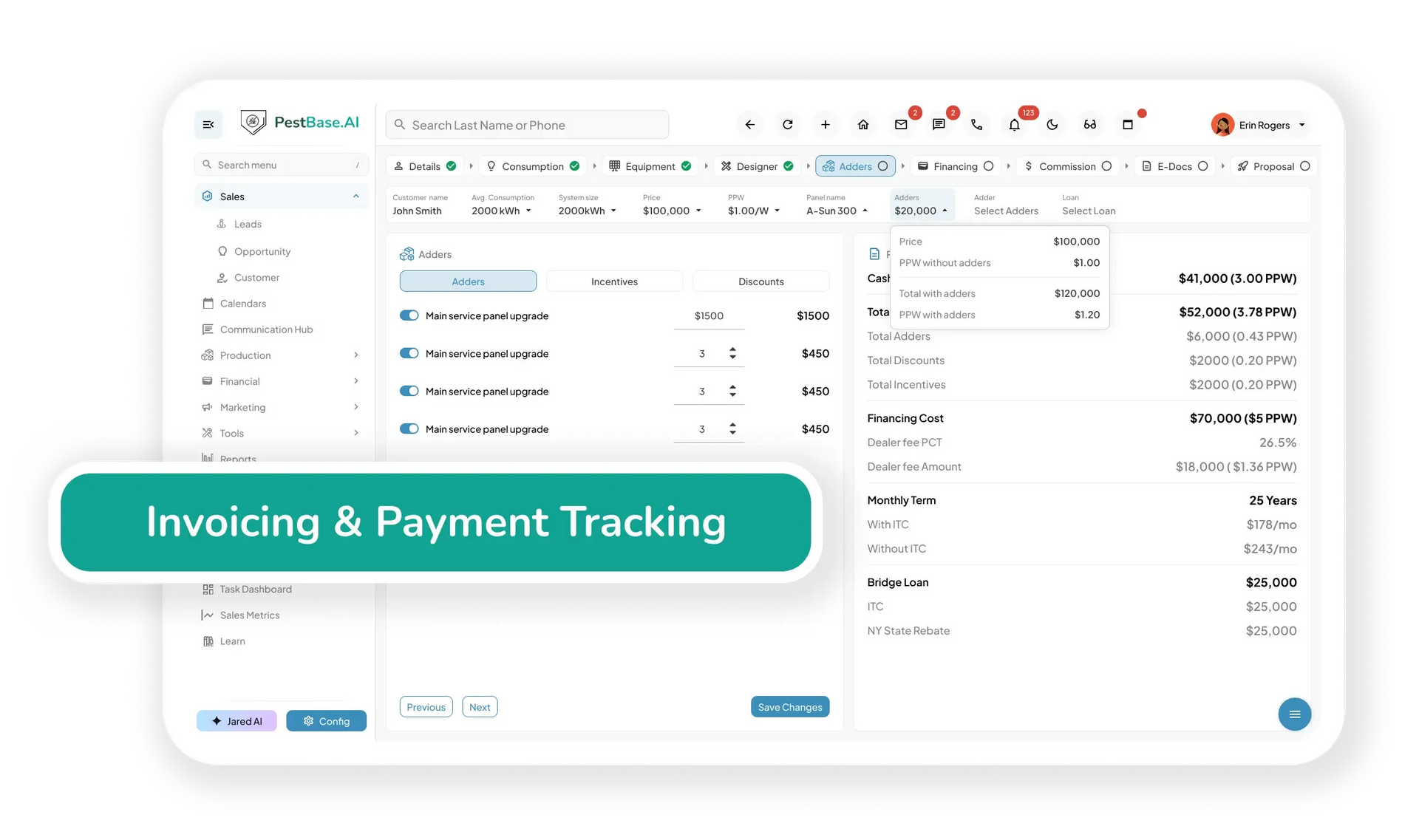
- See past-due at a glance: Outstanding balances by customer, technician, route, and service type, with aging so a commercial account drifting past 60 days is visible early.
- Automate the chase: Personalized SMS and email reminders sent in bulk, so collections don't depend on someone in the office having a quiet afternoon.
- Two-way accounting sync: Invoices, payments, and job costs flow to your accounting system automatically, removing the double entry where most small-company errors start.
- Reports your accountant can use: Revenue, receivables, and job cost reporting exportable for tax preparation and review, without rebuilding anything by hand.
Why a general
accounting TOOL falls short
Accounting tools know the money. They don't know the work.
A general ledger records that a service was billed for a certain amount. It has no idea which technician performed it, what product was used, whether the visit was a warranty callback, or whether the plan behind it renews next month.
| Where it matters | A general accounting tool | Pest control finance software |
|---|---|---|
| Billing cycles | Built around one-time invoices | Built around recurring agreements, seasonal cycles, and bond renewals |
| Job costing | No visibility into labour or material cost per job | Labour, product, and travel costed by technician, route, and service type |
| Warranty work | Recorded as an expense with no origin | Callbacks attributed to the agreement that generated them |
| Recurring revenue | Revenue totals only | Active plan value, renewals due, prepaid balances, and attrition |
| Payment follow-up | Manual tracking of overdue balances | Automated reminders tied to service agreements and renewal dates |
| Commissions | Fixed inputs entered by hand | Calculated from completed services and recurring agreements sold |
| Service context | Disconnected from the work performed | Financial records tied to the customer, property, and service history |
| Owner reporting | Requires interpretation to be useful | Route, technician, and service-line performance in operator terms |
Comparison is against general-purpose accounting software as a category, not any named product. PestBase works alongside your accounting system rather than replacing it.
wHAT CHANGES
Three things that stop going wrong
Unprofitable work stops hiding
Margin by service type, technician, and route means a service line that loses money on callbacks shows up in weeks rather than at year-end.
Books stop needing fixing
Invoices, payments, and job costs sync to your accounting system once, so nobody re-keys them and nobody reconciles two versions of the same month.
Receivables stop ageing quietly
Automated reminders and aging by account mean a large commercial balance is chased at 30 days instead of being noticed at 90.
Frequently asked questions
Does PestBase replace QuickBooks?
No. PestBase handles billing, receivables, job costing, and revenue reporting for the service operation, then syncs to your accounting system. Your accountant keeps the tool they already know, and gets data that doesn't need correcting.
Does it run payroll?
It calculates technician and rep earnings from completed services and recurring agreements sold, and exports them to your payroll provider. Tax withholding, filing, and wage compliance stay with a dedicated payroll system.
Can we see profitability by service type?
Yes. Labour, product, and travel costs are tracked against each service, so margin can be compared across general pest, termite, mosquito, and commercial work rather than viewed as one blended figure.
How are annual prepay plans handled?
Prepaid agreements can be tracked separately from earned revenue so a January prepayment doesn't distort the monthly picture.
What other systems does it connect to?
Payment processing, accounting, and messaging integrations are available.
Where does purchasing and stock cost live?
Product consumption and purchase orders are tracked on inventory; this page covers what that consumption does to margin. The two share the same usage data.
PAYMENT / RECEIVED
Job done. Payment collected. Margin accounted for.
Bring a month of real jobs and we'll show you what they actually earned once product and callbacks are counted.
Or call 1-888-678-6227