
Lead Capture & CRM
Pest Control CRM Software That Turns Leads Into Recurring Customers
Capture every enquiry — web form, phone call, realtor referral, or door knock — onto one customer record, follow up automatically, and convert one-time treatments into recurring service plans.
Built for the way pest leads actually arrive: seasonal spikes, urgent infestations, and referrals from people who never become customers themselves.
Capture Leads From Every Source
Pest leads arrive from more places than most trades, and the ones that convert most reliably often come from people who will never be customers themselves.
Every enquiry lands in one pipeline
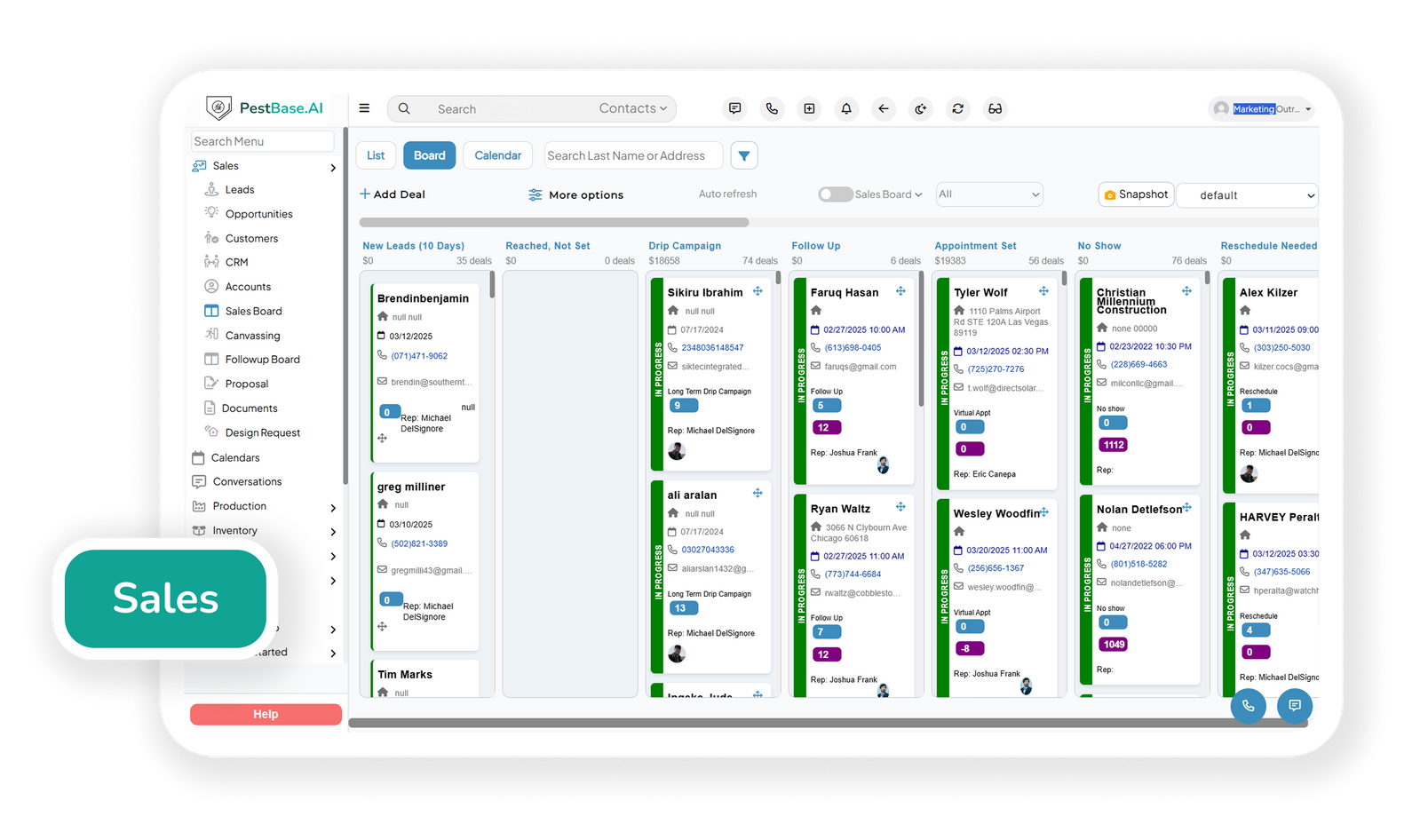
Bring website inquiries, phone calls, referrals, and canvassing leads into one pipeline, giving the team a shared view of incoming opportunities and their sources.
- Capture leads from website forms, phone calls, live chat, social media, and your Google Business Profile without anyone re-typing them.
- Bring in referral sources that matter in this industry — real estate agents ordering WDO inspections, property managers with multi-unit portfolios, and existing customers passing on a neighbor.
- Pull in door-to-door leads from the same system your reps are already using, so a knock and a web form are handled identically. See canvassing.
- Route new inquiries to the right person immediately, because a homeowner who has just found termite frass is calling three companies, not one.
Keep Customer and Property History Connected
In pest control the customer and the property are different things. A house can change owners twice and still be the same treatment history - and that history is what makes the next sale.

One record per property, not per enquiry
Keep contact details, property information, and treatment records connected to the address, even when ownership changes or a new inquiry comes in.
- Keep contacts, property details, lead source, quotes, communications, and service history on a single record instead of split across a CRM, an inbox, and someone's notebook.
- See prior treatment at an address before quoting, so a lapsed quarterly plan gets a different conversation from a first-time call.
- Give office staff, sales reps, and technicians the same view, which is what stops a customer from being asked the same question three times.
Track Every Opportunity Through the Sales Pipeline
A pipeline is only useful if it tells you what to do next. Clear stages mean the follow-up list writes itself.
See where every opportunity actually stands
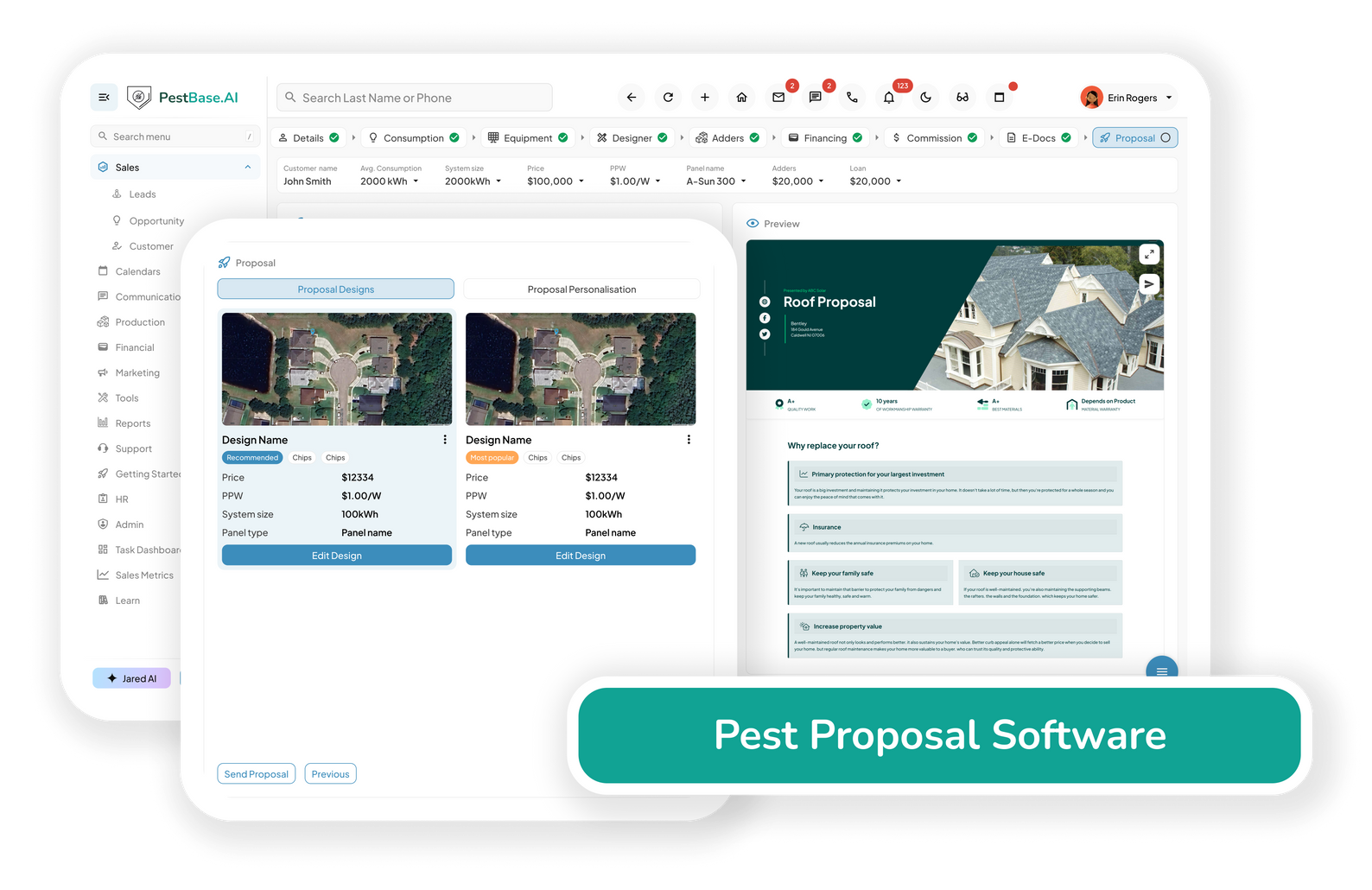
Give the team a shared view of each opportunity, from the initial enquiry to inspection, quotation, and the final outcome.
- Track every lead through stages that match how pest work is actually sold, including the inspection step that sits between contact and quote on termite and commercial jobs.
- Prioritize by value rather than by age — a commercial contract and a one-off wasp nest should not sit in the same queue.
- Record why a lead was lost, so you find out whether you're losing on price, on response time, or on availability.
Automate Follow-Ups and Win More Recurring Customers
Most pest leads that go cold weren't lost to a competitor. Nobody called them back.
Follow-up that doesn't depend on remembering
When the team is busy with new enquiries and ongoing jobs, it's easy for follow-ups to slip through, especially when there's no clear process for tracking them.
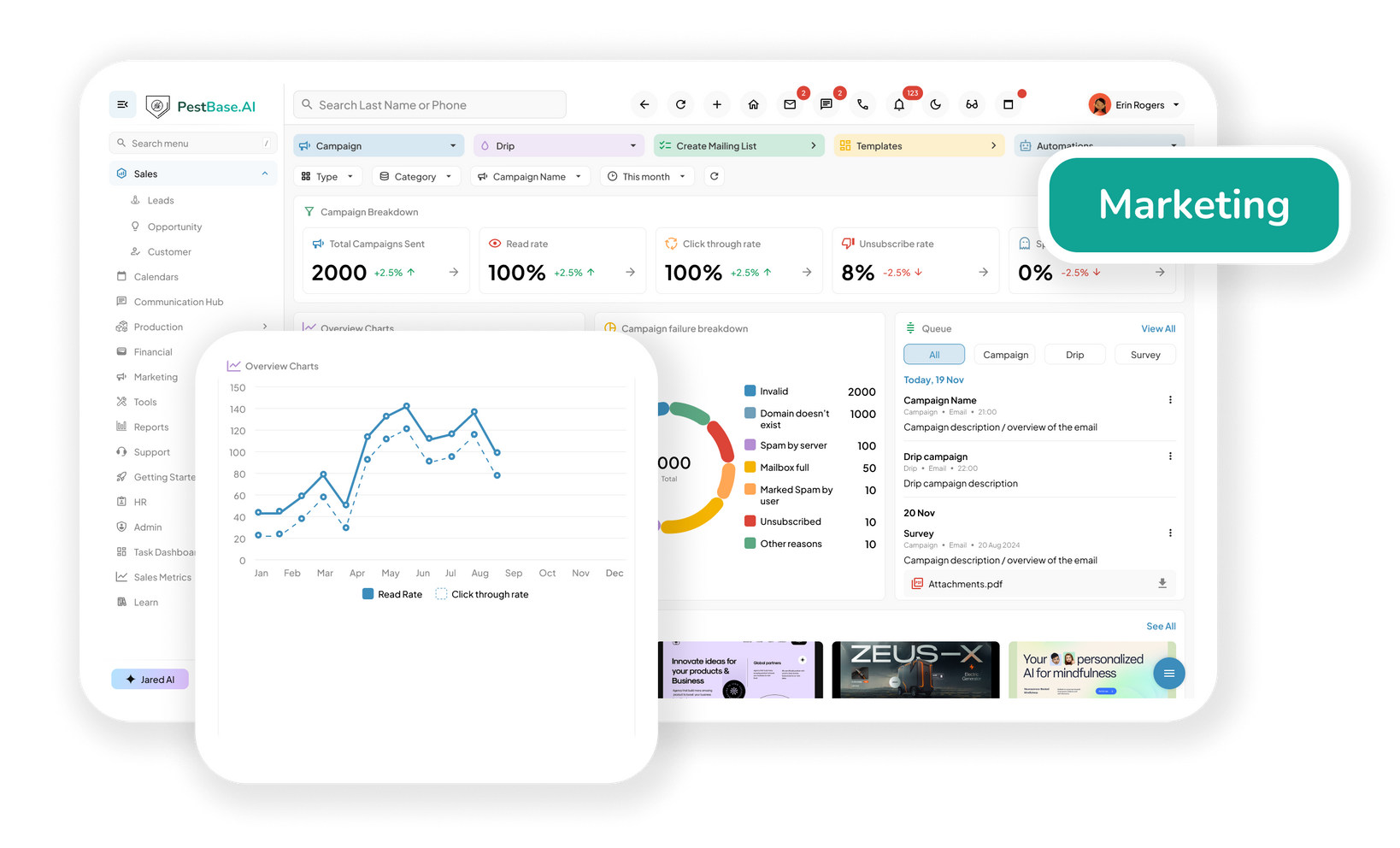
- Run a consistent follow-up sequence on every quoted job without spreadsheets, sticky notes, or a manager chasing the team.
- Keep prospects engaged with timed reminders, so the second and third touch happen even in the weeks when the phones don't stop.
- Convert quotes into scheduled services and recurring plans rather than one-off treatments — a quarterly plan is worth several times a single visit.
- Re-engage past customers whose plan lapsed, using the service history already on the record.
Manage Seasonal Demand Without Losing Leads
Pest demand isn't steady. A warm week in spring puts termite swarm calls through the roof, mosquito season loads the summer, and the first cold snap starts the rodent calls. The leads you lose are the ones that arrive on your busiest day.
Built for demand that arrives in waves
When seasonal demand picks up, the team needs to keep track of incoming inquiries, prioritize jobs, and make sure opportunities don't get overlooked.
- Handle volume spikes without dropping inquiries, because capture and routing don't slow down when the phones do.
- Separate urgent infestation calls from planned work, so a wasp nest above a front door doesn't sit behind a routine quarterly quote.
- See which sources produce customers by season, so next year's marketing spend is aimed at what worked rather than what was busiest.
- Plan capacity against the pipeline, so you know before swarm season whether you have the technicians to sell into it.

Why leads go cold
Three places pest control leads get lost
Rarely because the pitch was wrong. Almost always because of something structural.
The call that came in at 4:50pm
Someone finds droppings in a pantry and calls three companies. The first to call back usually wins, and on a busy day the message sits on a pad until Thursday.
The quote nobody chased
An inspection happens, a number gets sent, and then nothing. No second touch, no third, and no record of whether the customer went elsewhere or simply forgot.
The customer who lapsed quietly
A quarterly plan ends and nobody notices until the annual numbers come in. The service history was there the whole time — nothing was watching the date.
Frequently asked questions
1. What is Pest Control CRM Software?
Pest Control CRM Software (Customer Relationship Management software) is a digital platform built specifically for exterminators and pest management companies to manage customer information, sales, scheduling, billing, and field communications in one place.
Unlike a generic CRM, PestBase pest control CRM software is designed around the unique workflows of pest management businesses, including recurring treatment plans, service history, technician scheduling, chemical and pesticide usage tracking, customer follow-ups, and route management.
2. Can I use PestBase to capture leads automatically from my website and Google Business Profile?
Yes. PestBase can bring inbound leads from website forms, live chat, Google Business Profile, social media, and phone inquiries into a centralized sales pipeline, reducing the need for manual lead entry across separate systems.
Once captured, leads are stored in the sales CRM, where representatives can review prospect information, qualify opportunities, follow up with prospects, and schedule appointments. When a prospect accepts the service and completes the required agreement, the lead can move into an active customer record for ongoing service management.
By bringing inbound inquiries into one pipeline, PestBase helps pest control companies reduce missed leads, respond faster, and maintain a consistent handoff from initial inquiry to booked appointment and active customer.
3. What Core Features Should I Look for in a Pest Control CRM?
A strong pest control CRM should do more than store customer contact information. It should include pest-specific capabilities such as recurring service automation, route optimization, pesticide and EPA registration number and pesticide product tracking, service history, lead management, technician scheduling, and automated billing cycles.
The CRM should also connect sales and field operations so that customer information, service plans, treatment records, and follow-ups can move seamlessly from one stage of the customer lifecycle to the next.
4. Does the CRM keep a property's service history and not just the customer?
Yes. PestBase maintains property-level service information alongside the customer record, giving teams visibility into where services were performed and what work has been completed over time.
Records can include customer information, property details, service history, pest concerns, and relevant treatment records, with time-stamped information available to authorized sales representatives and managers. This can be particularly useful when preparing for canvassing, renewals, follow-ups, or future service visits, as teams can review the property's history before engaging with the customer.
5. Can I see which lead sources and seasons produce the most customers?
Yes. PestBase provides reporting and analytics that can help businesses evaluate lead sources, conversion rates, seasonal performance, and location-based results. Depending on the data available, teams can use these insights to identify which marketing channels generate the most leads and customers, where leads are dropping out of the funnel, and how customer demand changes across locations or seasons.
PestBase can also support lead scoring and behavioral insights, helping teams prioritize opportunities based on available engagement and conversion data. This gives pest control companies a clearer view of which acquisition channels and campaigns are producing customers and not simply generating leads.
6. What happens in the CRM when a lead converts to a customer?
When a lead converts, PestBase can retain the relevant information within the customer record rather than requiring the sales team to start over with a new record. The converted customer record can include details such as the purchased pest-control service plan, property information, reported pest concerns, lead source, and other relevant sales information.
7. Can the CRM handle both door-to-door and inbound leads?
Yes. PestBase can bring door-to-door and inbound leads into the same CRM workflow, allowing companies to manage opportunities from different acquisition channels in one place.
A lead generated through a door-to-door interaction can enter the CRM alongside leads from website forms, marketing campaigns, referrals, or other inbound sources. Both can follow the same lead-management and follow-up process while retaining their original source.
Because PestBase connects its canvassing workflow directly with the CRM, field sales representatives and office teams can work from the same customer and lead information, reducing manual handoffs and keeping the sales pipeline synchronized.
Turn more enquiries into recurring customers
Grow your pest control business with
smarter lead management
See how a lead moves from first call to a recurring plan on one record — bring a week of real enquiries and we'll walk through it.
Or call 1-888-678-6227