
Field Technician App
Pest Control Technician App That Completes More Jobs From the Field
Job details, pesticide use records, Safety Data Sheets, device logs, signatures, and payments on a phone — working in the crawlspaces and rural stops where there's no signal, and syncing when there is.
The office in every technician's pocket — including when the pocket has no bars.
7:30 AM · Before the truck rolls
A technician who arrives without the service history spends the first ten minutes asking the customer questions the company already knows the answers to.
The whole day, before the first stop
A technician who arrives without the service history spends the first ten minutes asking the customer questions the company already knows the answers to.
- See appointments, work orders, and customer details for the day, so nobody starts a job under-briefed.
- Review prior treatment at the property, including what was applied last time and what the customer reported, before knocking on the door.
- Get live alerts for cancellations and schedule changes, so a gap becomes a rearranged route rather than a wasted hour.
- Flag add-on service opportunities spotted on site — exclusion work, a second structure, a lapsed plan worth reinstating — straight into the sales pipeline.

9:10 AM · First treatment of the day
Every application creates a record you're required to keep. Written from memory at the end of the day, it's incomplete. Written at the point of service, it's just part of the job.

The pesticide use record, captured at the point of service
Every application creates a record you're required to keep. Written from memory at the end of the day, it's incomplete. Written at the point of service, it's just part of the job.
- Record the application as it happens, with the product, EPA registration number, target pest, quantity, and treatment area captured on the spot.
- Open Safety Data Sheets and product labels at the job site, so the technician can check the label before applying rather than after.
- Log pest activity, treatment findings, materials used, and conducive conditions in the same entry, building the service record and the compliance record together.
- Attach the applicator's name and certification to every application automatically, so the record shows who performed the work.
11:45 AM · Working through the property
On a commercial account, the device log is what the auditor asks for. On a termite job, the inspection report is the deliverable. Both are built in the field.
Devices, stations, and inspection findings
On a commercial account, the device log is what the auditor asks for. On a termite job, the inspection report is the deliverable. Both are built in the field.
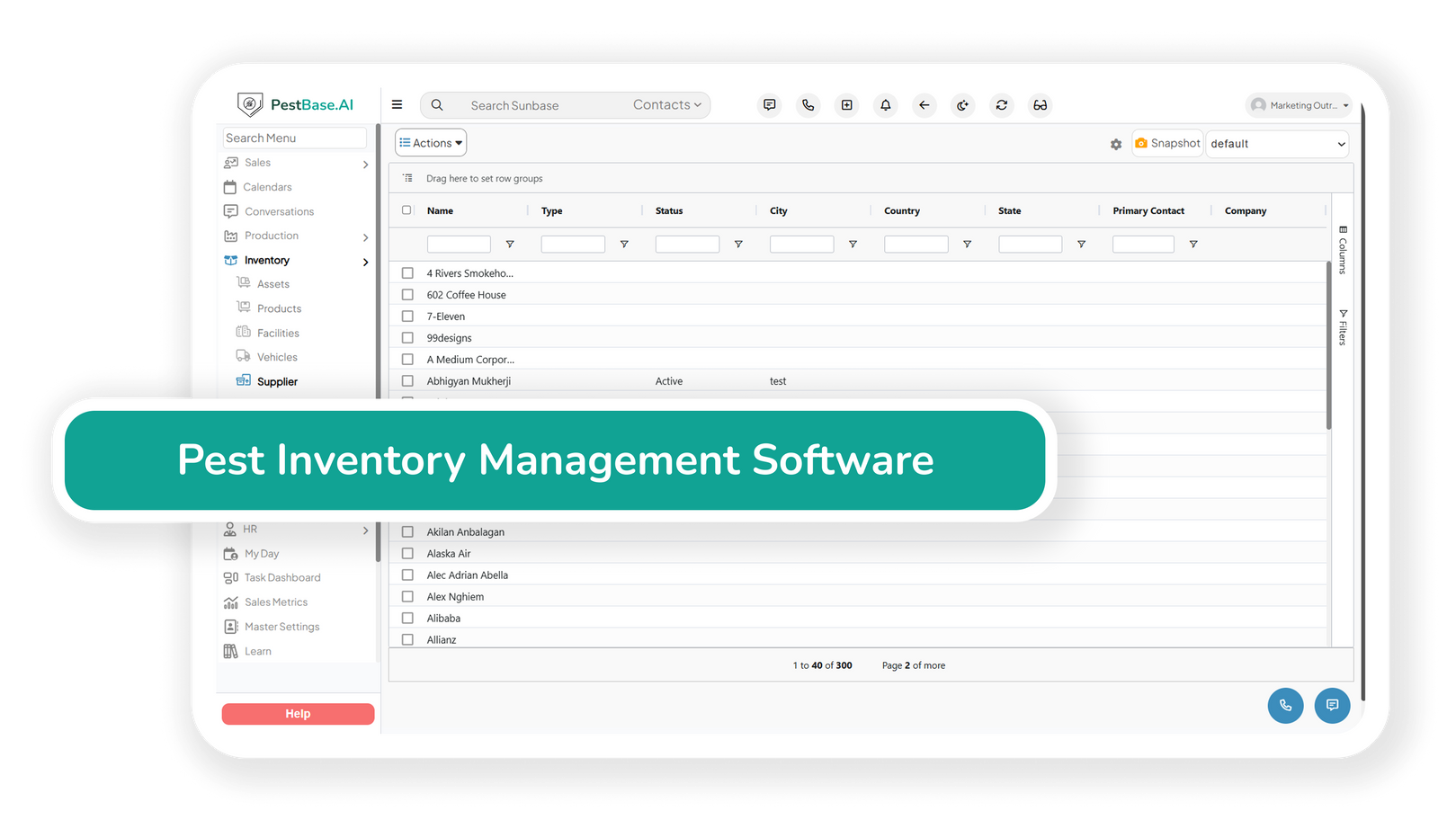
- Work through bait stations and monitoring devices on site, logging activity and service per device rather than as one note for the whole property.
- Build the trend data commercial accounts actually buy — pest activity by device and zone over time, not just a record that someone attended.
- Capture termite and WDO inspection findings, conducive conditions, and treatment history at the property.
- Attach photos and documents with one tap, so a finding comes with evidence rather than a description.
2:20 PM · Closing the job on site
A job closed at the property is a job that doesn't come back as a question three weeks later.
Signed and verified before the truck moves
A job closed at the property is a job that doesn't come back as a question three weeks later.
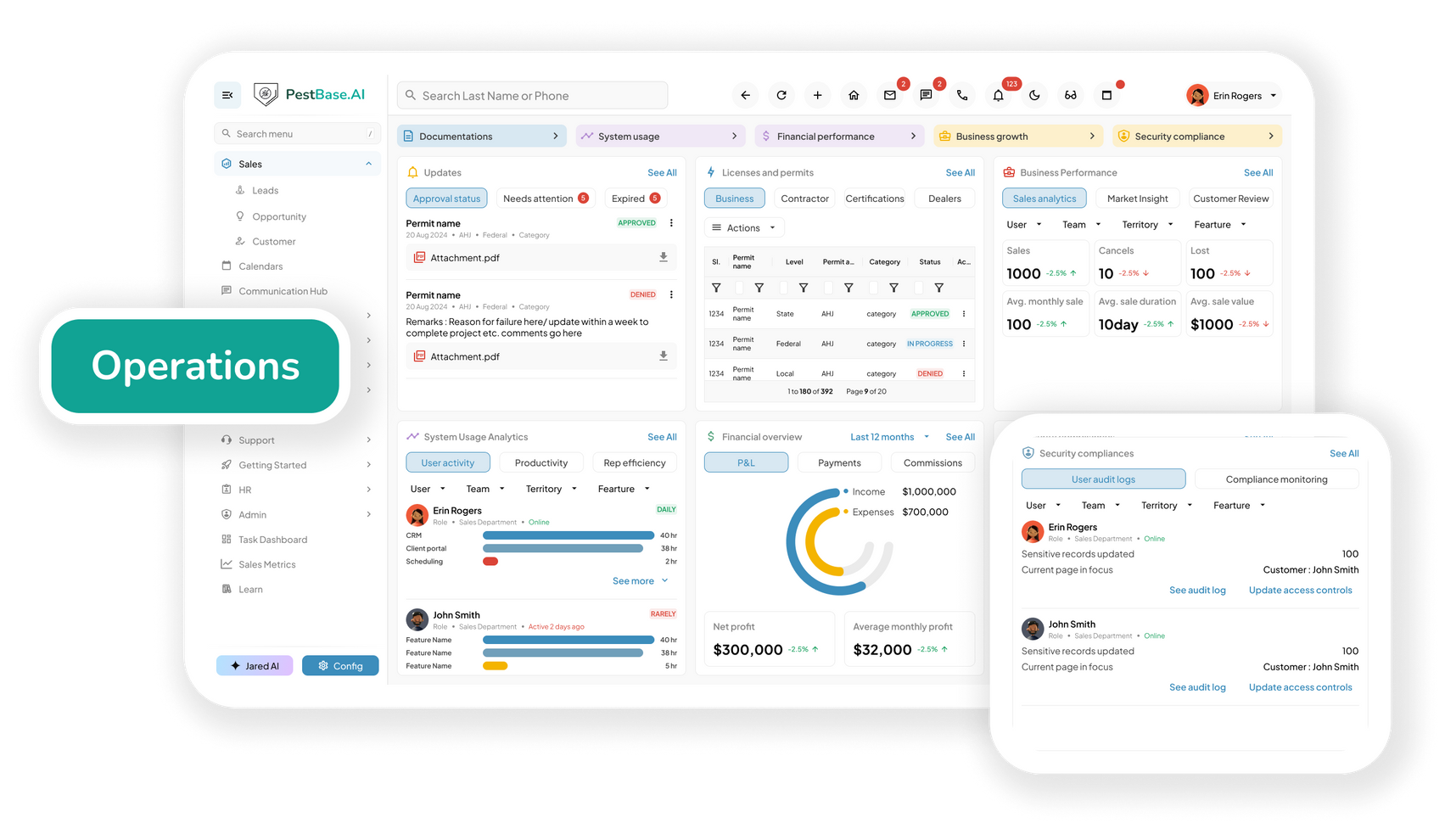
- Capture customer signatures on service reports and agreements on site, securing approval while the technician is still there.
- Email the completed service report from the field and sync it to the office, so the customer has their documentation before the next stop.
- Verify and close jobs in the field, which reduces the disputes that start with nobody being sure what was done.
- Feed service and product usage into central reporting automatically, so trends surface without anyone compiling them.
4:35 PM · Getting paid before leaving
The shortest path from finishing a service to being paid for it runs through the technician who just finished it.
Invoice and collect without a trip to the office
The shortest path from finishing a service to being paid for it runs through the technician who just finished it.
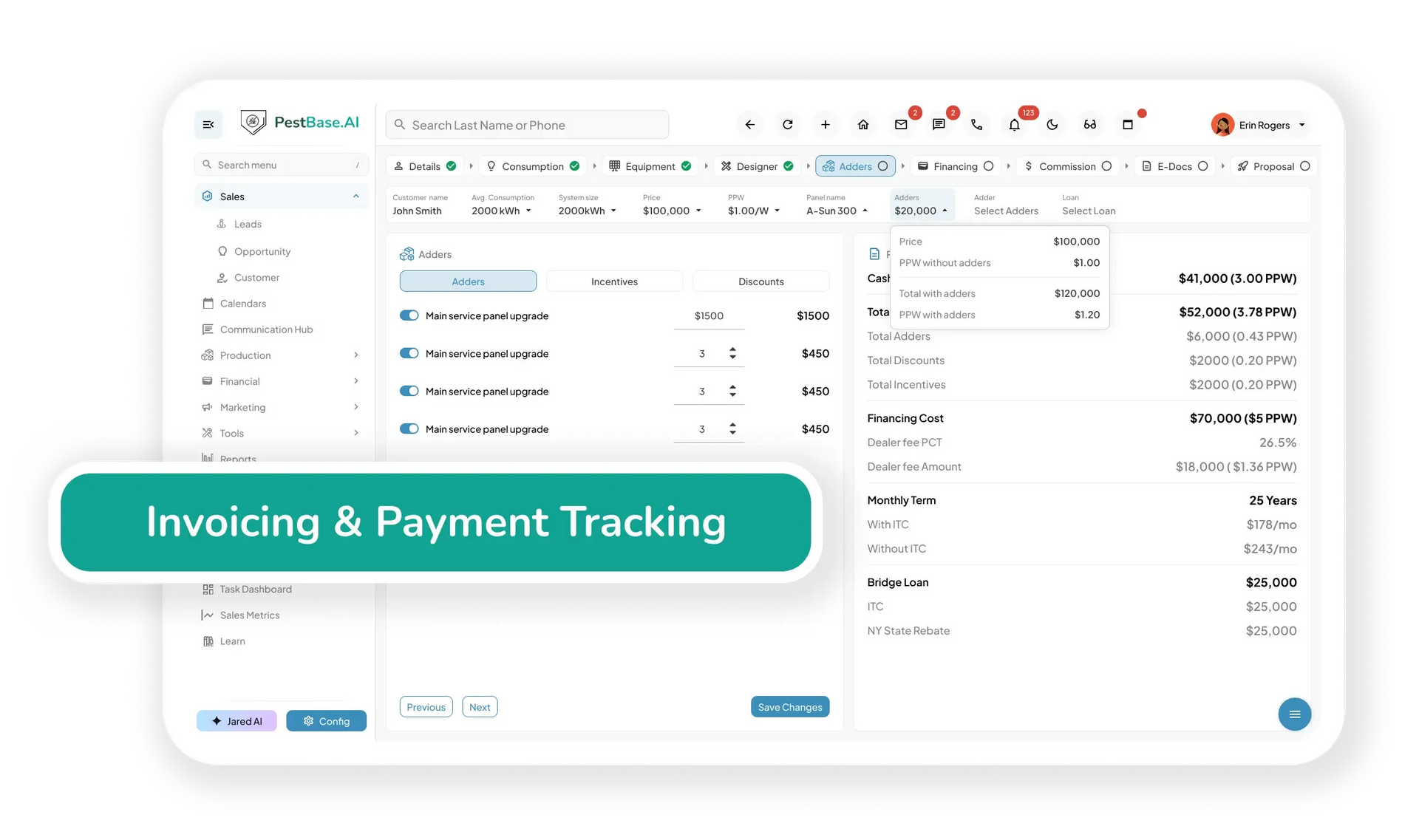
- Generate the invoice from the completed service and take payment by cash, card, or ACH on-site, with payment status updating centrally at once.
- Set up or renew a recurring plan in the field, turning a one-time treatment into ongoing revenue while the customer is satisfied with the work.
- Trigger a review request once the service is closed, at the point where the customer is most likely to say something positive.
Offline First
Crawlspaces don't have coverage
Pest technicians work in basements, crawlspaces, warehouses, and rural territories. An app that needs a signal to record an application is an app that loses records.
Records still get written
Applications, findings, device logs, and photos are captured with no connection and queued locally.
Signatures still get taken
The customer signs on the device at the property, whether or not the phone has bars.
Everything syncs after
When the signal returns, the office sees the work without the technician re-entering any of it.
Frequently asked questions
What can technicians do with no signal?
Open job details and service history, record applications and findings, log devices, take photos, and capture signatures. Everything queues locally and syncs when connectivity returns, so a crawlspace or a rural stop doesn't cost you the record.
Can technicians look up Safety Data Sheets in the field?
Yes. Safety Data Sheets and product labels are available on the device at the job site, so a technician can check the label before applying rather than relying on memory. See compliance tools.
Does it capture EPA registration numbers on applications?
Yes. The product, EPA registration number, target pest, quantity, treatment location, and applicator are recorded with each application, which is what makes the record usable for state pesticide use reporting later.
Can technicians service bait stations individually?
Devices and bait stations are logged individually rather than as a single property note, which is what produces the activity trend commercial accounts and auditors expect to see.
Can technicians take payment on site?
Yes. The invoice generates from the completed service and payment can be taken by cash, card, or ACH, with status updating centrally straight away.
Which devices does the app run on?
It runs on standard smartphones and tablets, so most teams use the devices technicians already carry rather than buying dedicated hardware.
From service to payment
Turn every visit into a completed, documented, paid job
See what your technicians would carry into the field — bring a real service and we'll walk it through end to end.
Or call 1-888-678-6227