
March 5, 2026
Your cash flow is not growing, even though your sales reps and technician scheldules are always full?
The problem is not the hustle; it is the fault in the scheduling and the routes your team follows!
Routing software addresses these challenges by optimizing schedules and reducing unnecessary travel. It maximizes productivity by allowing your team to complete more jobs daily and capture more leads, helping you close a higher number of deals.
How Does Pest Routes Software Save Time, Fuel, and Profits?
The pest control industry is driven by three main factors: Promptness, Productivity, and Profitability.
When you can deliver quick service to your customer base, optimize resource usage, and generate profits after every billing cycle, your business stands at its peak efficiency.
Smart routing software helps teams achieve this effortlessly by automating all operational needs without adding complexity.
Optimized routing helps navigate rising labour costs and prevents technician burnout by creating routes that are faster, smarter, and more cost-effective.
In this blog, you will learn how routing software can be a powerful tool for pest control businesses to plan the most efficient routes that maximize productivity time, reduce fuel waste, and ultimately increase job output and revenue generation.
Key Takeaways
- Pest control software automates many operational activities, saving exterminators’ time and fuel on field services while boosting profit margins.
- Route optimization ensures efficient use of fuel, labour, vehicles, pest sprays, and equipment, boosting customer satisfaction that helps collect positive reviews, referrals, and a stronger brand reputation.
- Automation alerts and mobile-first features optimize scheduling, dispatch, and maximize field technician productivity.
- Pest Control Software like PestBase can improve operational efficiency and help you scale better.
Cash Flow Stalled While Job Queues Are Full? See how a Quick Demo Can Fix It!
Smart Route Planning helps eliminate wasted fuel and drive time, boosting cash flow while reducing overhead costs. Get in touch with PestBase experts to see how our routing software ensures every mile counts.
Why Pest Routes Matter More Than Pest Control Businesses Realize?
Routes are not just directions; they are the backbone of daily operations and profitability.
1. Pest Routes as the Backbone of Daily Operations
Bug fixes from chemical treatments aren’t enough for pest control companies to stay ahead. Real-time notifications, follow-up reminders, seamless billing, instant digital contracts, impressive proposals, and instant communication portals build a stronger operational system.
That strengthens your market presence and appeals to a wider audience who connect to you first when pests show up.
2. The Hidden Cost of Inefficient Pest Routes
- Premium labour costs from exterminators travelling more and doing less.
- Job delays and missed appointments lead to lost opportunities and declining lifetime customer value, especially during emergency callouts and peak seasons.
- Redundant miles that eat into profit margins through higher fuel costs, whose expenses customers will never recover.
Eye-Opening Stat: Field technicians waste up to 40 % of their workday on non‑value-added activities, such as unnecessary administrative tasks and driving.
Relying on outdated practices creates the perfect environment for pest infestations to thrive and eat away at your business performance and profits.
How Pest Routes Directly Impact Time, Fuel, and Overall Business Output?
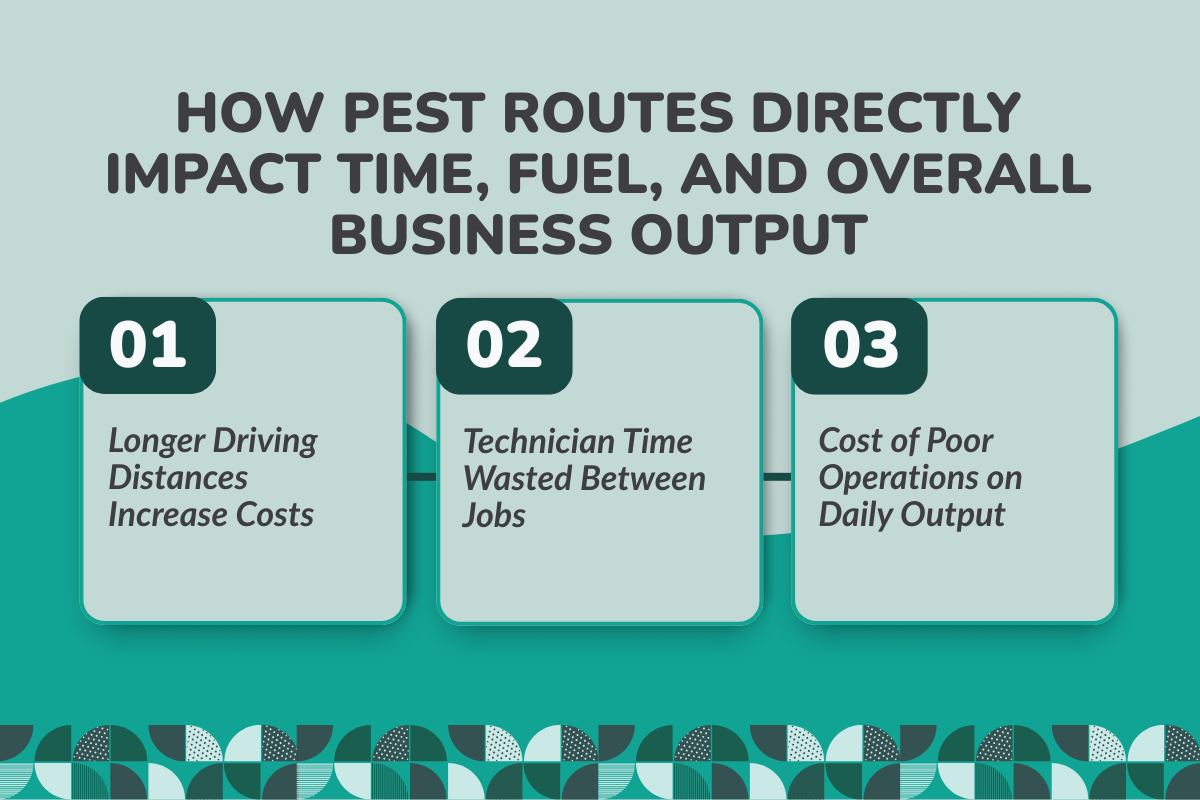
A poorly planned route doesn’t just waste fuel; it affects every aspect of your business. Let us explore them:
1. Longer Driving Distances Increase Costs
More fuel is wasted driving longer routes for the same revenue that shorter routes could cover. Inefficient routes increase the miles travelled, leading to higher fuel costs. It also wears out vehicles faster, resulting in more maintenance.
All of these factors ultimately add up to higher operational costs. Noteworthy Stat: Companies that use manual route planning increase operational costs by 10-30%.
2. Technician Time Wasted Between Jobs
Fewer jobs are completed per day, and more time is needed to complete services that could be done in a shorter duration.
Inefficient routes lead to more idle time in travel. This means technicians spend more time travelling between two jobs to complete their daily service lists, which adds up to overtime hours.
In the event of any traffic or weather disruption, the techs end up spending more time sharing updates with office managers and rescheduling jobs. For example, Optimal routing can help technicians manage more than 15 stops within working hours, but inefficiency in routes can restrict them to much lower numbers.
3. Cost of Poor Operations on Daily Output
Service delays lower the chances of customers signing digital contracts for renewals, increasing churn rate.
A technician may be spending too much time en route to job sites, limiting the total number of clients they serve each day, and capping revenue.
Reaching late or missing scheduled appointments can lower customer satisfaction levels, which lowers customer retention rate, and can bring negative reviews, damaging customer reputation.
If you think you can still cling to better strategies to manual system, you must also read our article on: Pest Control Software vs Manual Scheduling: Why It Matters
The Difference Between “Planned” Routes and “Optimized” Routes
Let us separate what really makes manual planning different from optimized software usage:
| Aspects | Planned Routes | Optimized Routes |
|---|---|---|
| How routes are created | Manual route planning by office staff managers without real-time updates | Automates shortest routes and adjusts in real time for traffic or weather disruption |
| Data used | Basic location and Estimated Arrival Time (ETA) using Google Maps | Real-time traffic and distance to forecast the best routes |
| Flexibility | Fixed and hard to adjust mid-way | Dynamic and re-assigned throughout the day in case of obstruction or urgent needs |
| Handling last-minute changes | Causes delays, and rescheduling takes a long time, losing several urgent orders. | Adjusts instantly with minimal disruption, boosting customer satisfaction |
| Fuel efficiency | Often includes unnecessary miles, adding to fuel costs | Minimizes travel distance and fuel usage |
| Time efficiency | Overlapping appointments, missed jobs, and missed follow-up. | Smoother sequencing with less downtime |
| Scalability | Fails to sustain speed and efficiency as the business grows | Scales easily by adding more technicians and areas |
| Impact on technicians | Longer days in planning and inconsistent workloads leading to fatigue and burnout | Balanced schedules and predictable workload for all technicians, preventing burnout. |
| Overall business output | Fewer jobs completed per day | More jobs completed with the same team members |
| Profit impact | Lower margins due to higher fuel usage, overtime labour to cover jobs, and inefficiency, bringing reworks | Higher margins from fuel savings, increased productivity, and optimized scheduling |
When Inefficient Pest Routes Start Holding Your Business Back?
Many businesses do not notice routing inefficiencies caused by scheduling and dispatch errors until growth or seasonal demand allows the problem to infest their operations. Let’s see what can be holding you back:
1. Expanding Service Areas Without Smarter Routing
As orders pile up, inefficient routes combined with traffic and weather disruptions cause constant schedule changes, burn excess mileage and fuel, frustrate exterminators, and leave customers unhappy.
2. Seasonal Surges and Emergency Callouts
Panic calls from termite outbreaks or rodent infestations, especially during peak summer, demand immediate action. Failing to manage customer needs during surges or emergency requests erodes brand trust and reliability.
Companies then resort to hiring short-term exterminators at higher costs or paying overtime to existing teams, creating operational bottlenecks, added stress, and rising expenses.
3. Managing Multiple Technicians Across Zones
Managing multiple locations across different zones can often become a coordination challenge, and failing to comply with varying service standards and regulatory requirements poses risks to the company.
How Route Optimization Software Fixes Pest Routes?
A Routing Software doesn’t just automate; it helps set the most cost-effective and productive routes. Let's explore the features that help you implement the best services.
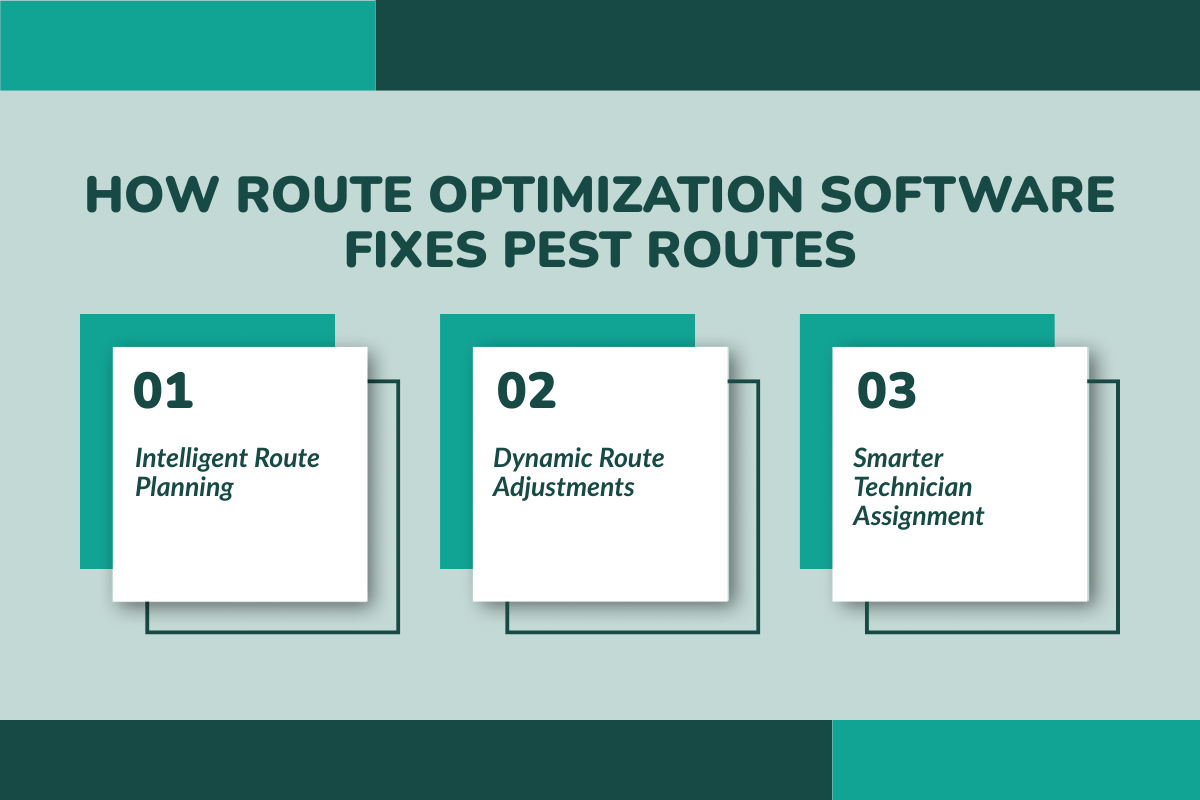
1. Intelligent Route Planning
Jobs are scheduled, and routes are planned based on real-time traffic, weather conditions, and job priority to get more sales and increase service completion rate.
For example, Technician routes cover high-risk areas, such as dumpsters, to identify new customers and increase service sales.
2. Dynamic Route Adjustments
Handling sudden service requests, urgent calls, and last-minute schedule adjustments due to cancellations enhances overall efficiency.
For example, if the customer reports a termite outbreak mid-morning, the software can re-route to its nearest technician without a delay.
3. Smarter Technician Assignment
Every task is assigned to the right technician at the right time based on skill set, location proximity, workload, availability, and job urgency.
For example, A certified rodent control exterminator is assigned to a major emergency based on their location, ensuring the right expertise on-site and elevating service quality.
Common Routing Mistakes Pest Control Companies Make (And How Software Prevents Them
Mistake 1: Overlapping Service Areas
Technicians often spend hours going back and forth across the same territory. Two techs may cover nearby jobs that could easily be handled by a single technician if scheduling and routes were optimized.
How Software Helps: Dynamic scheduling balances service area distribution and adjusts routes, ensuring each technician covers the right jobs efficiently while reducing unnecessary travel.
Mistake 2: Ignoring Travel Time and Its Impact on Job Productivity
Every extra mile increases fuel costs, vehicle wear, and lost billable labour hours. It also limits a technician’s capacity to complete more jobs or adjust schedules for urgent pest control requests.
How Software Helps: Route optimization accounts for travel time, traffic, and distances to maximize daily job completion and reduce wasted time on the road.
Mistake 3: Unauthorized Vehicle Usage
Without tracking, vehicles can be misused for personal errands, causing delays, higher fuel consumption, and faster wear and tear, which increases maintenance costs.
How Software Helps: GPS tracking provides real-time visibility into vehicle and technician movements, helping managers monitor job progress and vehicle usage.
Mistake 4: Poor Communication and Missed Appointments
The lack of automated and proactive notifications to customers increases “no one at home” rates, causing missed jobs and lost revenue.
How Software Helps: Automated customer notifications and updates reduce missed appointments, improve satisfaction levels, and ensure technicians are always on schedule.
Mistake 5: Ignoring Real-Time Traffic and Weather Conditions
Using static maps ignores daily traffic accidents, construction, obstacles, and weather disruptions, causing technicians to arrive late or miss critical services.
How Software Helps: Software provides live traffic and weather updates, automatically re-routing technicians to ensure they reach each customer in the promised estimated arrival time.
Mistake 6: Ineffective Handling of Last-Minute Service Changes
Failing to adapt to cancellations or emergency calls can disrupt entire daily schedules, reducing overall productivity.
How Software Helps: Drag-and-drop scheduling with real-time updates allows dispatch managers to reassign jobs and add new appointments while maintaining the most optimized routes.
Route Optimization Works Best When Combined with Other Core Features
Optimized routes deliver maximum results when paired with scheduling, GPS, and analytics. Let us unlock how it helps by using the best pest control software.
1. Smart Scheduling That Supports Efficient Routes
AI-powered scheduling technology creates visual routes that cover all jobs for each calendar date, selecting the shortest paths and dynamically adjusting directions according to live traffic and weather conditions to eliminate route overlap and reduce idle travel time.
2. GPS Tracking and Technician Visibility
A GPS-enabled system that tracks door-knocking activity by sales reps and exterminators, updates job status in real time, and shows newly assigned or rescheduled tasks to maximize outreach and productivity.
3. Analytics That Reveal Inefficiencies
The platform delivers data-driven insights into revenue trends, job completion rates, sales conversion, and overall performance, helping them identify inefficiencies and adjust workloads based on company needs.
4. Mobile-First Approach
The mobile app supports exterminators in the field, even in low-connectivity areas, allowing them to capture and upload documents, digital contracts, and visual service proof photos.
Once connectivity is restored, everything syncs automatically, keeping the system updated in real-time for every team member.
For a deeper look at the tools that actually improve technician productivity, read Optimising Your Pest Routes: Software Features That Drive Productivity.
How PestBase Helps Pest Control Businesses Optimize Routes, Reduce Costs, and Save Fuel?
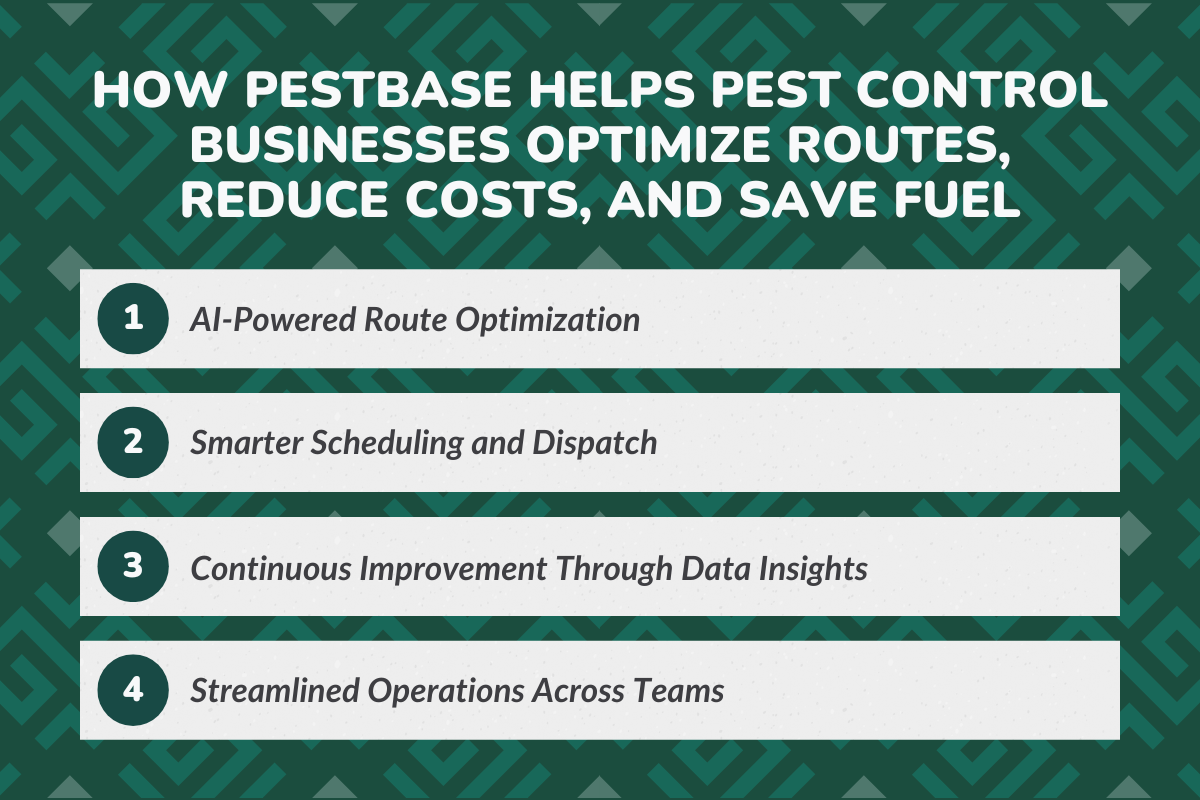
Here is one of the best pest control software to reduce travel time, save fuel, and deliver on-time service that boosts business performance and technician productivity.
1. AI-Powered Route Optimization
The software uses AI intelligence with integration of live traffic and weather conditions, translating routes with multiple stops into a visual path to cover maximum service jobs in less time, with dynamic route adjustment when needed.
2. Smarter Scheduling and Dispatch
It is a single app with live job tracking that assigns and reschedules work to the right technicians based on location, availability, workload, and skill set, boosting productivity and handling urgent jobs efficiently.
3. Continuous Improvement Through Data Insights
Advanced reporting tracks tech performance, revenue, inventory, leads, and service zones to help managers spot and fix bottlenecks before they affect results.
4. Streamlined Operations Across Teams
All pest service details, scheduled jobs, technician info, compliance documents, and dashboards are stored in a centralized repository, giving every team member secured access and eliminating communication breakdowns.
Thinking about which Pest Control App would best work for you? Check out our post on Best Pest Control Apps for Teams on the Move
Bottom Line: Smarter Pest Routes Lead to Leaner and More Profitable Operations
"Speed makes one of the highest impacts in increasing customer satisfaction, whether you're looking to win clients or retain the ones you already have": Shep Hyken
In a business driven by instant service, scheduling mistakes cost much more than just time; they cost you customers. Traffic delays, wrong tech assignments, and missed appointments bleed revenue faster than you can think!.
Route optimization software fixes this by automating scheduling, dispatch, and communications, keeping operations faster, accurate, and more profitable.
About PestBase:
PestBase helps pest control teams focus on the work that actually drives revenue, delivering reliable service in the field, not wasting hours on inefficient routes or manual coordination.
By automating scheduling and route planning, PestBase helps businesses:
- Reduce fuel costs and unnecessary travel time.
- Increase technician productivity without extending workdays.
- Deliver more consistent service that improves customer retention
PestBase: Better Routes and Higher Profitability
If you want to see how smarter routing and scheduling improve daily operations and protect margins, explore how PestBase fits into real pest control workflows.
Book a personalized demo to see how PestBase helps you run tighter routes, complete more jobs per day, and grow profitably.
Frequently Asked Questions (FAQ)
1. What is Pest Routes Software?
It is a cloud-based field service business software designed for pest control teams to streamline daily operations by automating scheduling, dispatch, route setting, customer management, payment processing, real-time tech tracking, and business performance reports.
2. How Much Does Pest Routing Software cost?
The average cost of pest routing software ranges from $50 to $300 per user per month, depending on the provider and subscription model. A few suggestions to choose the software with top ratings can be: PestBase, designed for businesses of all sizes; PestPack, suitable for larger enterprises; HouseCall Pro, ideal for small businesses; and FieldRoutes (formerly PestRoutes), tailored for pest control companies of all sizes, especially mid-sized ones.
3. What Features should I look for in Pest Route Optimization Software?
A pest control routing app integrated with several key features, such as lead management, sales process support, inventory management, real-time updates on pest jobs, compliance documentation, customer management, scheduling, dispatch, and optimized routing, is helpful. This type of software also makes it easy to add new jobs and team members, supporting business scalability.
4. What is the ROI that I can expect from Optimizing Pest Routes?
Optimization of pest control routes typically delivers a higher return on investment (ROI) within just three months of implementation. Businesses can expect increased customer satisfaction, reduced operational costs, and higher job completion capacity without adding extra labour or equipment.