April 26, 2026
Basic tools like calendars and spreadsheets may work in the early days, but they quickly become limitations as your business grows. They don’t flag inventory issues, automate follow-ups, or support real-time operations, leaving gaps that slow you down.
Pest control businesses need a system that actively supports daily operations. When your software can’t keep up, it stops being a tool and starts becoming a liability.
So, where lies the fix? Not with technicians or sales reps, but an upgrade to the modern pest control software that drives leads, simplifies scheduling, streamlines invoicing, and boosts productivity.
Why Growing Pest Control Companies Outgrow Basic Pest Control Business Software?
Growing pest control companies need more than basic features designed to handle data storage and sharing if they want to scale smoothly. Most owners fail to realize their software is failing until those hidden cracks start infesting the daily operations. Missed appointments, critical data loss, compliance issues, inefficient routing, and delayed billing begin to hit the customer satisfaction and cash flow.
What you really need is pest control business software that automates scheduling, optimizes routes, centralizes customer data, and enables instant billing and online payments while keeping all stakeholders connected in real time.
In this article, you'll learn how to identify when basic pest control business software starts limiting your growth and operational efficiency. Understand what features, workflows, and systems are needed to scale your pest control business without increasing manual effort.
Key Takeaways
- Pest control software starts with basic tools but must scale with growing teams and service volume.
- Without upgrades, the workflows break, causing scheduling conflicts, missed details, and billing delays.
- PestBase is a unified platform for small to mid-sized businesses to scale smoothly by upgrading to advanced functional features built for pest pros.
- It offers full automation in scheduling, routing, proposals, follow-ups, analytical reporting, and mobile access for pest control businesses to grow smoothly.
Identifying When "Good Enough" Infrastructure Becomes a Bottleneck for Pest Control Operators
The biggest problem with “good enough” systems is that they don’t fail all at once; they fail quietly. At first, it’s a missed follow-up here, a delayed invoice there, or a technician calling in to confirm job details that should already be visible.
Individually, these issues seem minor. But over time, they start stacking up, slowing down operations, increasing dependency on manual coordination, and creating gaps in visibility across your business.
This is the point where your infrastructure stops supporting growth and starts controlling it. Recognizing this shift early is critical. Because the moment your system requires more work to maintain than the value it delivers, it’s no longer “good enough”, it’s holding you back.
Don't let your tech be the ceiling on your revenue.
Most owners realize too late that their software is a bottleneck, not a fuel source. Take a look for yourself and get a walkthrough to PestBase to identify exactly where your current system is leaking profit as you scale.
The Two-Year Pattern Nobody Warns Pest Control Owners About
The first two years don’t feel like a system problem; they feel like a time problem. You start spending more time coordinating jobs, checking updates, and fixing small issues that didn’t exist before.
At some point, you realize you’re not just running the business, you’re managing the gaps between your tools. Information doesn’t flow automatically, updates depend on people, and every task needs a follow-up to make sure it actually gets done.
Let us explore when the need for upgraded tools becomes important.
Year 0–1: Simple Operations, Simple Tools
These are the early stages, where operations are managed using basic tools such as Google Maps for navigation, Google Drive for file storage and sharing, simple invoice creation tools, and digital scheduling methods.
Year 1–2: Rapid Growth, Hidden Complexity
With business growth, managing diverse commercial accounts becomes increasingly complex. Fragmented tools no longer work, leading to overlapping schedules, communication delays, and poor customer experiences. Teams struggle to keep pace with growing demands.
A centralized client portal, automated scheduling, online invoice creation, and instant payments allow increased workload to be handled efficiently, while managers can focus on strategic decisions in sales and operations with a live visibility feature.
Year 2+: Operational Bottlenecks Appear
Disconnected systems slow down operations, leading to lost revenue. Legacy tools become bottlenecks due to data silos and reporting delays, leading to poor actions and decision-making.
Businesses opt for integrated solutions with accounting software like QuickBooks Online to get paid faster and maintain healthy cash flow.
5 Signs Your Pest Control Software Is Holding You Back
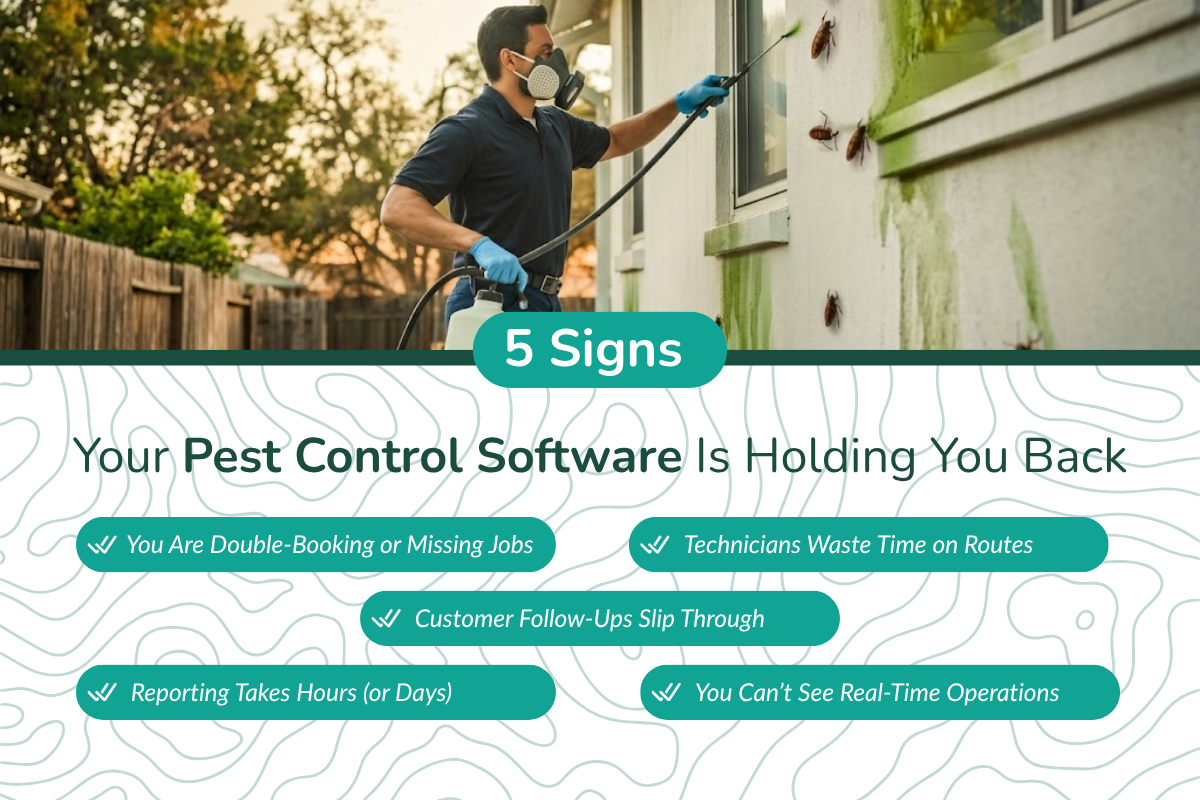
If you notice these signs, then it is clear that your system is pulling you back, not your pest service's performance.
1. You Are Double-Booking or Missing Jobs
As you grow from handling a few jobs to managing dozens at a time, manual scheduling begins to lose its control.
Managing field service businesses becomes messy with paper calendars and disconnected spreadsheet tools, making the real-time availability of technicians and their bookings invisible.
This often leads to manual errors, such as assigning the same technician to two jobs at once or missing urgent jobs altogether.
2. Technicians Waste Time on Routes
Technicians keep zigzagging across the streets, taking inefficient routes, and end up taking unnecessarily longer routes. Most of the time, traffic or weather disruptions obstruct their paths, increasing drive time and reducing job completion capacity.
This wastes productive hours, adds unnecessary field costs, and increases wear and tear on vehicles, which drives up maintenance expenses.
3. Customer Follow-Ups Slip Through
When the current software solutions you use lack automated follow-ups for prospective leads and renewal customers, it often results in lost opportunities to secure additional signed contracts that can bring in new business.
Timely communication plays a major role here, 42% of customers are more likely to convert when they receive a prompt follow-up, making this gap more costly than it appears.
4. Reporting Takes Hours (or Days)
When managers cannot access up-to-date performance metrics, it delays strategic decision-making and gives competitors more time to penetrate the market successfully.
Slower reporting also delays the ability to forecast future trends, preventing managers from developing effective marketing strategies to target prospects during upcoming peak seasons.
5. You Can’t See Real-Time Operations
Managers lose operational visibility and struggle to understand declining leads, rising customer complaints, and weakening cash flow, often caused by inconsistent technician performance, disrupted schedules, and billing delays.
As visibility declines, these issues gradually impact the business, making it difficult to troubleshoot the exact problems.
What are the Key Operational Differences Between Basic Software and Pest Control Management Software?
Basic software can tell you the revenue you made at the end of the month and the jobs scheduled for the day. Scaling with the right pest control software, on the other hand, can identify the most profitable regions with the highest profit density.
So, if you want to grow and surpass your competitors, you need total control with one platform built with specialized features for pest control professionals.
Let us unlock the major differences between basic and scaling software:
| Feature Area | Basic Software | Scaling Software |
|---|---|---|
| Scheduling Process | Manual scheduling with Google Maps for route planning | Intelligent route optimization based on real-time conditions and automated scheduling |
| Real-Time Field Visibility for Managers | No live visibility of technicians | Live tracking with real-time updates |
| Automation of Repetitive Tasks | Minimal automation in scheduling, sending payment reminders, appointment alerts, and processing payments | End-to-end automation of scheduling, invoicing, reminders, and follow-ups |
| Customer Lifecycle Management | Basic data storage of customers and limited interaction | Instant automated responses to leads, along with appointment and payment reminders for customers through personalized communication |
The Scaling Framework: Matching Software to Growth Stage
This framework breaks down what your business actually needs at each stage, so you can align your software with your growth instead of letting it slow you down.
| Stage | Team Size | Software Needs |
|---|---|---|
| Starter | 1–5 techs | Basic CRM with simple customer tracking. |
| Growth | 5–20 techs | Route optimization, automated scheduling, online invoice creation, and customer communication. |
| Scaling | 20+ techs | Fully automated operations with analytical reporting, API integration, and a real-time communication portal. |
What to Look for in Pest Control Business Management Software: Essential Checklist for 2026
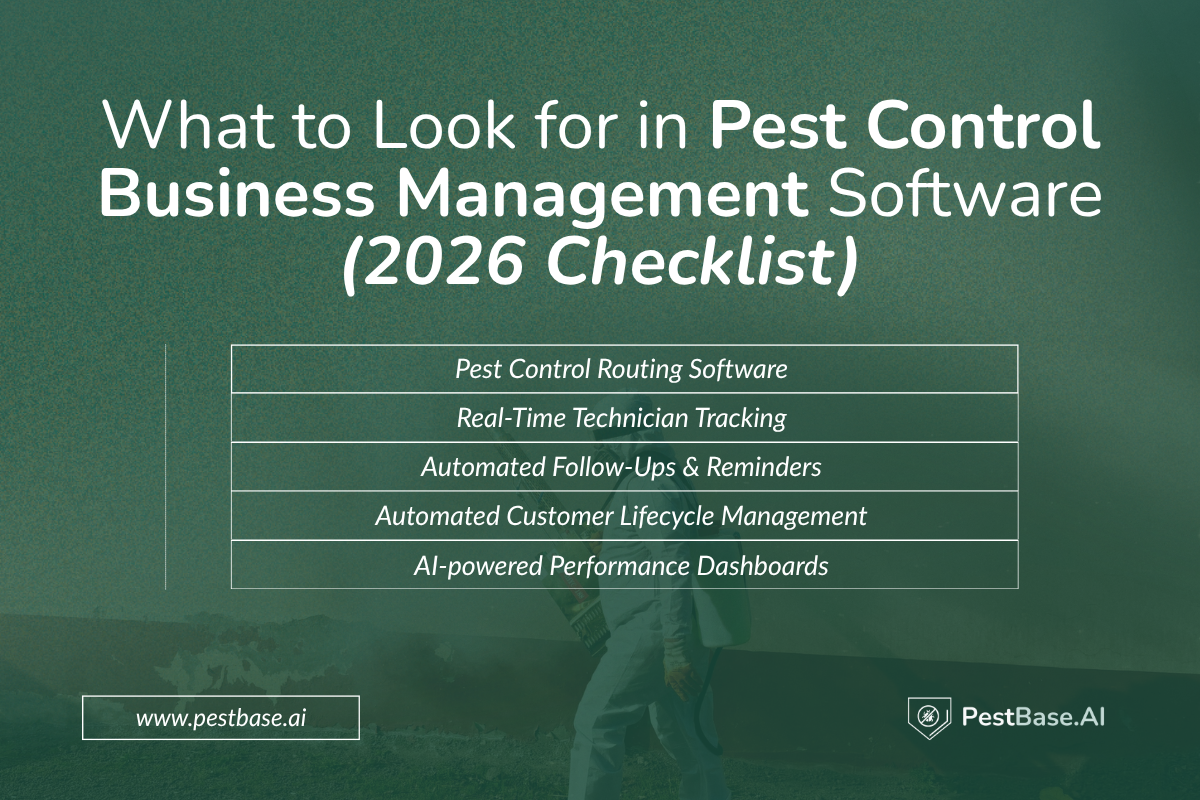
When your software can’t keep up, it creates gaps in scheduling, billing, and communication that directly impact efficiency and customer trust. This checklist highlights the essential features your pest control business software must have in 2026 to save time, reduce errors, and support consistent growth.
1. Pest Control Routing Software for Smart Scheduling and Route Optimization
- Drag-and-drop calendar to assign, reschedule, or cancel jobs, giving your team members clear visibility on job type, priority, and status with instant updates with real-time data.
- Optimize routes for multiple stops based on priority, technician location, and real-time traffic or weather, helping you cover more jobs, even on the busiest days.
2. Real-Time Technician Tracking Of Field Techs Increases Accountability
- Mobile app access on iOS and Android devices with real-time alerts on job status, technician movements, completed visits, customer interactions, and job-site notes, shared via text, photos, and videos, and live map tracking.
- AI-configured notifications and alerts for upcoming pest infestation appointments, customer requests via the portal, and instant alerts to field technicians for nearby emergency service calls.
3. Automated Follow-Ups & Reminders To Gain New and More Customers
- Automated appointment reminders with “on the way” notifications via text and email to strengthen client relationships and keep customers in the loop until service completion.
- Pest Control Business software can act as a sales tool to send customized follow-up reminders for service renewals, recurring infestations, and seasonal needs, along with lead-nurturing messages to engage prospects and grow your client base.
4. Customer Lifecycle Management To Maximize Lifetime Value
- It automates every touchpoint, strengthening client relationships from lead acquisition to recurring service retention and upselling.
- Automated and rapid responses to every incoming lead, along with sending appointment reminders and generating white-label professional proposals with digital e-signatures, help speed up approvals.
5. AI-Powered Performance Dashboards to Attain Operational Efficiency in Pest Control Services
- Deep performance analytics in just a few clicks that give you data-driven visual insights into lead performance, technician service quality, sales trends, operational efficiency, and customer satisfaction.
- It helps you identify high-risk segments, spot peak seasons for targeted marketing strategies, and address bottlenecks before they impact operations and revenue.
When your digital tools come with the right core features, you spend less time managing and more time strategizing and taking action to grow your business.
The Honest Software Comparison: Where Basic Platforms End and Growth Platforms Begin:
To perform the pest control operations, you require a specialized platform built for pros to streamline daily activities. Let us weigh the best options floating in the market!
1. PestBase
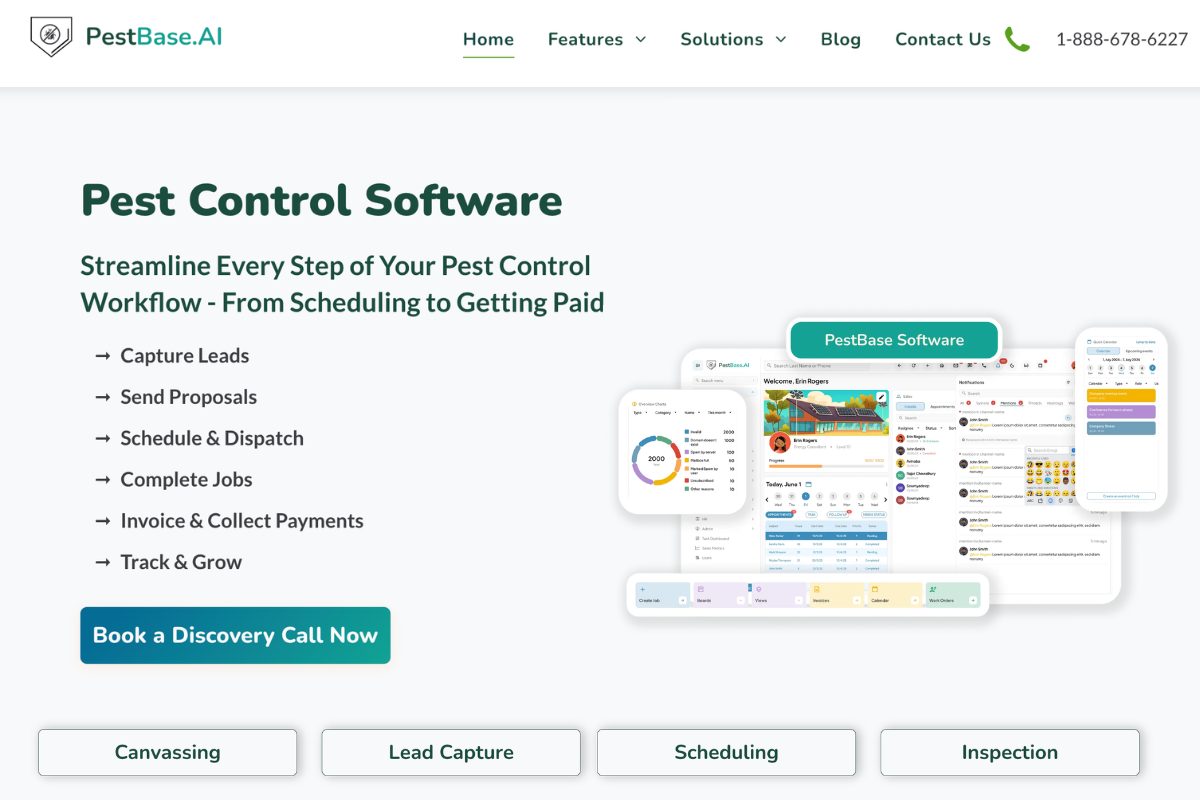
About: An all-in-one, cloud-based software with AI capabilities designed for pest control service providers to centralize scheduling, routing, customer management, inventory, accounting, and real-time communication.
Pros:
- Industry-specific features like chemical tracking and compliance reporting for better regulatory control
- User-friendly interface with a minimal learning curve for faster adoption and onboarding
- Mobile app with offline mode that syncs when reconnected, ensuring seamless field and office coordination
- In-built sales tools like proposal builder and digital e-signatures for faster deal closing
- Smart route optimization to reduce time and fuel costs while maximizing productivity
- Drag-and-drop scheduling for easy job management and quick updates
- Integrates with third-party tools for CRM, accounting, and communication for smoother operations
Cons:
- Restricted Third-Party Integrations: As a modern, newer platform, its library of native integrations is more limited than competitors that have been in the market for decades. While it integrates with QuickBooks and standard communication tools, it may lack the broad API flexibility required by specialized enterprise IT environments.
Pricing: Connect to the Sales Team for Personalised Pricing Plans based on business size, number of users or techs, and required features.
2. Jobber
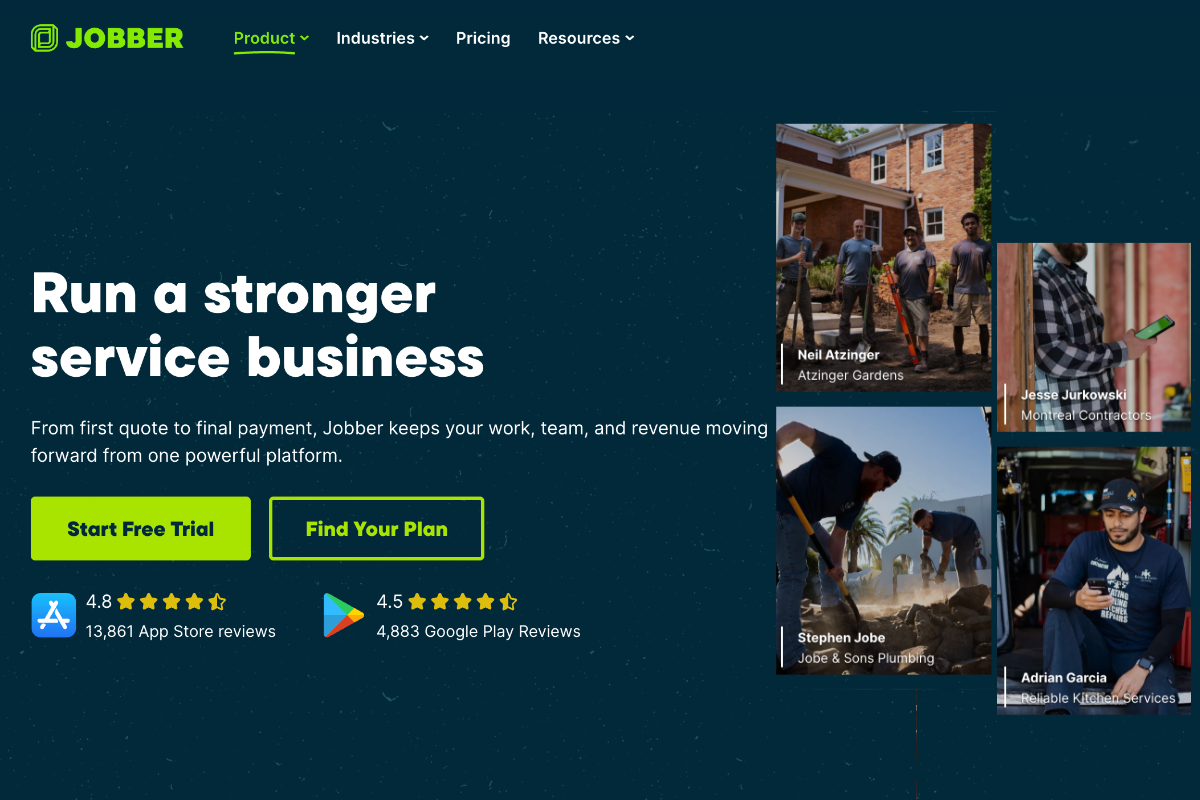
About: Jobber is an all-in-one field service software designed for small service businesses, offering an intuitive interface with essential tools for scheduling, invoicing, and online payments. It focuses on simplicity and ease of use, making it easy for teams to manage daily operations without a steep learning curve.
Pros:
- User-friendly interface with minimal learning curve for easy adoption.
- All-in-one platform for communication, scheduling, quotes & invoicing
- Automated reminders & follow-ups reduce no-shows and improve cash flow
- Mobile app access for field teams to view schedules & client details anywhere, reducing burnout of daily office visits and boosting productivity.
Cons:
- Frequent QuickBooks sync issues are affecting invoice processing and accounting accuracy
- Lacks advanced features like inventory tracking, route optimization, live GPS tracking, and deep workflow customization
Pricing: Subscription plans start at
- Core: $29/month billed annually
- Connect: $99/month billed annually
- Grow: $149/month billed annually
3. FieldRoutes
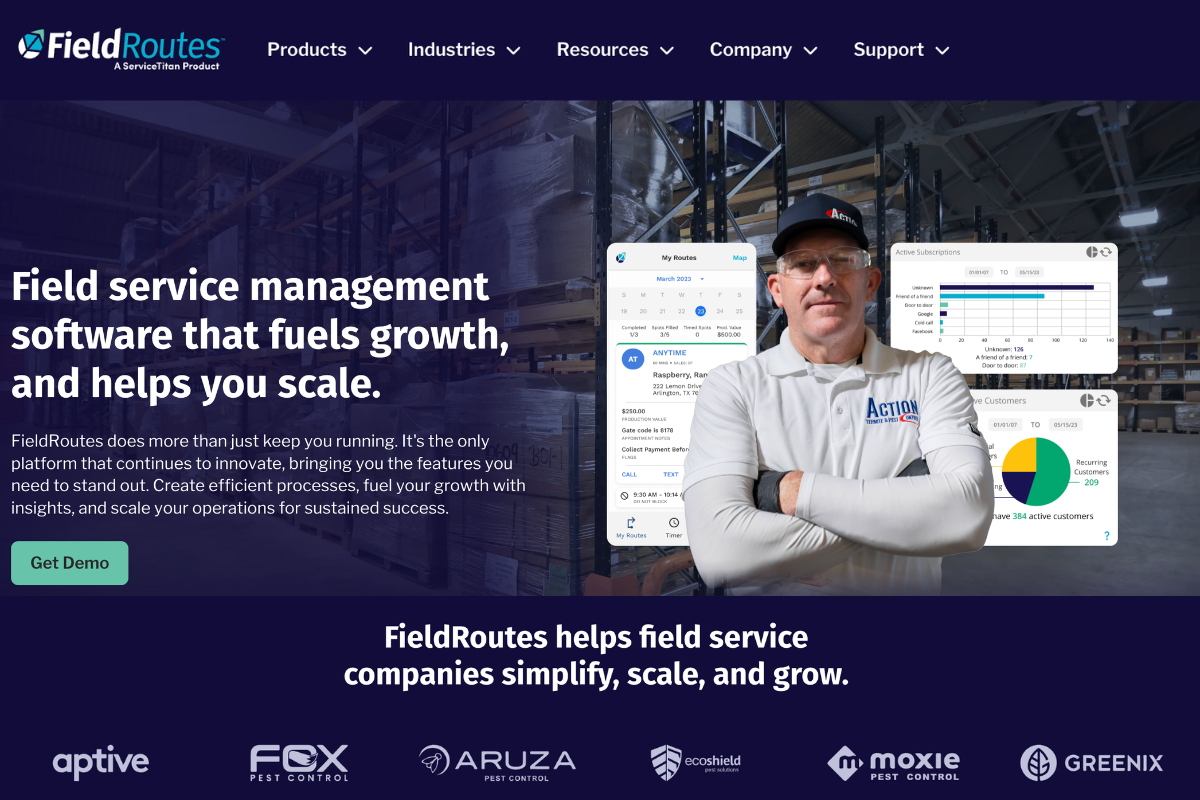
About: FieldRoutes is a cloud-based pest control software designed to streamline daily operations by connecting scheduling, routing, and mobile access in one platform. It brings field technicians and office teams onto the same system, ensuring better coordination, real-time updates, and improved visibility across jobs.
With a strong focus on route efficiency and operational control, it helps teams manage higher job volumes, reduce manual effort, and maintain consistency in day-to-day service delivery.
Pros:
- Intelligent routing and scheduling to optimize daily productivity by covering maximum services in minimal time, based on job priority and assigning the right tech to the right job
- Automation tools for billing, payment processing, and client reminders for renewals and upcoming appointments to improve customer engagement
- Built-in marketing drip automation and CRM integration for sales tracking and customer management
Cons:
- Complex desktop setup with a steep learning curve that can delay onboarding
- Limited integration with major accounting software like QuickBooks
- Users report glitches and slower performance on the mobile app, creating friction for field operations (Source)
Pricing: Customized plans based on the features and the number of users.
4. PestPac
About: PestPac is designed for businesses with more complex workflows that require deeper control over field activities and reporting. It is a cloud-based field service management software built specifically for the pest control industry, supporting scheduling, routing, and compliance-driven operations.
Pros:
- End-to-end workflow automation for streamlining billing, operations, scheduling & communication
- Built for the pest control industry with specialized workflows that need no customization
- Advanced route optimization reduces travel time & fuel costs, maximizing each day's job completion rate
- Robust analytics dashboards for performance, profits & employee tracking to make data-driven decisions
- Chemical tracking & compliance for audit-ready regulatory reports to keep permit issues at bay.
- Scalable for growing teams with easy upgrades to advanced plans without chaos
- Automated communication & online booking for delivering a better customer experience
Cons:
- Steep learning curve as the interface is complex and requires basic tech knowledge.
- Clunky and outdated interface requires too many clicks and heavyweight software, resulting in high maintenance costs, low flexibility, and poor performance.
- Limited mobile functionality, which serves the purpose for field techs to sync to the office, but lacks dashboards and control features for owners and managers on the move. (Source)
Pricing: Custom subscription quotes based on company size and workflow needs.
5. GorillaDesk
About: GorillaDesk is a cloud-based software designed to streamline routing, scheduling, billing, and compliance for small to mid-sized service businesses, including pest control, pool, and lawn care. It focuses on simplicity and quick setup, helping teams manage daily operations without complexity. By bringing core workflows into one system, it improves job coordination, reduces manual effort, and keeps both field and office teams aligned.
Pros:
- User-friendly interface, which is easy to set up and use, reducing training time, and is accessible for non-tech users
- Efficient scheduling and routing with drag-and-drop features for easy adjustments, handling current jobs, and emergency requests
- Cost-effective pricing for companies operating with lean teams
- Robust mobile app for job updates and communication, syncing office and field teams
- Built-in automation for follow-ups and reminders on renewals, upcoming bookings, and payments
Cons:
- Limited customization for specific business workflow needs.
- Limited payment options restrict the use of diverse modern payment methods.
- Invoices cannot be edited once generated after the job is marked complete
Pricing: Starts at
- Basic: $49 monthly
- Pro: $99 monthly
- Growth: $149 monthly
The Decision Logic: Which Platform Fits Your Business?
You need not be stalled here to make the right choice. Weigh each software to know which fits best:
| Platform | Route Optimization | Renewal Automation | Chemical Tracking | Commercial Accounts | Compliance Reporting |
|---|---|---|---|---|---|
| Jobber | Advanced (Automated batch routing) | Moderate (Automated follow-ups/reminders) | Strong (Field recording & reporting) | Strong (Supports diverse industries/commercial) | Moderate (Usage reports available) |
| GorillaDesk | Advanced (Real-time & AI-powered) | Excellent (Built-in automated workflows) | Advanced (Integrated usage tracking) | Strong (Full CRM for commercial/enterprise) | Strong (Built-in docs & logs) |
| Pestbase | Advanced | Strong workflows | Advanced tracking | Excellent support | Robust reporting |
| FieldRoutes | Optimized planning | Strong automation | Moderate tracking | Commercial support | Moderate/Strong |
| PestPac | Advanced optimization | Strong automation | Full chemical tracking | Good commercial support | Strong regulatory |
Industry Shift: From Job Management To Operations Platforms
The static job management era has evolved into proactive and intelligent systems powered by workforce optimization, AI-driven scheduling, and integrated tools. Let us take a deep dive into the turning point:
1. Rise of All-in-One Platforms
It is the consolidation era, where multiple tools that live in different places create more chaos than offering efficiency.
We have entered an era where all-in-one software wins the deal. A unified, cloud-based platform now streamlines everything from tracking chemical usage and processing online invoices to optimizing routes and schedules, ensuring compliance, managing leads, generating pest control reports, and enabling real-time communication.
2. AI-Based Route Optimization
AI is no longer just a feature; it sits at the center of both sales and operations. Intelligent routing and scheduling use AI to analyze traffic, technician skills, live locations, and weather, helping you cover more service calls in less time while optimizing fuel usage.
Predictive analytics leverages machine learning to connect weather patterns with pest activity cycles, allowing you to plan and target customers in peak seasons using actionable insights to curate marketing strategies more effectively.
AI can also anticipate equipment failures and track chemical usage trends before they create disruptions, reducing downtime and keeping operations running smoothly.
4. Subscription-Based Service Models
With the growing number of small businesses in the pest control industry, subscription-based models stand out for both field and office operations, helping reduce costs by eliminating the need for expensive system overhauls and paying for unused features.
Flexible pricing options, such as flat-rate or tiered plans that permit monthly payments and upgrades, allow companies to scale to advanced features only when required, without a heavy upfront investment.
Quick Audit: Have You Outgrown Your Software?
As your business scales from a few projects and a lean team to higher volumes and a growing workforce, outdated systems quickly shift from being useful tools to a major bottleneck that hinders growth.
Use this quick audit to assess whether your current software is still supporting your operations—or quietly slowing you down:
- Can you track field technicians in real time?
- Can the software optimize routes and schedules based on live conditions to boost service rates?
- Is it capable of processing online payments via ACH, credit, or debit cards?
- Does it send automated payment and appointment reminders to keep clients engaged?
- Can you track inventory and receive alerts before shortages occur?
- Are field teams and office managers always in sync with access to the latest data and documents?
- Are your leads prioritized properly with instant responses to keep them engaged until conversion?
- Can you upgrade the software without major operational or technical complexity?
If your current system cannot automate these functions, it is time to disconnect the old setup and switch to advanced pest control software.
How Platforms Like PestBase Help Pest Control Teams Scale Operations?
A pest control business involves multiple tasks, including scheduling, sales, bookkeeping, analytical reporting, and field operations. To ensure smoother operations, pest control software acts as a bridge that eliminates inefficiencies while helping you manage multiple tasks with ease.
The right software should include scheduling, route planning, proposal generation, follow-up automation, real-time syncing, and mobile access, enabling companies to scale without adding operational overhead.
| What You Need | What It Means in Daily Operations | How PestBase Handles It |
|---|---|---|
| Lead tracking & follow-ups | Managing leads, interactions, and conversions | Centralized CRM with automated follow-ups and customer history tracking |
| Scheduling & routing | Assigning jobs and optimizing technician routes | Smart scheduling based on availability with route optimization |
| Team coordination | Keeping field and office teams aligned | Real-time syncing of job status, notes, and updates |
| Invoicing & payments | Creating invoices and tracking payments | Built-in invoicing with online payment support |
| Inventory & compliance | Tracking materials and maintaining records | Logs chemical usage and maintains compliance records |
| Business insights | Monitoring performance and revenue trends | Real-time dashboards tracking jobs, team performance, and financial metrics |
Final Take: Growth Requires Better Systems, Not More Effort
Growth does not always mean hiring more staff; it means implementing systems that improve efficiency. Working hard will not suffice to handle the entire pest control project lifecycle.
An automated digital tool with advanced features, built specifically for pest control professionals, can support every stage from initial booking to final invoice processing.
Skip the Fancy Feature List and Opt for Functional Ones
The right software, with industry-specific features, can free you from being buried under administrative tasks and help you build high-efficiency workflows.
If your growth is outpacing your current system, book a discovery call with our experts to discover how PestBase can drive rapid growth and efficiency, both in the field and the office, without disrupting your workflow.
Frequently Asked Questions
1. How easy is it to switch to upgraded software in a pest control business?
Switching to updated pest control software requires some training for operational and technical updates. However, modern pest control software like PestBase offers continuous support and a user-friendly interface, making the transition smooth and seamless without disrupting active operations.
2. Are modern pest control software solutions integrated with AI?
Yes, all modern Pest Control Software Solutions are integrated with AI functions to streamline daily operations and make field service management from reactive to proactive using data-driven insights, increasing efficiency.
3. How can pest control software boost operational efficiency?
Pest control software solutions boost operations by automating scheduling processes, route optimization, inventory management, online invoicing, and payment reminders and processing. They also enhance customer communication and team interaction, enabling real-time data sync between office managers, field teams, and customers. The goal is to deliver unparalleled customer experiences while improving efficiency even with lean teams.
4. How much does upgrading pest control software cost?
Existing subscription plans for software solutions often need to be revised when upgrading to higher-tier options, which are typically priced per user. However, some software providers offer flat-rate pricing with unlimited technicians included in every subscription plan. Most plans that require upgrading from basic to advanced levels generally start at around $50 per month.
5. Can I continue using my existing software and simply migrate to an upgraded version?
Yes, you can continue using your existing software without halting current operations by either upgrading (overwriting) the current version with the new one or installing the new software in parallel while the older system continues to run.