April 24, 2026
Before you watch another demo, you need a checklist that covers every problem you actually have and every workflow your business cannot operate without.
Most pest control software evaluations go sideways for this reason: the buyer walks in with general questions and walks out with general answers. "Does it do routing? Yes. Does it integrate with QuickBooks? Yes. Can technicians access it from the field? Yes."
But none of these answers tell you whether the software will actually work for your setup, for example, a four-technician team managing recurring quarterly treatments across multiple service areas with a single office manager handling operations.
The right questions are specific, and the right checklist is built around your business.
How to Choose Pest Control Software Without Picking the Wrong One
Choosing pest control software is an operational decision, and the wrong platform announces itself in missed renewals, broken integrations, undertrained technicians, and compliance gaps that surface at the worst possible moment.
This guide walks pest control owner-operators and office managers through a structured five-category evaluation framework.
It also offers a demo-ready checklist built around the workflows, service models, and operational pressures specific to pest control businesses at the $300K–$3M revenue range. So the decision you make is one you can defend six months after go-live, not just on signing day.
Key Takeaways
- The best pest control software is the one that fits your actual workflows, not the one with the most features.
- Most regret shows up after implementation, when routing, mobile use, recurring services, or integrations break down.
- Evaluate software across five areas: field operations, routing, agreement management, compliance, and integrations.
- Use demos to test real workflows, not just watch feature walkthroughs.
- Pricing, onboarding, and setup matter as much as feature depth.
Why Pest Control Software Buyers Regret Their Choice And How to Not Be One of Them?
Most pest control software decisions do not go wrong at the point of purchase. They go wrong after implementation, when a platform that performed cleanly in a demo meets the complexity of a running operation.
These are the five failure points that most consistently come up among operators who switched platforms or abandoned one after rollout. Every one of them is visible before you sign, if you know what to ask.
1. Route Optimization That Works on Paper but Not in the Field
Most platforms optimize routes by distance, but they do not account for service time windows, customer preferences, or technician-skill matches.
A route that looks efficient on a map can cost more in drive time and missed windows than the unoptimized version it replaced.
Ask the rep to show you a route that accounts for a two-hour customer time window and a technician who is not certified for a specific chemical application, and watch what the software does with those constraints.
2. No Offline Functionality for Field Operations
Pest control routes often take technicians into areas with unreliable or no network coverage. In these situations, a mobile app that depends entirely on connectivity quickly becomes a bottleneck.
If technicians cannot log service details, record chemical usage, or close jobs without a signal, they are forced to switch back to paper, breaking the workflow and increasing the likelihood of errors later.
Therefore, ask specifically whether the app functions offline and whether data syncs automatically when connectivity is restored, or whether it requires manual action from the technician.
3. QuickBooks Integration That Only Works in One Direction
The most common integration complaint is not that QuickBooks sync does not exist; it is that it only pushes invoices out and does not pull payments or updated customer records back.
That gap creates double-entry work for your office staff every single day. Before you accept "yes, we integrate with QuickBooks Online" as an answer, ask the rep to show you a payment recorded in the field syncing back to the accounting record in real time.
4. Recurring Agreement Logic That Breaks on Anything but Monthly Service
Platforms built on generic field service frameworks handle straightforward monthly recurring appointments well. They tend to break, or require manual workarounds, on every-other-month scheduling, seasonal service windows, or condition-based service triggers.
Test the scheduling logic against your actual agreement types during the demo, not against the example the rep prepares in advance.
5. Per-Technician Pricing That Scales Against You
A platform priced for four technicians can look affordable in the proposal, but the same platform at eight technicians, after a growth period you did not fully model at purchase, can become a material budget problem.
Ask for the full pricing tier structure before you sign, model it at twice your current technician count, and factor that into your total cost of ownership. The regret is preventable by using an evaluation framework built around your specific operational requirements, not a vendor's feature list.
Five Categories That Predict Whether a Platform Works for Your Operation
Every pest control software platform covers the same general territory, but the difference lies in how well it handles the specific version of that territory your business operates in: your service model, your technician count, your agreement structure, and your compliance requirements.
Evaluate each category below not by the feature, but by whether the feature works the way your field service business actually works.
Category 1: Field Operations
This is where the platform either earns or loses your technicians' trust. So, evaluate daily field operations first, because everything else depends on this layer working smoothly.
Pest control software is used most intensively in the field, i.e., on mobile devices, between stops, sometimes with no reliable signal.
If the mobile experience is slow, unintuitive, or too dependent on constant connectivity, your technicians will stop using it in real situations, even if it looks good during onboarding.
Category 2: Scheduling and Route Optimization
Scheduling is where platform limitations translate most directly into lost revenue, as an inefficient route wastes time.
A scheduling and dispatch system that cannot properly handle recurring appointments, same-day changes, or coordination between multiple technicians will start costing money the moment it is put into use.
This category is not about whether the software has a scheduling feature, because every platform does. It is about whether the scheduling logic actually matches how your routes operate day to day.
Category 3: Customer and Agreement Management
Recurring service agreements are the revenue backbone of most pest control businesses, and they are also the most complex thing a general-purpose CRM is not built to handle.
Renewal logic, service frequency, agreement terms, and lapse tracking are pest-control-specific workflows that generic client retention and CRM tools will not cover.
This category determines if your recurring revenue is protected or being wasted in a system that was not designed for it.
Category 4: Compliance and Chemical Tracking
This is non-negotiable because regulatory requirements are tightening at the state level, and commercial clients increasingly require documentation before and after every service.
A platform that cannot produce accurate chemical usage logs, applicator records, and service documentation on demand becomes a liability. If you are pursuing or holding commercial accounts, evaluate this category as a hard filter.
Category 5: Business Operations Integration
This is where the real cost of choosing the wrong platform hides, as a platform that does not sync cleanly with your accounting system creates manual re-entry.
A platform that requires manual data entry between systems, limits how you can export your data, or has unreliable accounting and payment integrations creates ongoing operational friction.
So, evaluate integration last, but weight it heavily. This framework tells you what to evaluate, but the checklist makes the evaluation operational, something you can use during a vendor demo rather than recalling from memory afterward.
The Buyer's Checklist: What to Ask Before You Sign
You can bring this into every demo. Here, each question is designed to surface how a platform performs under real operating conditions, not how it performs when a sales rep controls the screen.
If you are an owner-operator, weigh the questions about route efficiency and cash-flow impact. If you are an office manager building a recommendation for ownership, weigh the questions around implementation burden and day-one usability because you are the one who will absorb both.
Well-implemented operations software that streamlines scheduling, dispatch, and field tracking will reduce that burden long term. Essential features in pest control software include drag-and-drop scheduling, route optimization, mobile apps for technicians, automated CRM notifications, and integrated billing/invoicing.
1. Field Operations: Ask These During the Demo, Not After
Questions to ask:
- Ask the rep to show you the technician's mobile view, not the admin view.
- What happens when a technician loses signal mid-route?
- How long does it take a new technician to complete their first job independently using only the app?
- Whether job notes, photos, and chemical usage are captured in the field or entered later at a desktop.
The answers to these questions will tell you more about day-one operations than any feature checklist the vendor provides.
2. Scheduling and Routing: Ask What Happens When the Day Breaks
Questions to ask:
- Ask how the platform handles a technician who calls out thirty minutes before their first appointment.
- Whether recurring appointments reschedule automatically or require manual intervention.
- Ask how the routing logic responds when two customers in the same area need to move their appointments on the same day.
Vendors expect questions about how scheduling works when everything goes right. Ask what it does when it does not.
3. Customer and Agreement Management: Ask How It Protects Your Recurring Revenue
Questions to ask:
- Ask how the platform tracks agreements that are approaching renewal.
- Ask what happens to a customer's service history when an agreement lapses and is reinstated.
- Ask whether service frequency, agreement terms, and pricing are tied to the customer record or managed separately.
If the vendor cannot show you lapse tracking and renewal logic in the demo without switching screens three times, that is your answer about how deeply the platform understands the pest control service model.
4. Compliance and Chemical Tracking: Non-Negotiable for Commercial Accounts
Questions to ask:
- Ask the vendor to generate a chemical usage log for a specific technician on a specific date.
- Ask how the applicator license expiration is tracked and whether the platform flags compliance gaps before they become violations.
- Ask what documentation the platform produces for a commercial client that requires pre- and post-service records.
If any of these require a workaround or a manual export, factor that into your evaluation, especially if commercial accounts are part of your growth plan.
5. Integration and Business Operations: Where Hidden Costs Live
Questions to ask:
- Ask exactly how the QuickBooks or accounting integration works, not whether it exists.
- Ask whether your customer data can be exported in full at any time, in a format you can actually use.
- Ask what the migration process looks like if you leave and whether payment processing runs through the platform or a third-party add-on, and what the per-transaction cost is. Robust pest control billing and invoicing tools can significantly improve cash flow and reduce manual errors.
This checklist narrows the field. Now, the next step is matching what remains against your specific operation because the platform that is right for a two-technician owner-operator running residential routes is not the same platform that is right for a twelve-technician company managing commercial contracts across multiple service lines.
Sectors of pest control management software vary by business size, such as PestPac for large, compliance-heavy operations, and Pestbase for small businesses seeking simplicity.
Top 7 Pest Control Software Comparison: The 2026 Honest Breakdown
1) PestBase
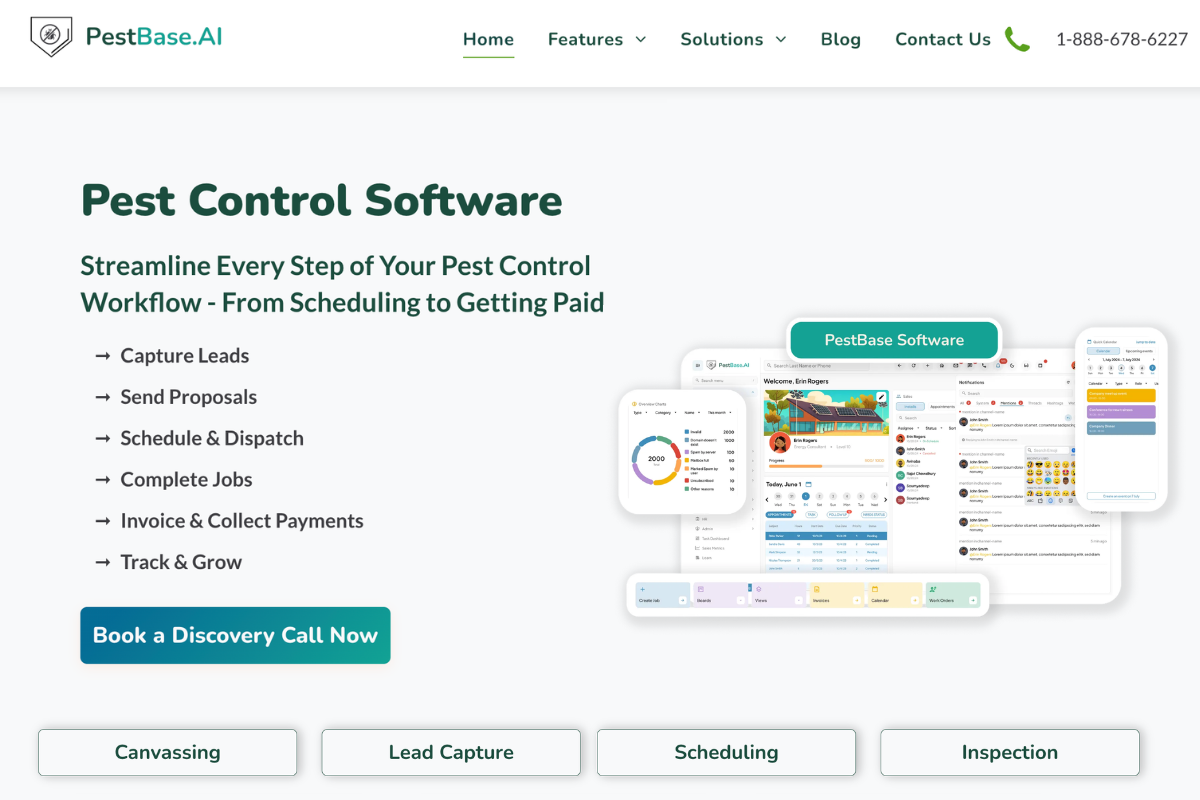
PestBase is an all-in-one pest control software combining CRM, scheduling, invoicing, inventory, and team management, which is why it appears throughout this comparison.
It is a pest-control-specific platform that brings sales, scheduling, field execution, and billing into a single system. It focuses on simplifying workflows for growing teams that want modern tools without the complexity of legacy systems. The platform leans toward usability and quick adoption rather than heavy enterprise customization
Key features:
- Lead and contact management – Track new leads and manage customer details in one place. This gives your team a clear view of customer history, helping you follow up faster and avoid missed opportunities.
- Scheduling and dispatch – Assign jobs and manage technician schedules efficiently. It helps optimize routes and workloads, ensuring technicians spend less time traveling and more time completing jobs.
- Technician mobile app – Field team can access jobs, update status, and complete work on-site.
- Invoicing and payments – Create invoices and track payments without switching tools
- Inventory and compliance tools – Monitor chemical usage and maintain service records
Best for: Small to mid-sized pest control teams, especially growing operators that want pest-specific workflows without enterprise-level complexity. Its end-to-end business platform for sales, operations, and finance makes it particularly strong for teams that want to grow without bolting on multiple tools.
What user reviews say: Reviews highlight that PestBase is "super intuitive" with a minimal learning curve, allowing for fast onboarding of staff. Users appreciate features like automated follow-ups, instant invoicing, and payment reminders, which help reduce time spent on administrative paperwork.
Pricing: Custom, quote-based pricing, tailored to business size, technician routes, and required features. Book a personalized demo to know more and see how real-time technician tracking and route optimization work in your operation.
2) PestPac
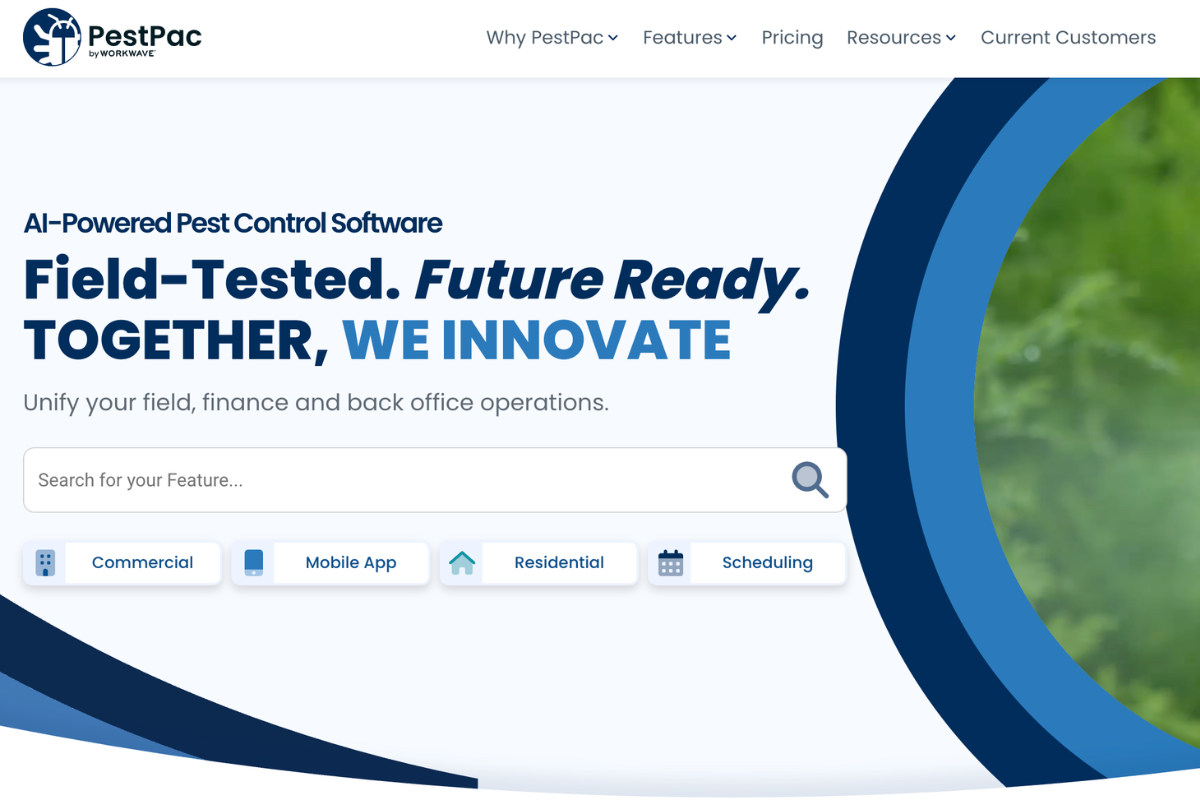
PestPac is one of the most established pest control management software platforms, built for companies with more complex operations.
It covers everything from routing and scheduling to compliance, reporting, and multi-location management. It is powerful, but typically requires more setup and training compared to newer tools.
Key features:
- Advanced scheduling – Handles recurring services, complex schedules, and time-windowed jobs with optimized routing across locations.
- Reporting and analytics – Provides detailed performance, revenue, and operational insights through customizable reports.
- Customer portal – Allows customers to access service history, manage accounts, and stay updated on scheduled services.
- Accounting workflows – Supports billing, invoicing, payment tracking, and financial management within the platform.
- Chemical and inventory tracking – Maintains accurate records of chemical usage, inventory, and service documentation for compliance
Best for: Established mid-size to large pest control businesses, especially companies with heavier operational complexity or multi-office needs.
What user reviews say: G2 reviewers consistently praise PestPac for ease of navigation, customer information management, and strong reporting, while some mention slowness and support frustrations. That gives it a solid “powerful but heavier” profile. (G2)
Pricing: PestPac is quote-based with pricing tied to company size and module selection. Long-term contracts are standard, which makes it a more natural fit for established operations. PestPac, known as the "gold standard," is designed for medium-to-large enterprises needing deep compliance and regulatory tracking.
3) FieldRoutes
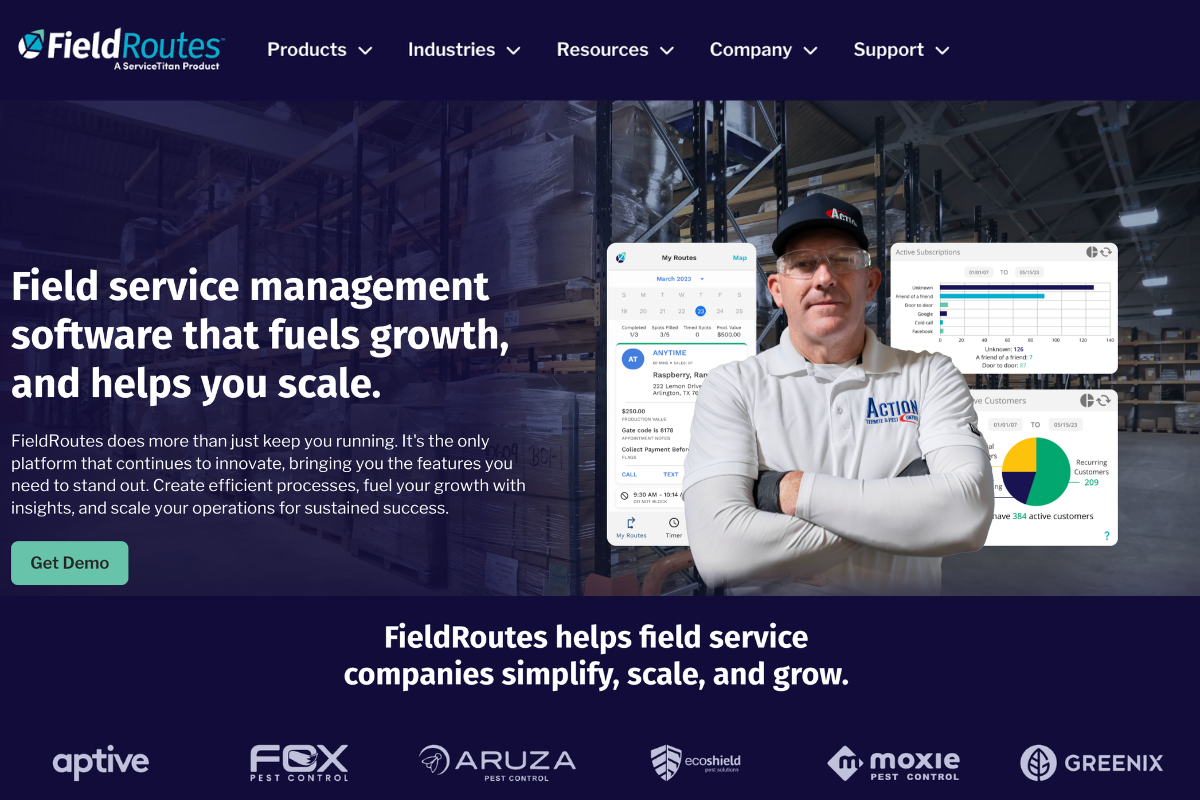
FieldRoutes is built around routing, scheduling, and operational visibility, making it strong for teams where route efficiency directly impacts revenue.
It connects field and office workflows through dashboards, automation, and customer communication tools. It’s especially suited for businesses that prioritize scale and routing performance.
Key features:
- Route optimization and scheduling – Builds efficient routes based on location, workload, and technician availability to improve field productivity.
- Operational dashboards – Provide real-time visibility into jobs, team performance, and overall operational activity.
- Customer portal – Allows customers to view services, manage interactions, and stay updated on job progress.
- Billing and payments – Automates invoicing, payment collection, and financial tracking within the platform.
- Integrations and API – Connects with accounting tools and other business systems for seamless data flow and workflow integration.
Best for: Growth-stage operators and larger routing-heavy teams that care most about route density, dispatch efficiency, and field-office visibility.
What user reviews say: Reviews are generally positive on scheduling, reporting, and overall usability, but some users mention speed issues, update-related glitches, and cost concerns. (Capterra)
Pricing: FieldRoutes uses custom, quote-based pricing, with commonly reported plans starting at around $350 per month. It does not offer a free trial or free version.
4) ServiceTitan
ServiceTitan is a broader field service management software platform that supports pest control, along with other service industries.
It offers a full business system including dispatch, invoicing, reporting, and marketing tools. It’s less pest-specific, but stronger as an all-in-one platform for larger service businesses managing multiple workflows.
Key features:
- Dispatching and scheduling – Manages job assignments across teams, locations, and technicians with centralized scheduling control.
- Digital invoicing – Creates and sends invoices directly from the platform with integrated payment tracking.
- Advanced reporting – Provides detailed insights into business performance, revenue, and operational metrics.
- Accounting integrations – Sync financial data with tools like QuickBooks
- Marketing and call booking tools – Tracks leads, manages incoming service requests, and supports call booking and customer acquisition.
Best for: Larger service businesses or multi-division operators that want an all-in-one platform beyond pure pest workflows.
What user reviews say: G2 reviewers consistently praise ServiceTitan’s breadth and operational visibility, but the tradeoff mentioned most often is the learning curve that comes with a large, feature-rich platform. (G2)
Pricing: ServiceTitan does not publish pricing publicly. Contracts are annual and structured on a per-technician, per-month basis.
5) Jobber
Jobber is a general-purpose business management software designed for small service businesses. It offers core functionality like scheduling, invoicing, payments, and customer management in a simple, easy-to-use interface. It works well for smaller pest control businesses but may lack depth for more complex operations.
Key features:
- Scheduling and dispatch – Plans jobs and assigns them to technicians with a simple, easy-to-use scheduling system.
- Chemical tracking – Records treatments and maintains basic compliance logs for service documentation.
- Invoicing and payments – Sends invoices and accepts online payments directly through the platform.
- Client management – Stores customer details, service history, and communication in one organized system.
- QuickBooks integration – Syncs financial data with QuickBooks for streamlined bookkeeping and accounting.
Best for: Very small operators, owner-operators, and teams that want a simpler, more affordable entry point. It frequently appears in guides to the best pest control software for small businesses because of that balance of simplicity and capability.
What user reviews say: Review sentiment is strongest around ease of use, organization, reminders, payments, and keeping the business feeling professional. The tradeoff is depth: Jobber is easier to adopt, but not as pest-specific or operationally deep as the more specialized platforms. (G2)
Pricing:
Jobber's field service management software has different plans for all of your pest control business's needs. offers transparent tiered pricing (billed annually).
- Core Plan: Starts at around $19/month
- Connect Plan (Teams): Starts around $65-$97/month
- Grow Plan: Around $97-$195/month
- Plus Plan: Around $344/month. Built for bigger teams with more users, deeper automation, and premium support features.
- Add-on users cost extra on higher tiers
6) GorillaDesk
GorillaDesk is a pest-control-focused platform built for simplicity and fast setup. It covers scheduling, routing, invoicing, and customer communication while keeping the interface straightforward for small to mid-sized teams.
Key features:
- Scheduling and routing – Plans routes and manages daily job assignments with built-in routing tools.
- Invoicing and automation – Automates billing, payment reminders, and follow-ups within the platform.
- Chemical tracking and reporting – Track materials used and generate reports
- Customer communication – Sends reminders, follow-ups, and service updates to keep customers informed.
- Mobile app and portal – Support field teams and give customers account access
Best for: Small to mid-sized residential pest companies that want ease of use and quick adoption over enterprise complexity. Its built-in billing and financial tracking tools for pest control are helpful for teams without a dedicated accounting department.
What user reviews say: Reviews consistently highlight simplicity, affordability, customer support, and time savings. The recurring downside is that the app can be glitchy at times, and service issues occasionally frustrate users. (G2)
Pricing:
- Basic: $49/month
- Pro: $99/month
- Growth: $149/month
7) Briostack
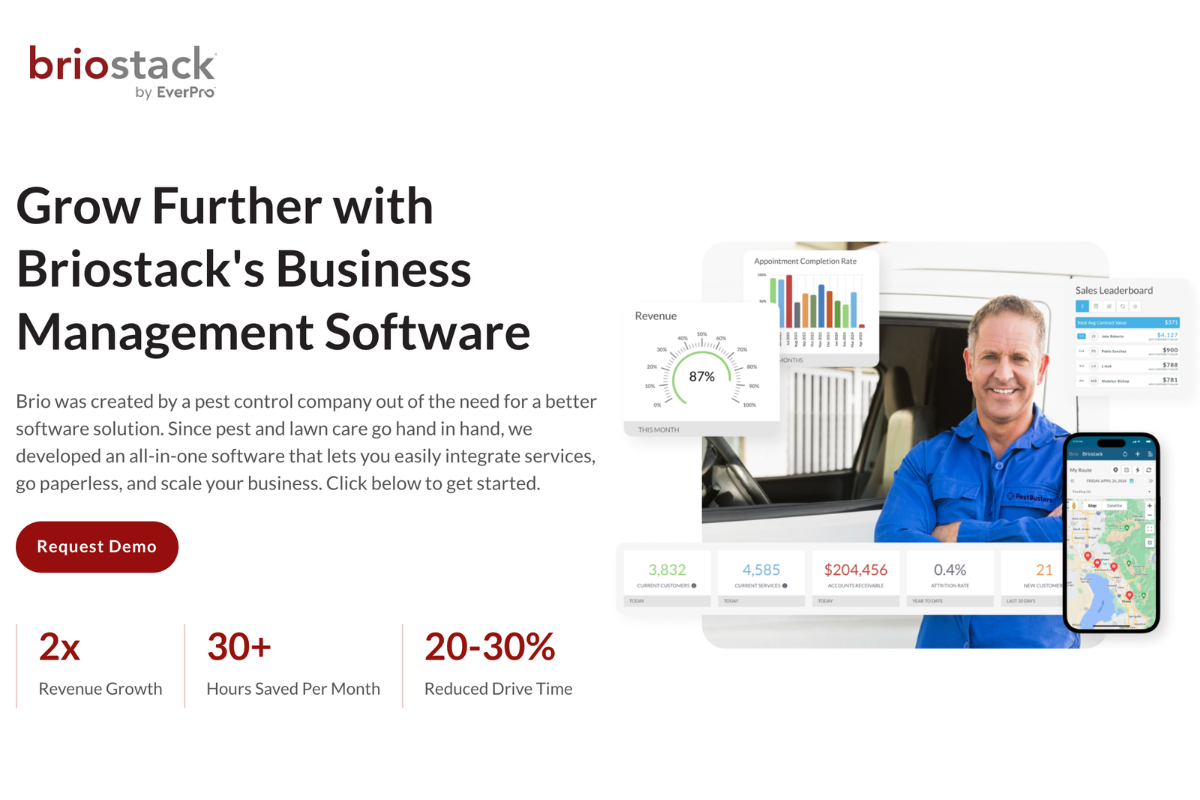
Briostack is a pest-control-specific platform with a strong emphasis on field operations and routing. It supports scheduling, chemical tracking, reporting, and mobile workflows, including offline capability for technicians. It is suited for teams that need stronger operational control without moving into full enterprise complexity.
Key features:
- Scheduling and route updates – Adjusts routes and schedules in real time to manage daily operations efficiently.
- Offline mobile app – Allows technicians to work without internet and sync data automatically once connectivity is restored.
- Chemical tracking – Records chemical usage and maintains compliance logs for reporting and audits.
- Customer management (CRM) – Tracks customer data, service history, and interactions in a centralized system.
- Invoicing and integrations – Manages billing and connects with external tools for accounting and workflow integration.
Best for: Growing pest operators that need stronger field operations and routing than entry-level tools usually provide.
What user reviews say: Reviews are mixed as positive feedback often mentions ease of navigation, helpful support, and scheduling/reporting usefulness, while negative reviews call out usability frustrations, billing issues, or weak customer service experiences. (Capterra)
Pricing: It uses a subscription model, often praised for being a better value than competitors, though specific starting prices can vary by contract.
| If you want… | Strongest fits |
|---|---|
| Simplest setup for small teams | PestBase, Jobber, GorillaDesk – all of which show up in top exterminator software rundowns |
| Pest-specific tool without feeling too heavy | PestBase, GorillaDesk, Briostack – especially if you prioritize CRM features tailored to pest control workflows |
| Stronger routing and larger-scale operations | FieldRoutes, PestPac |
| Broad all-in-one field service platform | ServiceTitan |
| More established, complex operations support | PestPac |
The Implementation Reality: What Happens After You Sign
What determines success after choosing the software is what happens during setup and training, and how well the system holds up in your daily operations.
Teams that move from spreadsheets to automation built for pest control software operations typically see fewer errors and faster job completion.
The Four Implementation Variables That Determine Outcome
1. Data Migration Quality
Complete and accurate transfer of all records from your old system is critical. If your data doesn’t migrate properly, it can cause reporting problems, which in turn slow down the workflow. Partial migrations can lead to incomplete functionality for 6–12 months.
> What to confirm before signing: Ask for the exact migration process, what data is included, and how accuracy is validated before go-live. Also confirm how historical data will appear inside the new system and whether it supports real time data updates post-migration.
2. Technician Adoption Timeline
Adoption issues usually stem from poor onboarding, and as a result, even the best business software fails if your team doesn't know how to use it properly.
> What to confirm: Ensure technician-specific training is included. Ask how quickly new users can complete a job in the system and what support is available during the transition.
3. Go-Live Timing
The timing of your new software implementation matters more than you realize. If you roll out new software during peak season, it might create pressure and slow adoption.
> Recommendation: Target a slower period (late fall or winter) for rollout. This gives your team time to test workflows, fix issues, and get comfortable with the system before full deployment.
4. Integration Setup
Incorrect setup of accounting integrations, especially with tools like QuickBooks Online, can lead to months of reconciliation issues and manual corrections. This directly impacts your office staff, who end up fixing what should have been automated.
> What to confirm: Make sure your bookkeeper is involved in the setup. Validate how data flows between systems, what syncs automatically, and what happens if something breaks.
2026 Trends Reshaping What Pest Control Business Software Needs to Do
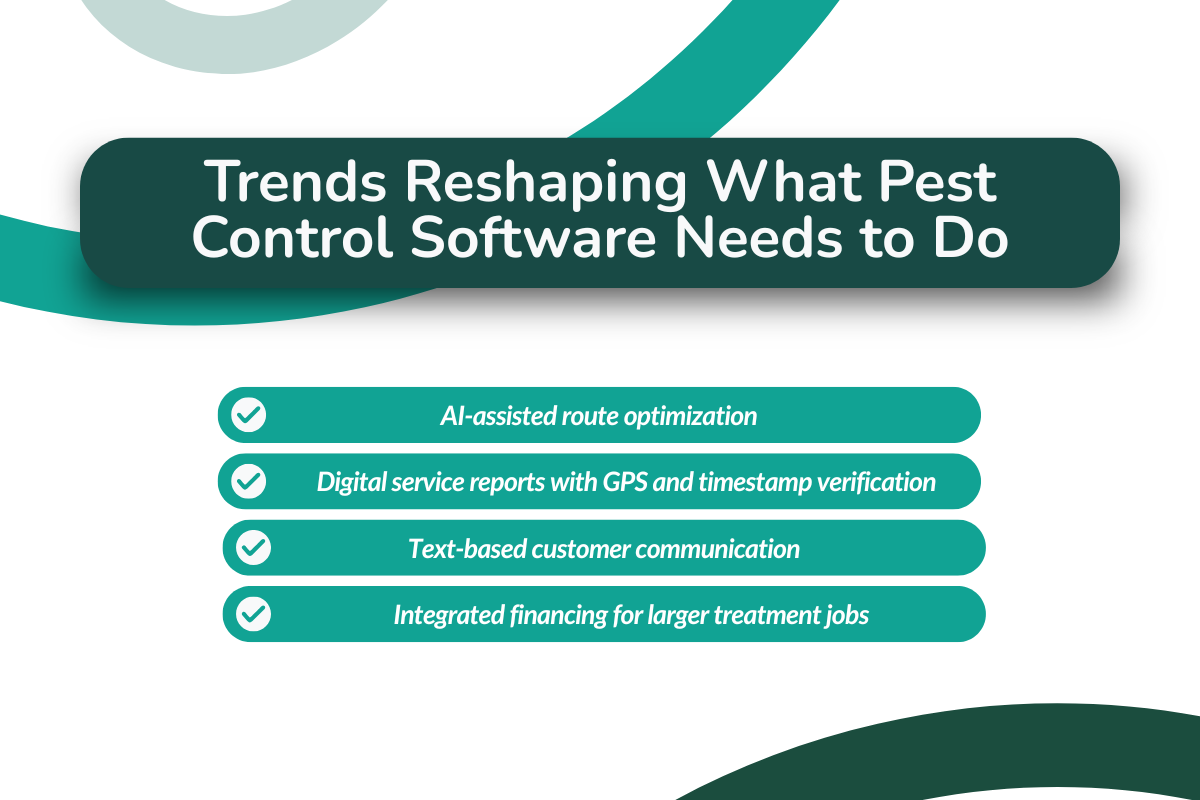
These are the trends that are shaping the baseline expectations for what modern pest control management software in the market needs to do.
- AI-Assisted Route Optimization: Routing has now moved beyond static planning, with modern software now using historical job duration data to optimize routes more accurately, reducing average operational expense by 30%.
- Digital Service Report Requirements with GPS and Time-Stamp Verification: Manual reporting is now getting slower with more customers looking for service reports within 24 hours, including GPS verification and chemical lot details to avoid disputes.
- Text-Based Customer Communication: SMS appointment reminders and two-way texting are now standard, leading to higher confirmation rates than email-only platforms.
- Integrated Financing for Fumigation and Large Treatment Jobs: Some platforms are beginning to explore financing options for higher-ticket services like fumigation, which may help reduce upfront cost barriers for customers.
Conclusion
The right software choice comes down to fit because what works for one pest control company may not work for another. The real test is how well the platform supports your scheduling, routing, billing, compliance, and day-to-day pest control operations.
Use the checklist, compare the tools against your actual workflows, and pressure-test the gaps during the demo. Incorporating a pest control business software that automates lead capture and follow-ups into that evaluation can also show you where sales and retention gains are hiding. That is how you make a more confident decision now, instead of dealing with expensive regret after implementation.
See How PestBase Fits Your Workflow
Want to see how PestBase handles scheduling, routing, billing, and field operations in one place? Book a demo and see how it fits the way your business actually runs.
FAQs
What are the best pest control software for small businesses?
For small pest control businesses, the best software options focus on simplicity and core features like scheduling, CRM, and invoicing. Pestbase is a top choice as it offers an all-in-one system built specifically for pest control, making it ideal for small teams. Alternatives like GorillaDesk and Jobber are also reliable, though slightly less specialized. Overall, Pestbase is the most practical and efficient option for starting and scaling small operations.
What features should pest control software have?
Pest control software should include scheduling, route optimization, invoicing, payment processing, customer management, mobile access for technicians, and integrations with accounting tools like QuickBooks.
Why is route optimization important in pest control software?
Route optimization helps reduce drive time, increase the number of jobs completed per day, and improve overall efficiency by organizing technician schedules based on location, time windows, and service requirements.
Does pest control software integrate with QuickBooks?
Many pest control software platforms offer QuickBooks integration, allowing invoices, payments, and customer data to sync between systems and reduce manual accounting work.
Do pest control technicians need a mobile app?
Yes, a mobile app is essential for technicians to access job details, update service status, record treatments, and communicate with the office while working in the field.
How should I evaluate pest control software during a demo?
Evaluate software by testing real workflows during the demo, such as route changes, recurring service setup, technician usage, reporting, and integrations, instead of focusing only on feature lists.
How does pest control software pricing typically work?
Pricing varies by provider and may be based on subscription plans, number of users, or business size. Costs can increase as your team grows or as additional features are added.